The Ultimate WordPress Speed Optimization Guide (2026)

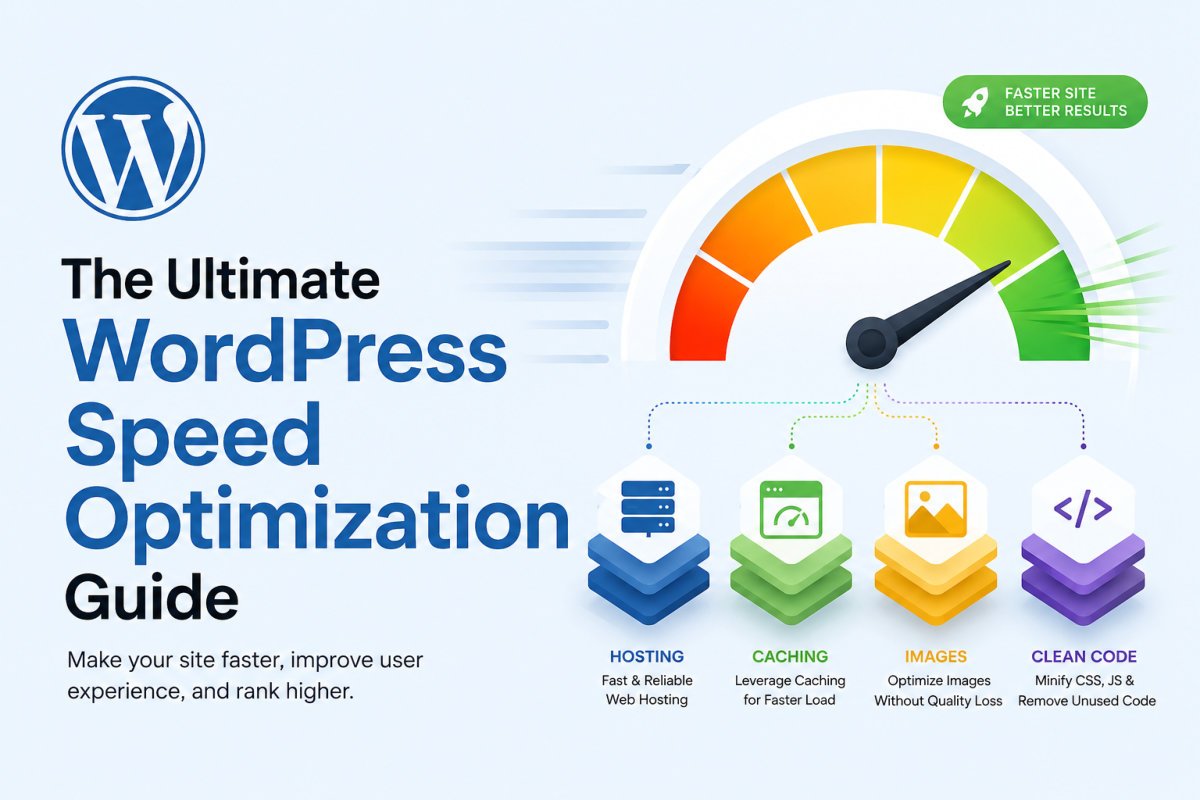
WordPress speed optimization isn’t one setting or one plugin, it’s layers that compound. Hosting quality sets your baseline, caching eliminates repeated server work, image optimization removes the single largest source of page weight, and clean plugin choices prevent bloat from creeping back in. Each layer you optimize amplifies the gains from the others, a site with great caching but unoptimized images will still be slow, and vice versa. Research consistently shows each additional second of load time costs roughly 4-8% in conversions, this isn’t just a technical exercise, it’s directly tied to revenue.
Before You Start
This guide organizes speed optimization into clear layers, with a dedicated, deeper article linked at every step. Work through them roughly in order, hosting and caching first, since they have the broadest impact.
Somewhere out there is a site owner who installed a caching plugin, saw their PageSpeed score barely move, and concluded speed optimization “doesn’t really work.” What actually happened is they fixed one layer while three others were still quietly dragging the site down. Speed genuinely compounds, and understanding that changes how you approach the whole problem.
What You’ll Learn
- Why speed optimization works in layers, not single fixes
- Which layer delivers the highest return for the effort involved
- How our existing speed guides fit together into one complete picture
- Why speed increasingly matters for AI search visibility too, not just traditional rankings
Why Speed Isn’t One Thing
WordPress itself is genuinely efficient. The slowness that accumulates comes from what gets layered on top of it, heavy themes, too many plugins, unoptimized images, and underpowered hosting, each contributing independently. This is why a single fix rarely produces a dramatic result on its own, and why a layered approach consistently outperforms chasing one setting at a time.
Layer 1: Hosting, the Highest-ROI Investment
Moving from budget shared hosting to quality managed hosting typically improves server response time by 400-600 milliseconds, often the single biggest speed improvement available for the effort involved. See our hosting guide for what actually matters when comparing providers, and our dedicated reviews of Bluehost, SiteGround, and Cloudways if you’re deciding between specific options.
Layer 2: Caching
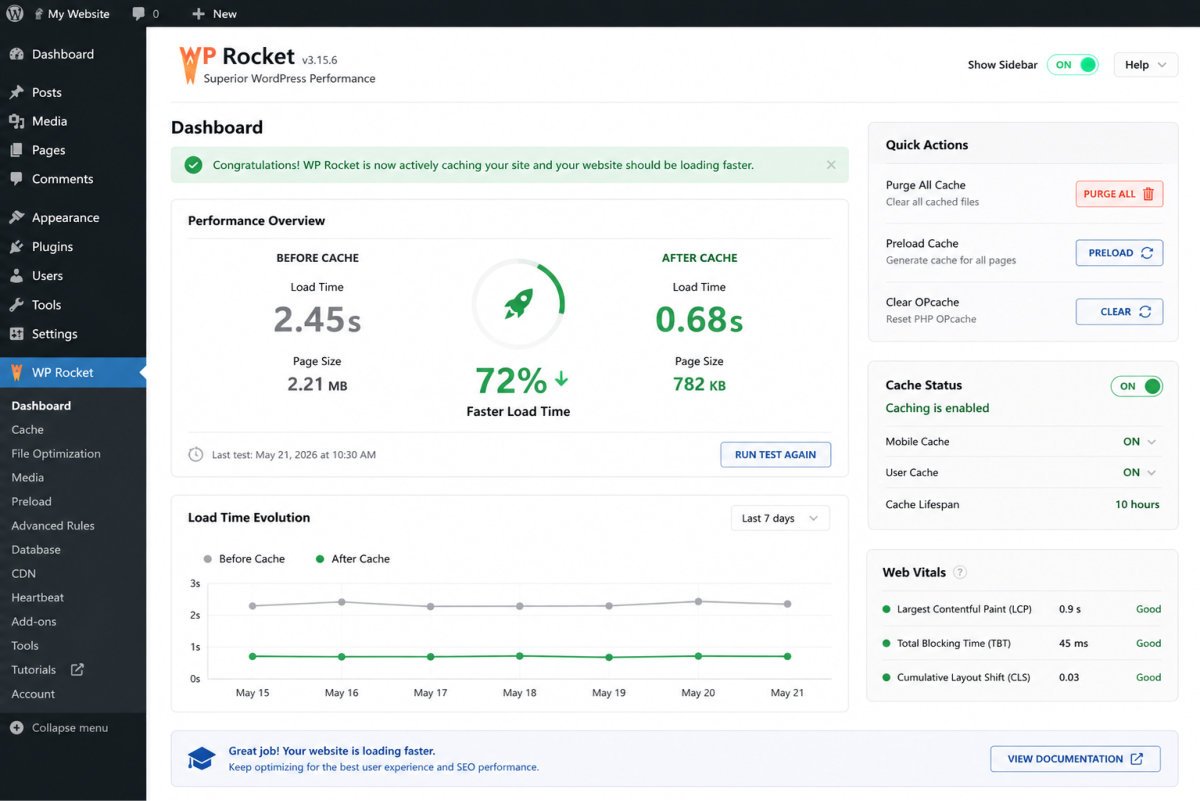
A proper caching setup eliminates the vast majority of repeated server work, WordPress rebuilds a page from scratch on every visit without it. See our caching plugins comparison for which option fits your specific server type, this is one of the clearest cases where the “right” choice genuinely depends on your hosting environment, not a universal answer.
Layer 3: Images
Images typically account for 40-70% of a page’s total weight, making this one of the highest-leverage layers available. See our image optimization guide for resizing and compression, our WebP vs AVIF comparison for choosing the right modern format, and our lazy loading guide for what WordPress already handles natively versus what still needs attention.
Layer 4: Plugins and Code Bloat
Every plugin adds server-side processing and often front-end assets loaded on every single page, whether that plugin’s functionality is actually needed there or not. See our common speed mistakes guide for the full list of avoidable issues, including plugin bloat, theme choice, and the specific LCP lazy-loading mistake that undoes otherwise good work.
Layer 5: Core Web Vitals Specifically
Once the foundational layers are addressed, Core Web Vitals, LCP, INP, and CLS, become the metrics worth tracking directly. See our advanced Core Web Vitals guide for diagnosing exactly which metric is failing and why, using real field data rather than a single lab test score.
WebGomu Tip: Before changing anything, benchmark your current performance with Google PageSpeed Insights, and clear every cache, WordPress, CDN, and browser, before testing again after a change. Testing against stale cached results is a genuinely common way to misjudge whether a fix actually worked.
Layer 6: Speed Also Matters for AI Search Visibility
Speed isn’t purely a traditional SEO concern anymore. As covered in our AI search optimization guide, AI crawlers still need to efficiently reach and process your content, a genuinely slow site is a real, if less obvious, barrier to AI visibility too, not just traditional rankings.
Common Mistakes
- Fixing one speed layer (like installing a caching plugin) and assuming the whole problem is solved.
- Testing speed changes without clearing caches first, and drawing conclusions from stale results.
- Investing in advanced optimizations before addressing the highest-ROI layers, hosting and caching, first.
- Treating speed as a purely technical concern, when it directly affects real, measurable conversion rates.
Key Takeaways
- Speed optimization works in layers that compound, not as a single fix.
- Hosting and caching typically deliver the highest return for the effort involved, start there.
- Images account for 40-70% of typical page weight, a genuinely high-leverage layer on its own.
- Each additional second of load time costs roughly 4-8% in conversions, speed is a revenue issue, not just a technical one.
Frequently Asked Questions
Why didn’t installing a caching plugin fix my slow WordPress site?
Speed works in layers, caching addresses repeated server processing, but unoptimized images, plugin bloat, or underpowered hosting can independently keep a site slow even with caching correctly configured.
What’s the single highest-ROI speed improvement for WordPress?
Hosting quality is commonly cited as the highest return for the effort involved, moving from budget shared hosting to quality managed hosting typically improves response time by 400-600 milliseconds.
How much does load time actually affect conversions?
Research consistently shows each additional second of load time costs roughly 4-8% in conversions, making speed a genuine revenue concern, not purely a technical one.
Do I need to optimize images if I already have a caching plugin?
Yes, they address different layers entirely. Images typically account for 40-70% of page weight, a caching plugin doesn’t reduce that weight, it only reduces repeated server processing.
Does website speed affect AI search visibility, not just traditional SEO?
Yes, AI crawlers still need to efficiently reach and process content, a genuinely slow site is a real barrier to AI visibility as well as traditional search rankings.
Resources Links
Author:

Christoper Enolpe
Founder of WebGomu • WordPress Freelancer with 10+ Years of Experience
Christoper is the founder of WebGomu and a WordPress freelancer with over 10 years of hands-on experience building, optimizing, and maintaining WordPress websites. He writes practical, beginner-friendly guides based on real-world experience, covering WordPress, SEO, website performance, and AI tools to help readers build better websites with confidence.
Learn more: https://webgomu.com/about/
Get one WordPress tip every week
Start Here

The Ultimate Beginner’s Guide to WordPress (2026): Build Your First Website Without Coding
Popular Guides
Our Partner

More from the blog

The Ultimate WordPress Security Guide (2026)

WordPress Login Security: The Complete Hardening Guide (2026)