WordPress Login Security: The Complete Hardening Guide (2026)

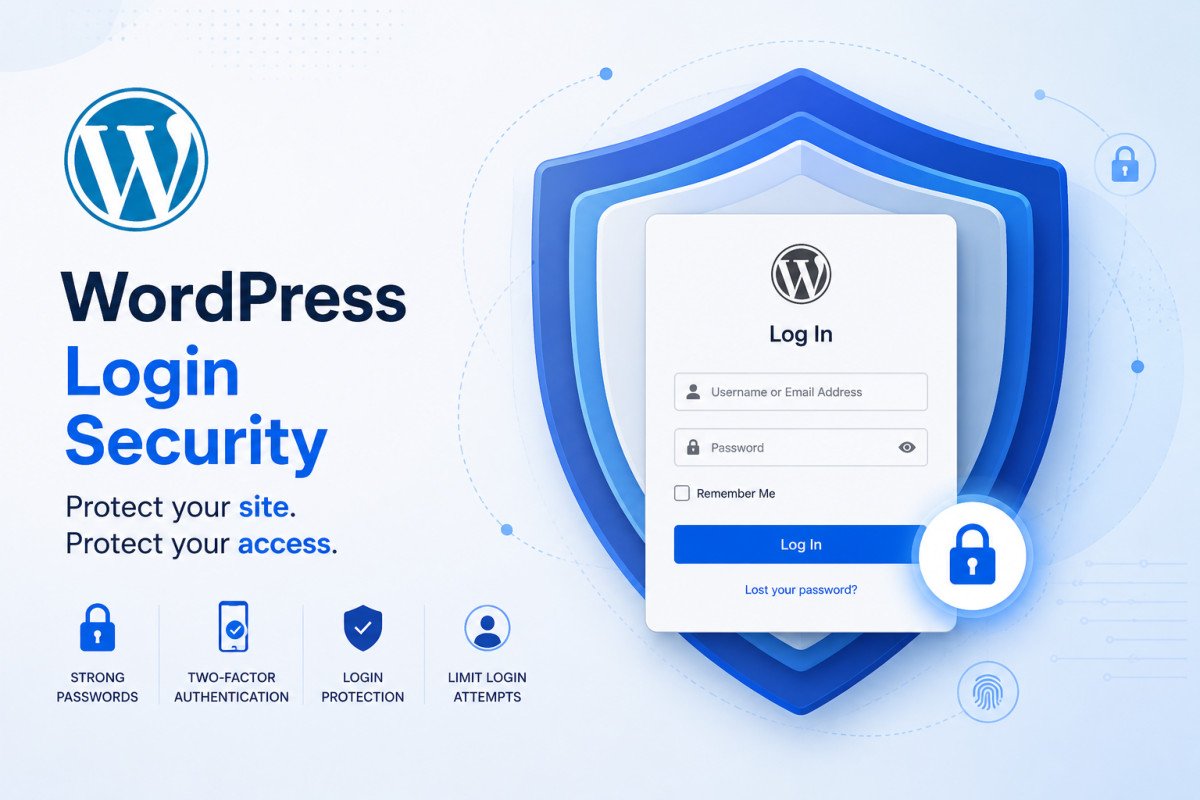
Securing your WordPress login means layering several defenses together, no single one is a complete solution on its own. Start with a strong, unique password, add login attempt limiting to slow down brute-force bots, change your login URL to reduce automated noise, add CAPTCHA to filter out scripted attempts, and enable two-factor authentication (see our dedicated 2FA guide) as your strongest single layer. A small WordPress site sees an average of roughly 43 brute-force login attempts per day, this isn’t a hypothetical risk, it’s constant, automated background noise every WordPress site experiences.
Before You Start
See our security basics guide for the broader picture, and set up two-factor authentication first if you haven’t, it’s genuinely the single strongest individual layer covered here.
Your login page isn’t hiding from anyone. Bots don’t need to guess where it lives, /wp-login.php and /wp-admin are identical on every default WordPress install, which means automated attacks show up the moment your site goes live, not after it gets popular. The good news: most of these attacks are unsophisticated, automated, and genuinely easy to block with a few layered defenses.
What You’ll Learn
- Why your login page is under constant, automated attack regardless of your site’s size
- The layered defense approach that actually works, no single fix is enough
- An honest look at changing your login URL, what it does and doesn’t stop
- Why manual IP blocking doesn’t scale, and what to use instead
Why Your Login Page Is a Constant Target
A small WordPress site sees roughly 43 brute-force login attempts per day on average, scaling into the thousands for sites with meaningful traffic. These attacks are almost always automated, not sophisticated, bots simply scan for default WordPress login URLs and bombard them with username and password combinations, often pulled from previous data breaches (credential stuffing). This happens continuously, regardless of how new or small your site is.
Layer 1: Strong, Unique Passwords
This remains the foundation. Avoid dictionary words, personal information, and predictable substitutions, and never reuse a password across multiple services, credential stuffing attacks specifically exploit password reuse. A password manager’s built-in generator produces genuinely strong, unique passwords without requiring you to memorize them.
Layer 2: Limit Login Attempts
A login-limiting plugin locks out an IP address after a set number of failed attempts, directly slowing down brute-force attacks that depend on rapid, repeated guessing. This is a foundational, low-effort layer that meaningfully reduces automated attack effectiveness.
Layer 3: Change Your Login URL
Worth being honest about this one: changing your login URL from the default /wp-login.php won’t stop a genuinely determined, targeted attacker. What it does do is block a significant amount of automated bot traffic that specifically targets the default, predictable URL every WordPress site shares out of the box. Think of it as locking a side door rather than leaving a lit sign over your main entrance, a real, meaningful noise reduction, not a complete solution on its own.
Layer 4: Add CAPTCHA
Google reCAPTCHA v3 is the current standard, operating invisibly by scoring visitor behavior rather than presenting a visual puzzle, seamless for real visitors while still blocking scripted, automated login attempts.
Layer 5: Two-Factor Authentication
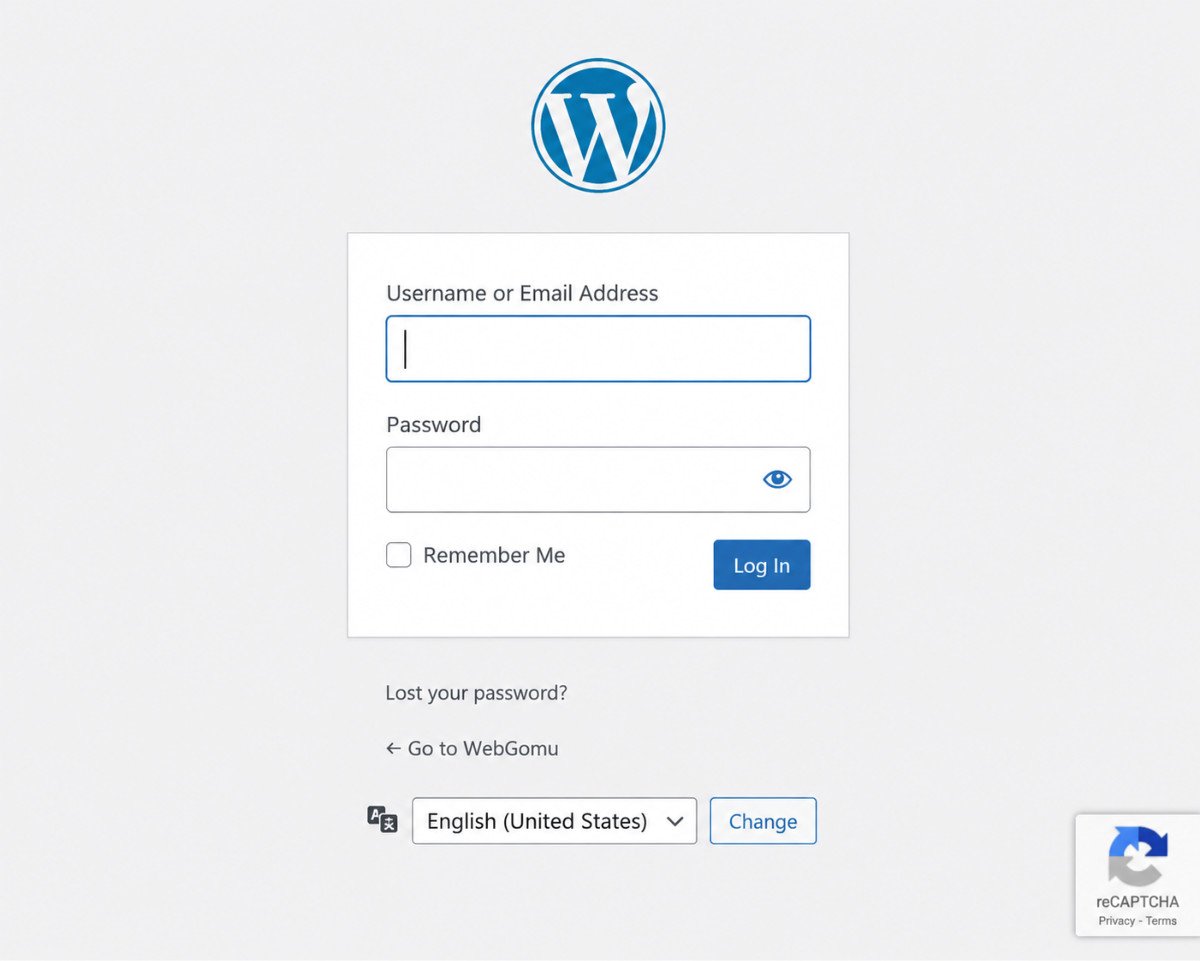
This is genuinely your strongest single layer, even if an attacker obtains a valid password, 2FA stops them cold without your second factor. See our complete 2FA setup guide for the full walkthrough, TOTP apps, passkeys, and how to choose the right plugin for your situation.
WebGomu Tip: Before enabling any login-limiting or IP-blocking feature, whitelist your own IP address first. It’s a genuinely common, avoidable mistake to lock yourself out during a late-night configuration session, test everything from a device you’re confident won’t get flagged.
A Note on IP Blocking’s Real Limits
Manual IP blocking feels intuitive, but it doesn’t scale well against real, modern threats, botnets routinely rotate through thousands of IP addresses specifically to evade this kind of static blocking. A Web Application Firewall with automated, continuously updated threat feeds (see our Wordfence review) is genuinely more practical for ongoing protection than manually maintaining an IP blocklist yourself.
Common Mistakes
- Relying on a single layer, like just a strong password, instead of combining several defenses.
- Assuming a changed login URL alone stops targeted attacks, it only reduces automated bot noise.
- Manually maintaining an IP blocklist, an approach that doesn’t scale against rotating botnet traffic.
- Not whitelisting your own IP before enabling strict login-limiting features.
Recommended Tools
- WPS Hide Login — straightforward login URL masking
- Limit Login Attempts Reloaded — solid, free brute-force rate limiting
- Wordfence — firewall with automated threat feeds, see our review
Key Takeaways
- A small WordPress site sees roughly 43 brute-force login attempts per day, on average, a constant background risk.
- No single defense is complete, layer strong passwords, rate limiting, a masked login URL, CAPTCHA, and 2FA together.
- Changing your login URL reduces automated bot noise, it doesn’t stop a genuinely targeted attacker.
- Manual IP blocking doesn’t scale against rotating botnet traffic, a WAF with automated threat feeds is more practical.
Frequently Asked Questions
How many login attacks does a typical WordPress site actually face?
A small site sees roughly 43 brute-force login attempts per day on average, scaling into the thousands for higher-traffic sites, this is constant, automated activity, not a rare event.
Does changing my login URL actually stop hackers?
It won’t stop a determined, targeted attacker, but it blocks a significant amount of automated bot traffic that specifically targets the default WordPress login URL, genuinely useful as one layer among several.
Is two-factor authentication more important than a strong password?
They work together, a strong password is foundational, but 2FA is genuinely the strongest single additional layer, stopping an attacker even if they obtain a valid password.
Why doesn’t manually blocking IP addresses work well?
Modern botnets rotate through thousands of IP addresses specifically to evade static blocking, making manual IP blocklists an inefficient, poorly scaling defense compared to an automated firewall with continuously updated threat feeds.
What’s the single most effective login security layer?
No single layer is sufficient on its own, but two-factor authentication is generally considered the strongest individual defense, since it stops an attacker even with a correct password in hand.
Resources Links
Author:

Christoper Enolpe
Founder of WebGomu • WordPress Freelancer with 10+ Years of Experience
Christoper is the founder of WebGomu and a WordPress freelancer with over 10 years of hands-on experience building, optimizing, and maintaining WordPress websites. He writes practical, beginner-friendly guides based on real-world experience, covering WordPress, SEO, website performance, and AI tools to help readers build better websites with confidence.
Learn more: https://webgomu.com/about/
Get one WordPress tip every week
Start Here

The Ultimate Beginner’s Guide to WordPress (2026): Build Your First Website Without Coding
Popular Guides
Our Partner

More from the blog
The Ultimate WordPress Speed Optimization Guide (2026)
The Ultimate WordPress Security Guide (2026)