The Complete WordPress SEO Checklist for 2026

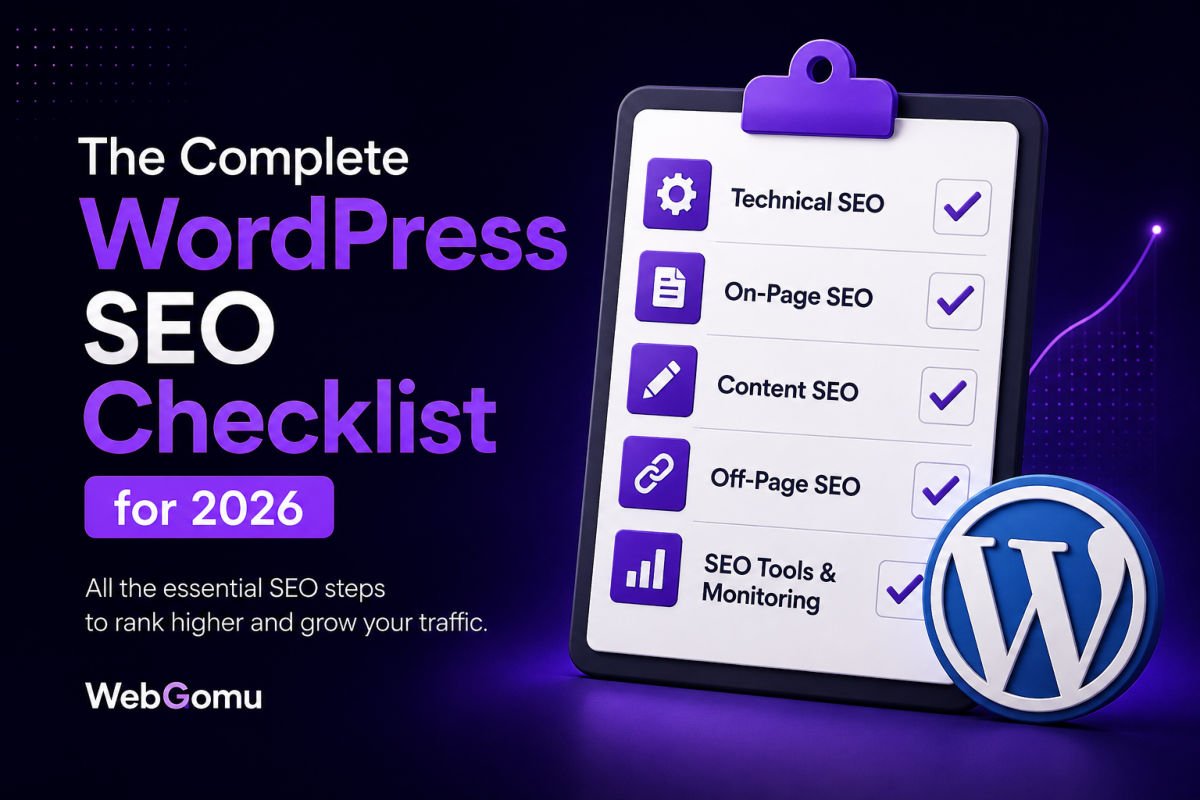
A complete WordPress SEO setup covers five areas: technical foundation (indexing settings, permalinks, SSL, hosting), on-page SEO (headings, meta titles, internal linking, schema), content strategy (keyword research, search intent, atomic answers), site health (indexing issues, Core Web Vitals), and ongoing monitoring (Search Console, content refreshes). Missing any one of these limits how well the rest can perform.
Before You Start
This checklist assumes you already have these basics in place. If not, work through them first:
- WordPress installed with a working theme (see our installation guide)
- An SSL certificate active on your domain (see our SSL guide)
- At least a few published posts or pages to apply this checklist to
Search engine optimization for WordPress isn’t one big task. It’s a series of small, specific settings and habits that compound over time. Miss one, and the rest of your effort works harder than it needs to. Get them all in place, and content you publish afterward starts with a real structural advantage.
This checklist walks through every category, in order of priority, so you can work through it once for setup, then revisit it periodically as a health check.
What You’ll Learn
- The technical foundation every WordPress site needs before anything else matters
- The on-page habits that make each individual article rank-ready
- How content strategy and keyword research fit into the picture
- How to catch and fix indexing issues before they quietly cost you traffic
Category 1: Technical Foundation
Nothing else on this list matters much if your technical foundation has gaps. Start here.
1. Confirm search engines are allowed to index your site
Go to Settings → Reading and make sure “Discourage search engines from indexing this site” is unchecked. This single setting, left on by accident, has kept plenty of otherwise solid sites invisible to Google entirely.
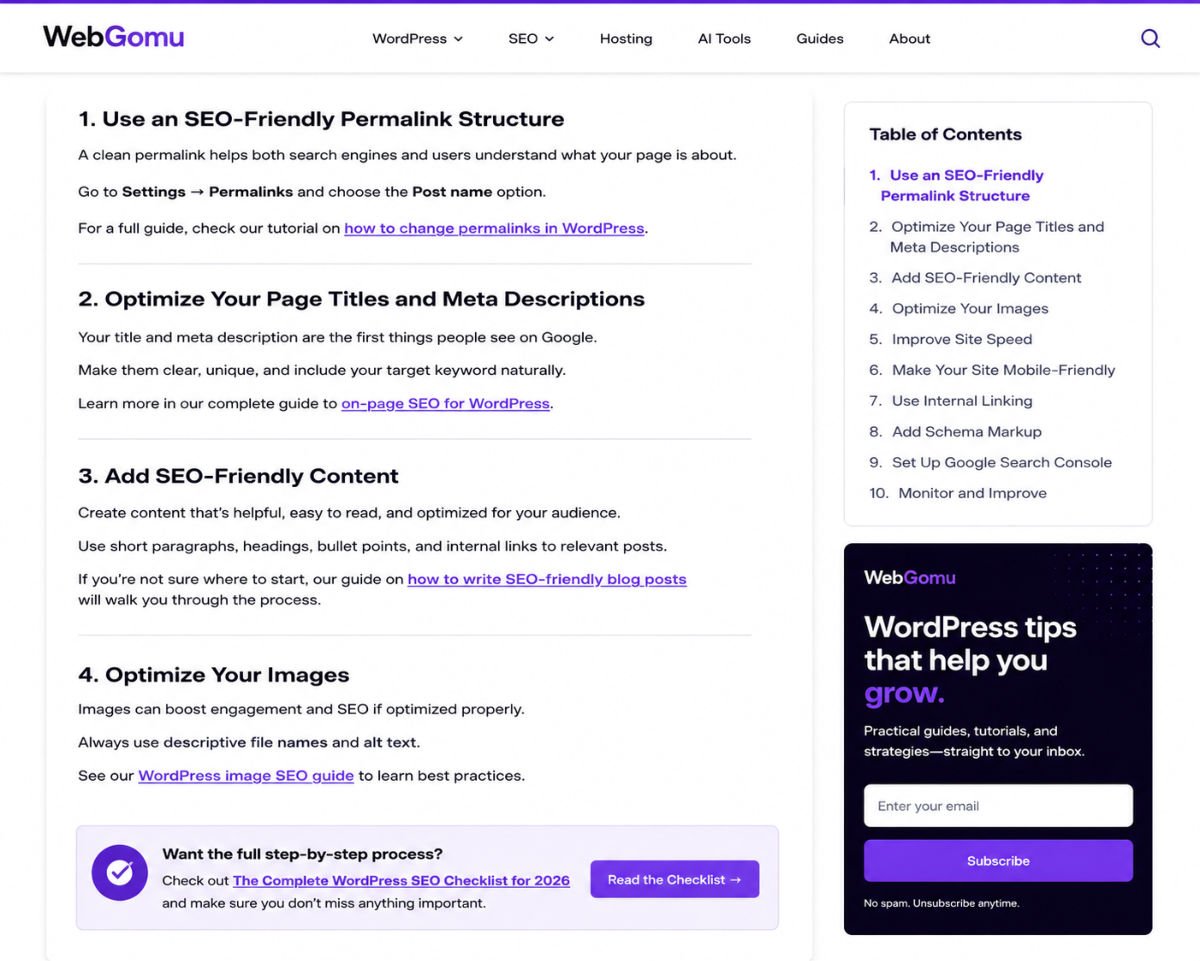
2. Set clean, readable permalinks
Go to Settings → Permalinks and choose “Post name.” This produces clean URLs like yoursite.com/your-article-title instead of ID-based or date-based URLs, which are both harder to read and less SEO-friendly.
3. Confirm your SSL certificate is active site-wide
Your entire site should load as https://, not just your homepage. See our SSL certificate guide if you haven’t confirmed this yet.
4. Use hosting that supports fast, reliable performance
Slow hosting undermines every other SEO effort. See our hosting guide if you suspect this is a bottleneck for you.
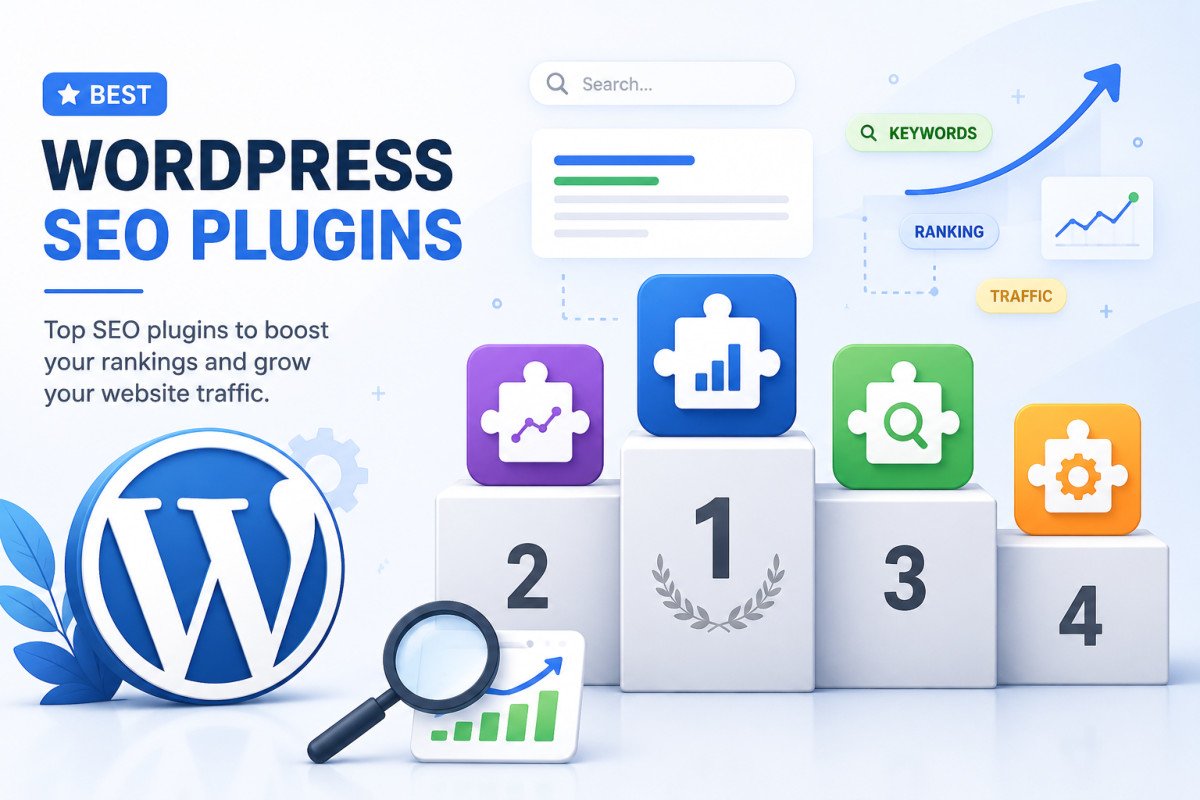
5. Install one SEO plugin, and set it up properly
A dedicated SEO plugin handles your sitemap, meta fields, and schema in one place.
| Plugin | Known For | Price |
|---|---|---|
| Rank Math | More features in the free tier, modules approach | Free (Pro optional) |
| Yoast SEO | Long-standing, simpler interface for first-time users | Free (Premium optional) |
Both are genuinely solid choices. See our Rank Math setup guide for the full walkthrough, since it’s what powers WebGomu itself.
6. Submit your sitemap to Google Search Console
Your SEO plugin generates a sitemap automatically. Submitting it to Search Console speeds up discovery, especially important for newer sites. We cover this step by step in our Search Console setup guide.
WebGomu Tip: Do this technical foundation category fully before worrying about anything further down this list. A perfectly optimized article sitting on a site that blocks search engines, or has no sitemap submitted, won’t rank no matter how good the content is.
Category 2: On-Page SEO
These are the habits that make each individual page or post rank-ready.
7. Use exactly one H1 per page
Your post title should be the only H1. Section headings inside your content should use H2, with H3 for sub-sections. A surprisingly common WordPress theme issue is broken heading logic, worth double-checking in your theme’s settings if headings look inconsistent.
8. Write a clear, unique meta title and description for every post
Keep titles under roughly 60 characters and descriptions under roughly 155, so neither gets cut off in search results. Every post on WebGomu includes these in its meta fields, worth making a non-negotiable habit for your own content too.
9. Use descriptive URLs
Keep your slug short and keyword-relevant, avoiding filler words. A slug like /best-wordpress-hosting/ communicates more, faster, than /post-47/ or an overly long sentence-style URL.
10. Add descriptive alt text to every image
Alt text helps search engines understand images and improves accessibility. We cover this in depth in our dedicated Image SEO guide.
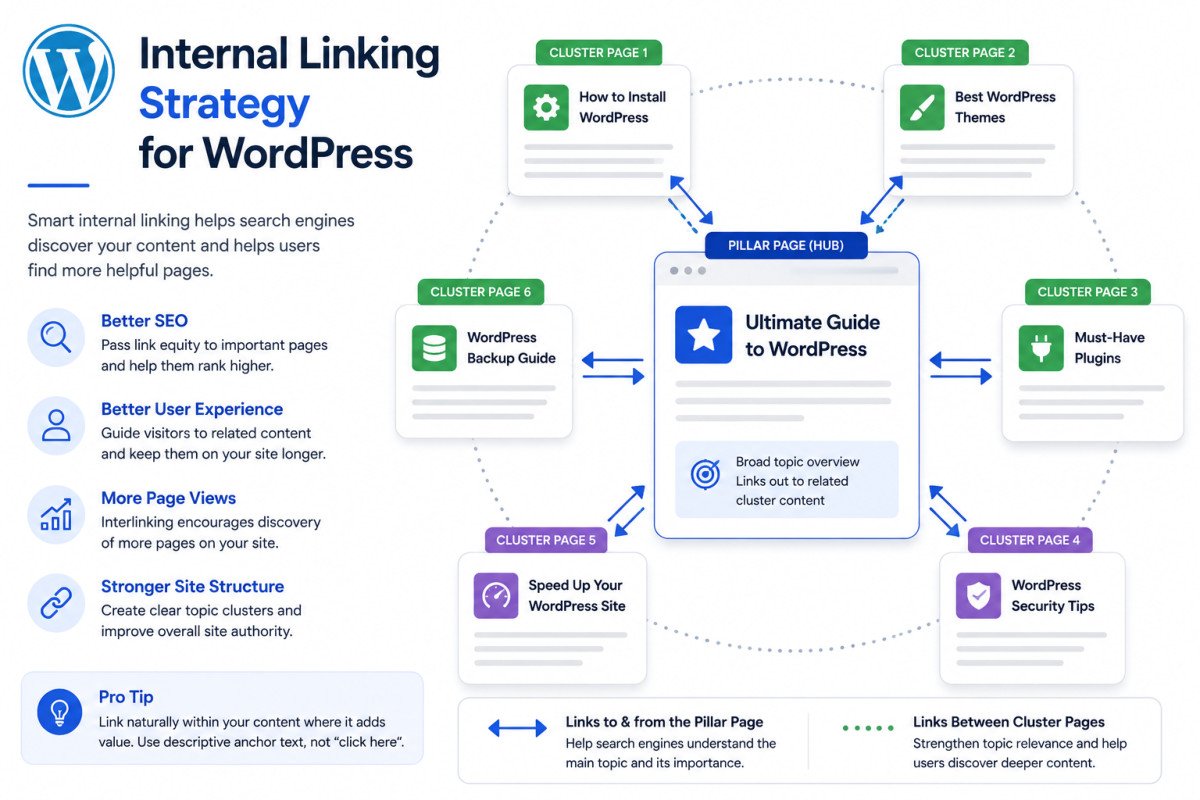
11. Link internally, deliberately
Aim for roughly 3-5 contextual internal links per 1,000 words, using descriptive anchor text rather than generic phrases like “click here.” This is exactly the Resources Links approach used throughout WebGomu’s own articles, and it’s one of the highest-leverage, fully-within-your-control SEO habits available.
12. Add schema markup where relevant
FAQ schema on posts with a genuine FAQ section, and broader Article/Organization schema site-wide, both help search engines and AI systems understand your content’s structure and authority.
Category 3: Content & Keyword Strategy
13. Research keywords before writing, not after
Understand what your target reader is actually searching for, and match your content’s structure to that intent. We walk through this process in our dedicated keyword research guide.
14. Answer the core question immediately
Every WebGomu article opens with a direct, atomic answer to its core question, since this is exactly the format both search engines and AI answer engines reward with snippets and citations.
15. Avoid targeting a single keyword in isolation
Modern search rewards comprehensive coverage of a topic, not just one exact keyword phrase repeated. Cover related questions and subtopics naturally within the same article.
16. Avoid thin or duplicate content
If a page doesn’t offer a reader something genuinely useful and complete, it’s worth expanding, merging with another page, or removing rather than leaving it live.
Category 4: Site Health & Indexing
17. Monitor Core Web Vitals and page speed
See our speed optimization guide for the practical, beginner-friendly version of this.
18. Check for indexing issues in Search Console
Errors like “Discovered – currently not indexed” are common and fixable, but easy to miss if you’re not checking regularly. We cover this exact issue, and how to fix it, in a dedicated guide.
19. Confirm mobile-friendliness
Most search traffic is mobile. Preview your site on an actual phone, not just a resized desktop browser window, to catch layout issues.
20. Fix broken links and redirect chains
Both create friction for search engines crawling your site and for visitors trying to navigate it. Tools like your Site Audit dashboard will surface these directly.
Category 5: Ongoing Monitoring
21. Check Search Console performance regularly
Weekly is a reasonable rhythm for a newer site. Daily checking usually just adds anxiety without enough new data to act on.
22. Refresh older content periodically
Pricing, plugin recommendations, and WordPress version details all drift out of date. Revisiting older posts every few months keeps them accurate and can meaningfully improve their rankings.
23. Build genuine backlinks over time
Legitimate mentions from other real sites (resource roundups, guest posts, genuine citations) build authority. Be cautious of sudden, unexplained spikes in backlinks from unfamiliar, spam-flagged domains, this is common for new sites and usually not something to act on.
Troubleshooting
My site isn’t showing up in Google at all
Check item #1 first (the indexing toggle in Settings → Reading), then confirm your sitemap has actually been submitted in Search Console. These two account for the vast majority of “invisible site” cases.
My pages are indexed but not ranking for anything
This is typically a content depth or site-age issue rather than a technical one. New sites often need three to six months of consistent publishing before rankings meaningfully appear, even with a clean technical setup.
Google Search Console shows “Discovered – currently not indexed”
This is common enough that we’ve written a full dedicated guide on diagnosing and fixing it specifically.
Common Mistakes
- Publishing content before the technical foundation (indexing settings, sitemap, SSL) is actually confirmed working.
- Treating internal linking as an afterthought instead of a deliberate, ongoing habit.
- Chasing a single exact-match keyword instead of covering a topic comprehensively.
- Never revisiting older content once it’s published.
- Reacting to spam backlinks instead of simply monitoring them.
Recommended Tools
- Rank Math or Yoast SEO — either covers meta fields, sitemaps, and schema in one plugin
- Google Search Console — free, essential for monitoring indexing and real search performance
- Your Site Audit tool (Ahrefs, Semrush, or similar) — useful for surfacing broken links, redirects, and technical errors in one place
Key Takeaways
- Technical foundation issues limit everything else, fix these first.
- On-page habits like internal linking and clear headings are fully within your control and compound over time.
- Keyword research should happen before writing, not as an afterthought.
- New sites genuinely need patience, three to six months is a realistic timeline for meaningful ranking movement.
Frequently Asked Questions
What is the most important WordPress SEO factor in 2026?
High-quality content that directly satisfies what a searcher is actually looking for remains the most important factor. Technical SEO and backlinks matter, but they support strong content rather than replace the need for it.
How long does it take to see WordPress SEO results?
Most sites see noticeable improvement within three to six months of consistent, proper SEO practice. Newer sites or highly competitive keywords can take longer.
Do I need a paid SEO plugin?
No. Free versions of Rank Math or Yoast SEO cover what most sites need. Premium versions add features like advanced schema and internal linking suggestions, which are helpful but not essential for ranking.
How many internal links should each post have?
A reasonable guideline is roughly 3-5 contextual internal links per 1,000 words, using descriptive anchor text rather than generic phrases.
Why isn’t my new WordPress site showing up in Google yet?
Most commonly, this comes down to the “discourage search engines” setting being left on, or a sitemap that hasn’t been submitted to Search Console yet. Both are quick to check and fix.
Resources Links
- The Ultimate Beginner’s Guide to WordPress (2026)
- How to Set Up Rank Math SEO the Right Way
- How to Set Up Google Search Console for WordPress
- How to Install an SSL Certificate on WordPress
- How to Choose the Best WordPress Hosting for Beginners
- How to Speed Up a Slow WordPress Website
- WordPress Security Basics: How to Protect Your Site
Author:

Christoper Enolpe
Founder of WebGomu • WordPress Freelancer with 10+ Years of Experience
Christoper is the founder of WebGomu and a WordPress freelancer with over 10 years of hands-on experience building, optimizing, and maintaining WordPress websites. He writes practical, beginner-friendly guides based on real-world experience, covering WordPress, SEO, website performance, and AI tools to help readers build better websites with confidence.
Learn more: https://webgomu.com/about/
Get one WordPress tip every week
Start Here

The Ultimate Beginner’s Guide to WordPress (2026): Build Your First Website Without Coding
Popular Guides
Our Partner

More from the blog
Best WordPress SEO Plugins 2026: Compared & Ranked
Internal Linking Strategy for WordPress (2026 Guide)