AI for WordPress: The Complete 2026 Guide

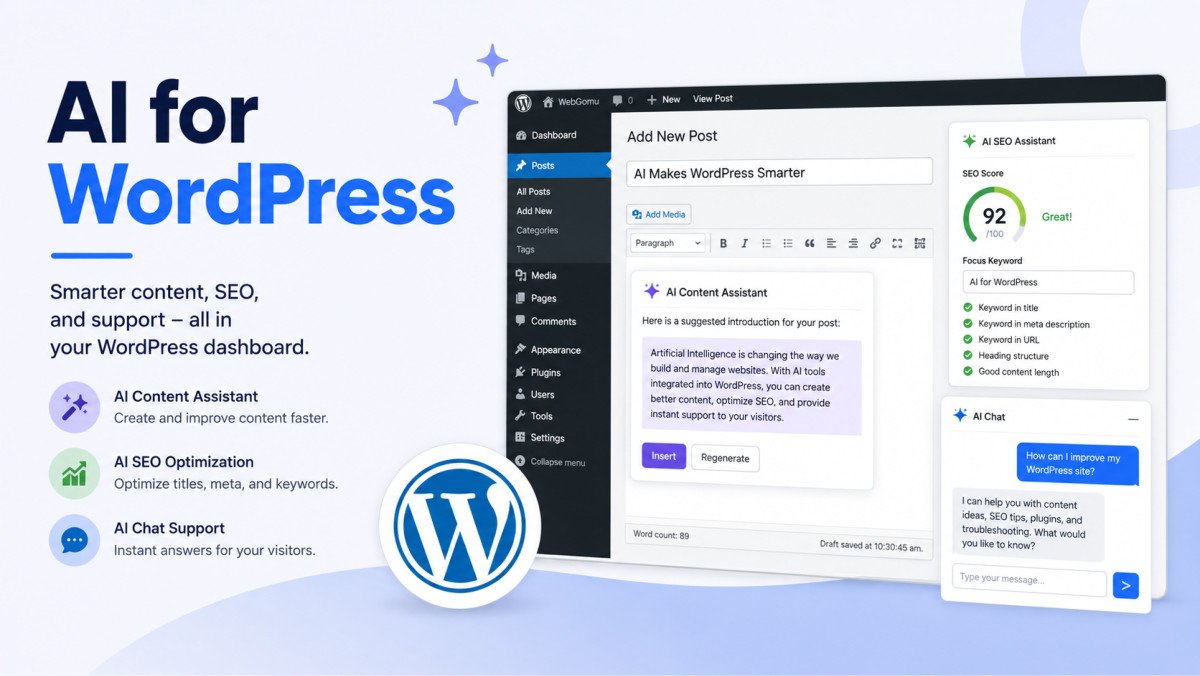
AI for WordPress in 2026 covers four real, practical areas: writing and content assistance, native platform integrations like WordPress’s Abilities API, SEO and performance automation, and visitor-facing tools like chatbots. The shift underway isn’t just “smarter autocomplete,” WordPress 7.0 introduced foundational APIs that let AI tools like Claude, ChatGPT, and Gemini actually interact with your site’s data and structure, not just generate text you paste in manually. None of this replaces genuine judgment, it removes the blank-page problem and the repetitive setup work, so you can spend more time on the decisions that actually need a human.
Before You Start
This guide is a map of the whole landscape, with a dedicated, deeper article linked at every stop. Start wherever your actual need is, you don’t need to read this in order.
A year ago, “AI and WordPress” mostly meant a plugin that rewrote your paragraphs when you clicked a button. That’s not really what’s happening anymore. The more interesting shift is quieter: AI tools that can actually see your site’s structure and act inside it, not just hand you text to copy and paste.
What You’ll Learn
- The four areas where AI genuinely does something useful inside WordPress today
- What WordPress’s native AI integration (the Abilities API) actually means for you
- Which tool fits which job, writing, SEO, chat, or general assistance
- Where AI still needs a human in the loop, and why that matters
Area 1: Writing and Content Assistance
The most mature use case, and the one most people already associate with “AI and WordPress.” Modern tools go beyond generating generic paragraphs, they can draft posts, product descriptions, and meta text while working from your own site’s tone and existing content. See our guide to generating blog posts with AI for the practical workflow, and our broader intro to AI with WordPress for the fundamentals if you’re just getting started.
Area 2: WordPress’s Native AI Integration
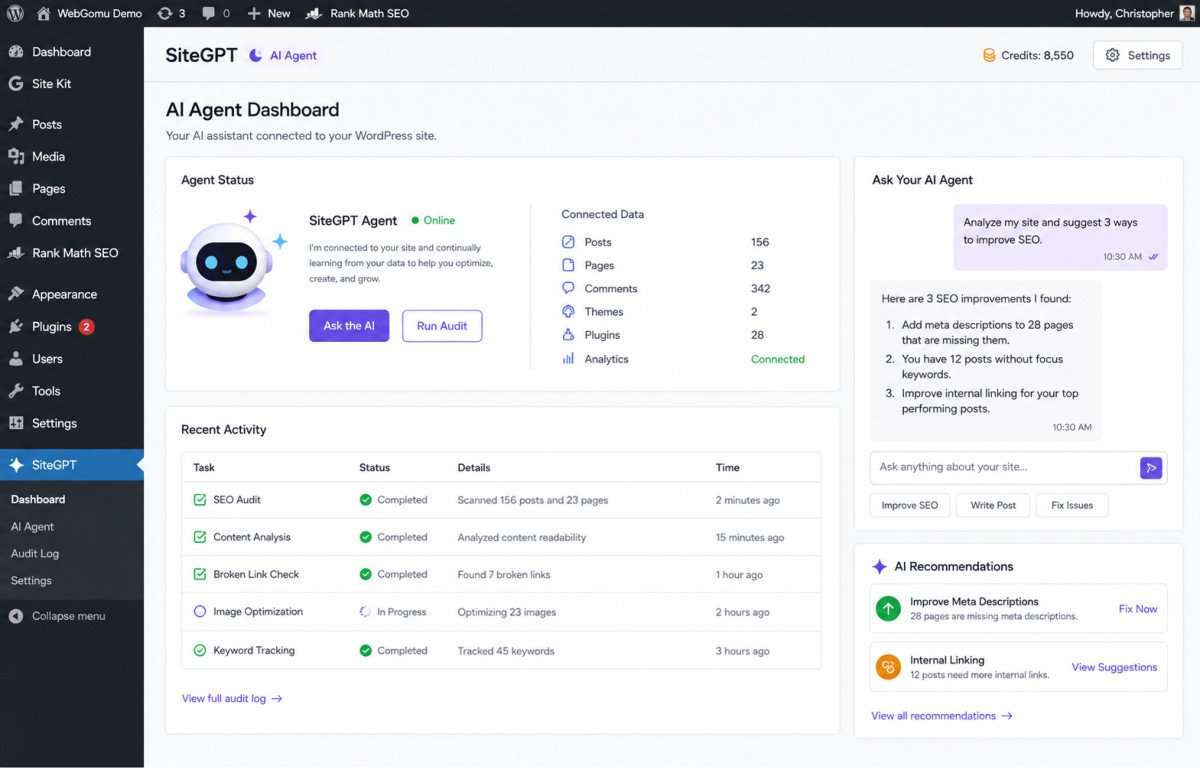
This is genuinely new territory. WordPress 6.9 laid the groundwork, and WordPress 7.0 introduced the Abilities API, a foundational system letting external AI agents like Claude, ChatGPT, and Gemini understand and interact with your specific site’s data and architecture directly, rather than working blind. In practice, this is what’s behind newer “AI employee” style plugins that can audit posts, apply schema, or flag content issues automatically, not just answer questions in a chat window.
Area 3: SEO and Performance Automation
AI-assisted SEO tools can audit published content, suggest metadata improvements, and apply structured data at scale, work that used to be manual and repetitive. See our roundup of the best AI plugins for WordPress for specific tools, our AI search optimization guide for how this connects to actually getting cited by AI answer engines, and our guide to schema for AI Overviews for the structured-data side specifically.
WebGomu Tip: Treat AI-suggested SEO changes as a first draft, not a final answer, the same rule that applies to AI-written content applies here too. An AI tool flagging a thin page or a missing meta description is genuinely useful. An AI tool deciding your entire content strategy isn’t something to hand off blindly.
Area 4: Visitor-Facing AI, Chatbots and Personalization
The area most directly visible to your actual visitors. Modern AI chatbots use retrieval-augmented generation to ground answers in your real site content, rather than a rigid, scripted decision tree. See our complete guide to AI chatbots for WordPress for choosing the right tool and what RAG actually means in practice.
What AI Still Doesn’t Do Well
Worth being honest about this rather than treating AI as a universal upgrade: strategic decisions, brand voice, and genuine editorial judgment still benefit from a real person making the call. AI is consistently strongest at removing repetitive setup work and the blank-page problem, and weakest when asked to make judgment calls about what your specific audience actually needs. Treat it as a genuinely capable assistant, not an autopilot.
Common Mistakes
- Publishing AI-generated content without a real human review and fact-check pass.
- Assuming every “AI-powered” plugin is equally trustworthy without checking what it actually connects to or stores.
- Letting an AI SEO tool apply changes automatically without reviewing what it actually changed.
- Treating AI as a replacement for strategy, rather than a tool that executes on a strategy you’ve already decided.
Key Takeaways
- AI for WordPress spans four practical areas: writing, native platform integration, SEO/performance automation, and visitor-facing tools like chatbots.
- WordPress 7.0’s Abilities API marks a real shift, AI agents that can interact with your site’s actual structure and data, not just generate text.
- AI removes repetitive setup work well, it’s genuinely weaker at strategic judgment and brand-specific decisions.
- Every AI output, written content or automated SEO suggestions alike, still benefits from real human review before it goes live.
Frequently Asked Questions
What is WordPress’s Abilities API?
A foundational system introduced with WordPress 7.0 that lets external AI agents like Claude, ChatGPT, and Gemini understand and interact directly with a site’s specific data and structure, rather than operating blind or requiring manual copy-pasting.
Can AI actually build a WordPress website on its own?
Not entirely on its own. It can meaningfully speed up writing, layout suggestions, and repetitive setup work, but genuine strategic and design decisions still benefit from human judgment.
Is it safe to let an AI plugin automatically apply SEO changes?
Reviewing changes before or shortly after they’re applied is the safer approach. AI is genuinely useful for flagging issues at scale, but automated changes are still worth a human check.
What’s the difference between an AI chatbot and older rule-based bots?
Modern AI chatbots typically use retrieval-augmented generation, pulling directly from a site’s actual content to ground answers, rather than following a rigid, manually scripted decision tree.
Do I need to disclose using AI to write content?
There’s no universal legal requirement, but genuine transparency and never fabricating first-hand experience or credentials AI didn’t actually have builds more durable reader trust than presenting AI-assisted content as something it isn’t.
Resources Links
Author:

Christoper Enolpe
Founder of WebGomu • WordPress Freelancer with 10+ Years of Experience
Christoper is the founder of WebGomu and a WordPress freelancer with over 10 years of hands-on experience building, optimizing, and maintaining WordPress websites. He writes practical, beginner-friendly guides based on real-world experience, covering WordPress, SEO, website performance, and AI tools to help readers build better websites with confidence.
Learn more: https://webgomu.com/about/
Get one WordPress tip every week
Start Here

The Ultimate Beginner’s Guide to WordPress (2026): Build Your First Website Without Coding
Popular Guides
Our Partner

More from the blog

AI Photo Editing Tools for WooCommerce Product Photos (2026)
Best AI Content Generators for WordPress: A Comparative Review