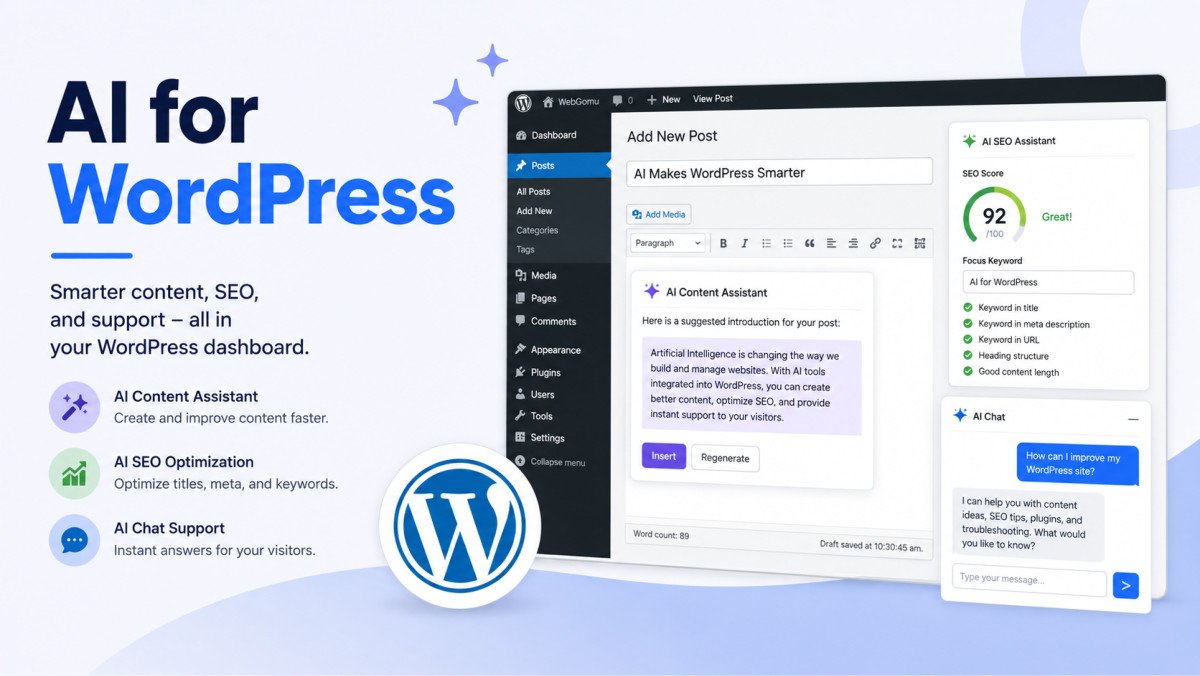
AI Chatbots for WordPress: A Beginner’s Guide (2026)

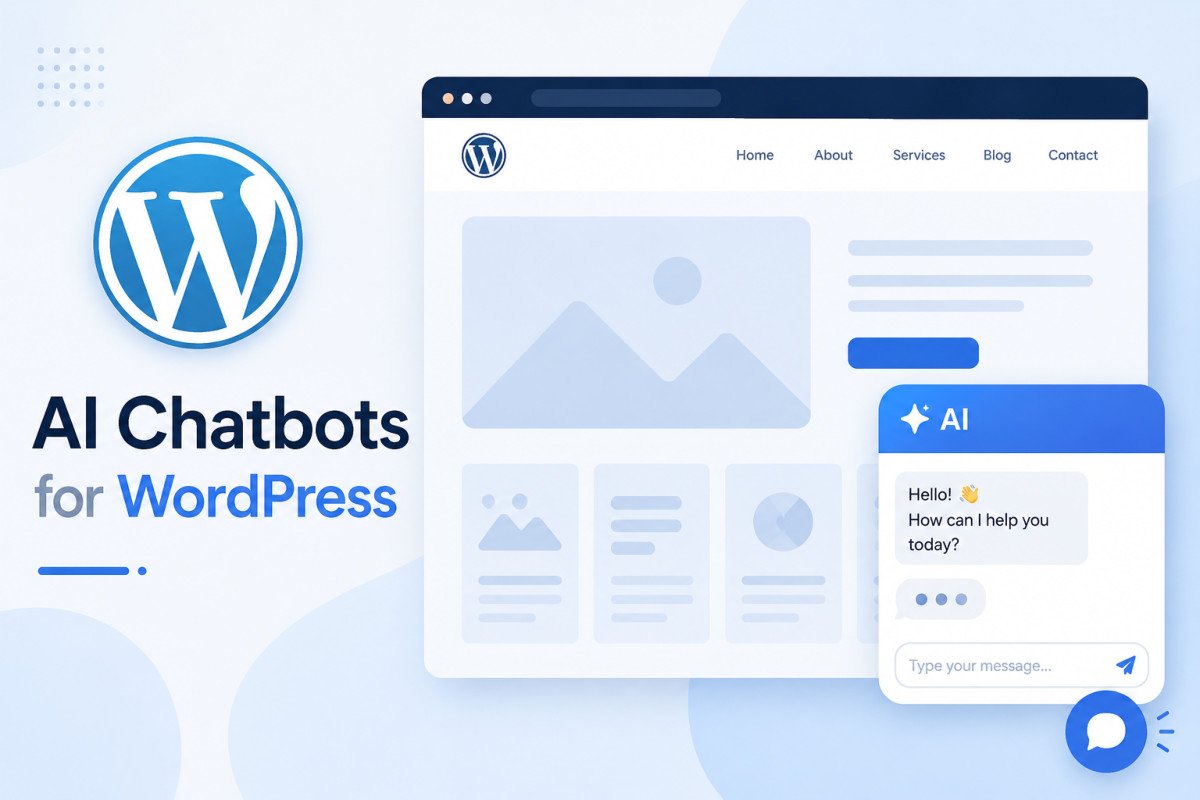
A modern AI chatbot answers visitor questions using your own site content, product catalog, or help documents, rather than a rigid, pre-scripted decision tree, thanks to a technique called retrieval-augmented generation (RAG). For most WordPress sites, Tidio offers the strongest all-around balance of live chat, automation, and WooCommerce support, its hosted AI agent resolves up to 67% of support conversations on its own. If you’d rather bring your own AI provider and pay only for actual usage, AI Engine is the most widely installed option, connecting to OpenAI, Claude, Gemini, or other models using your own API key.
Before You Start
See our AI plugins guide for the broader landscape, and our intro guide to AI with WordPress for the privacy considerations that apply directly to chatbots specifically.
Old-school chatbots followed a script you wrote yourself, rigid decision trees where one wrong phrasing sent a visitor into a dead end. Modern AI chatbots work fundamentally differently, they actually read and understand your real content, which means the setup conversation has shifted from “what do I want the bot to say” to “which plugin fits how I actually run my site.”
What You’ll Learn
- What RAG actually means, and why it’s the real difference from old scripted bots
- Which plugin fits your specific situation
- A genuine limitation worth knowing before committing to certain tools
- Real use cases beyond just answering FAQs
RAG: What Actually Changed
Retrieval-augmented generation means the chatbot pulls directly from your actual content, your published articles, product listings, or help documents, to ground its answers, rather than relying purely on generic, pre-trained knowledge or a rigid script you built manually. This is genuinely the deciding factor in 2026: a bot trained on your own content handles unexpected, specific questions far better than a scripted decision tree ever could.
Choosing the Right Plugin
| Plugin | Best For | Pricing Model |
|---|---|---|
| Tidio | Most WordPress sites, strong WooCommerce support | Hosted plans, resolves up to 67% of conversations autonomously |
| AI Engine | Bringing your own AI provider, most-installed plugin in the category | Bring-your-own-API-key, pay the model provider directly |
| WPBot | Genuinely free option with real RAG | Free tier, paid plans from ~$39/year |
For most WebGomu readers, Tidio’s balance of live chat, automation, and native WooCommerce integration covers the widest range of real use cases without requiring you to manage your own AI provider account.
A Genuine Limitation Worth Knowing
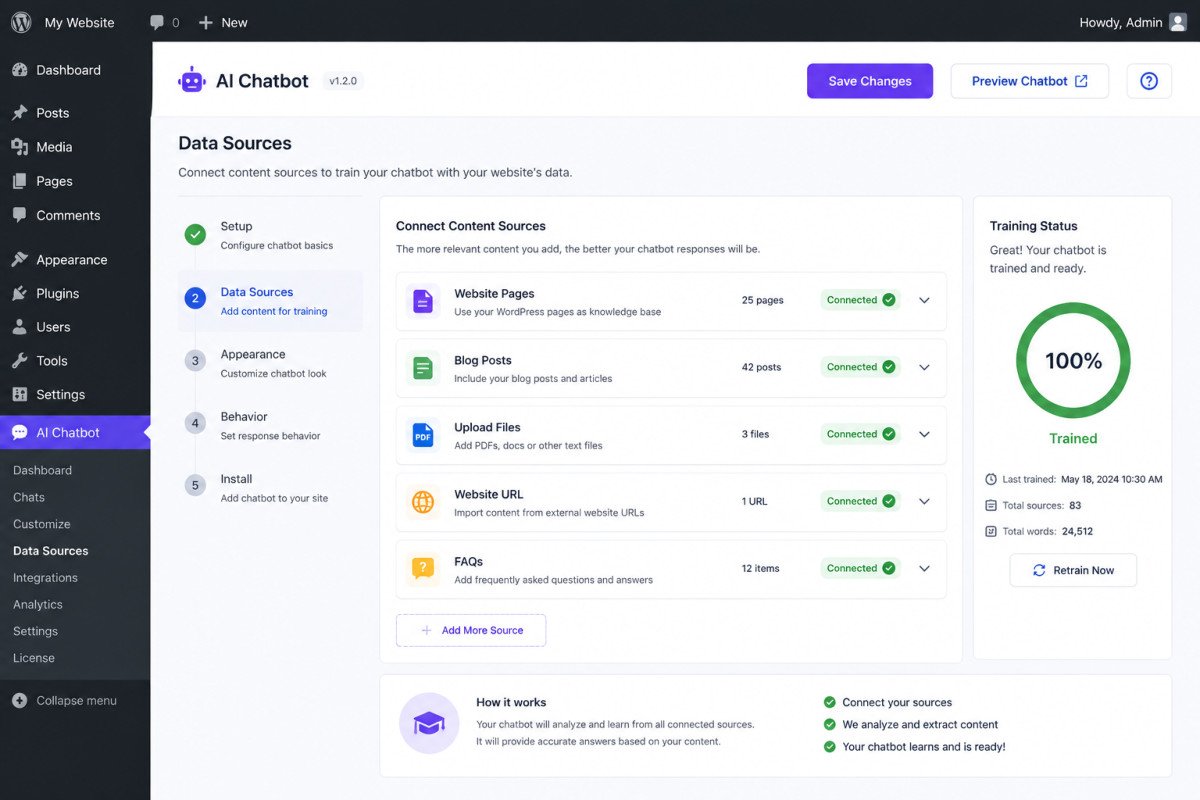
Some chatbot plugins are thin connectors to a third-party cloud platform, meaning you’re really subscribing to that company’s broader service, not installing a self-contained WordPress tool. This isn’t necessarily a dealbreaker, but it’s worth understanding clearly before committing, check whether your chosen plugin’s core intelligence runs through an external platform you’re now dependent on, versus a more self-contained setup using your own API key.
Real Use Cases Beyond FAQ Answering
- Lead generation, treating the chatbot more like a conversational form than a support desk, qualifying interest before a visitor leaves
- Cart abandonment recovery for WooCommerce stores, engaging a visitor who’s hesitating at checkout
- Appointment or booking facilitation for service businesses
- Instant, always-available support for common questions, reducing repetitive manual replies
Setup Basics
Test any new chatbot on a staging site first, theme conflicts are a genuinely common issue, easier to catch before it’s visible to real visitors. Favor a no-code, visual setup interface if you’re not comfortable with more technical configuration, most modern options offer this by default.
A Privacy Note Already Covered
As covered in our AI intro guide, chatbots collect and process real visitor conversation data, the same privacy considerations (GDPR, CCPA) apply here directly. Review your chosen plugin’s specific data handling practices before enabling it, this isn’t a chatbot-specific afterthought, it’s the same standard that applies to any AI tool processing visitor data.
WebGomu Tip: Decide upfront whether your chatbot’s job is support or lead generation, they call for different setups. A support-focused bot should prioritize accurate, grounded answers from your content. A lead-focused bot works better structured more like a conversational form, qualifying interest with a few genuine questions before the visitor moves on.
Common Mistakes
- Installing a chatbot without testing it on staging first, risking a visible theme conflict on your live site.
- Not checking whether a plugin is a self-contained tool or a thin connector to a broader third-party platform.
- Treating a lead-generation chatbot the same way as a support chatbot, when they genuinely need different structures.
- Skipping the privacy review for visitor data handling before turning the chatbot on.
Recommended Tools
- Tidio — strong all-around balance for most WordPress sites, especially WooCommerce stores
- AI Engine — the choice if you want to bring your own AI provider and control costs directly, see our AI plugins guide
Key Takeaways
- RAG is the real technical shift, chatbots that ground answers in your actual content, not just generic responses or rigid scripts.
- Tidio and AI Engine cover the two main paths, hosted convenience versus bring-your-own-provider control.
- Check whether a plugin is self-contained or a thin connector to a third-party platform before committing.
- Decide whether your chatbot’s real job is support or lead generation, the right structure differs meaningfully between the two.
Frequently Asked Questions
What is RAG in an AI chatbot?
Retrieval-augmented generation, a technique where the chatbot pulls directly from your actual site content to ground its answers, rather than relying purely on generic pre-trained knowledge or a manually scripted decision tree.
Which AI chatbot plugin is best for WordPress?
It depends on your needs. Tidio offers the strongest all-around balance for most sites, especially WooCommerce stores. AI Engine is the better fit if you want to bring your own AI provider and control costs directly.
Should I test a chatbot before adding it to my live site?
Yes, testing on a staging site first is genuinely worthwhile, theme conflicts are a common issue that’s much easier to catch before real visitors encounter it.
Do AI chatbots collect visitor data?
Yes, they process real visitor conversations, the same privacy considerations that apply to any AI tool handling visitor data, including GDPR and CCPA compliance, apply directly here.
Is a chatbot better for support or lead generation?
It can serve either purpose, but the ideal structure differs. A support-focused bot should prioritize accurate, content-grounded answers, while a lead-focused bot works better structured more like a conversational form.
Resources Links
Author:

Christoper Enolpe
Founder of WebGomu • WordPress Freelancer with 10+ Years of Experience
Christoper is the founder of WebGomu and a WordPress freelancer with over 10 years of hands-on experience building, optimizing, and maintaining WordPress websites. He writes practical, beginner-friendly guides based on real-world experience, covering WordPress, SEO, website performance, and AI tools to help readers build better websites with confidence.
Learn more: https://webgomu.com/about/
Get one WordPress tip every week
Start Here

The Ultimate Beginner’s Guide to WordPress (2026): Build Your First Website Without Coding
Popular Guides
Our Partner

More from the blog

AI Photo Editing Tools for WooCommerce Product Photos (2026)
Best AI Content Generators for WordPress: A Comparative Review