How to Create a Service Business Website on WordPress

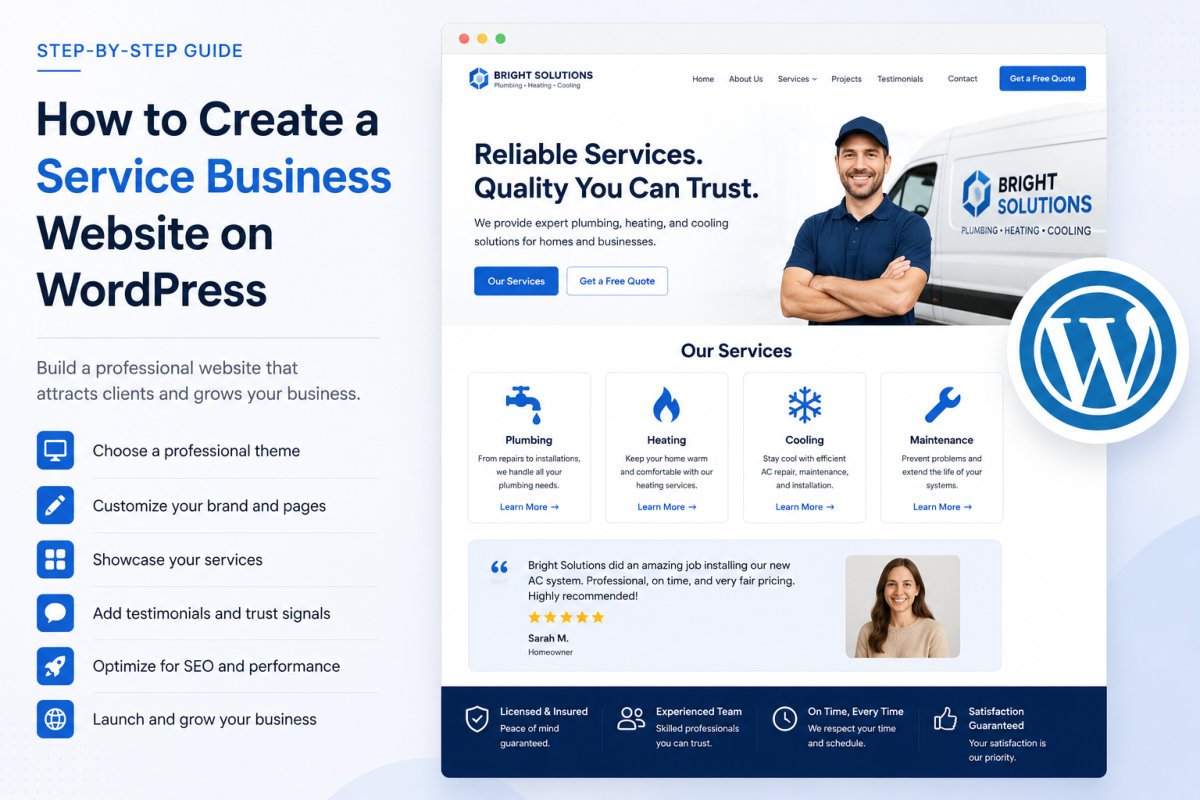
A service business website doesn’t need 50 pages, it needs 5 or 6 great ones: Home, About, Services, testimonials or case studies, and Contact. Build it with a clean, business-appropriate theme, a clear headline that states what you do and who you serve, real trust signals, and a working contact or booking system. With WordPress already installed, a focused site like this is realistic to build over a few sessions, not a rushed hour, since the pages that actually generate leads take some genuine thought, not just quick assembly.
Before You Start
Make sure you have the following in place first:
- WordPress already installed (see our installation guide if not)
- A clear sense of your core service offering and who it’s for, this shapes every page you’re about to build
- At least 2-3 testimonials or case study examples, real proof of past results, if you have any yet
A service business website has one real job: convincing a visitor you’re the right choice, then making it easy for them to reach out. That’s a different goal than a blog or a portfolio, and it changes what actually belongs on the site. This guide focuses specifically on the pages and elements that turn visitors into inquiries.
What You’ll Learn
- The handful of pages a service business genuinely needs, no more
- How to write a homepage headline that actually works
- How to add real trust signals and booking functionality
- Local SEO basics if your business serves a specific area
The Pages a Service Business Actually Needs
- Home — a clear, immediate answer to “is this business what I’m looking for?”
- About — who you are, your background, why someone should trust you (see our essential pages guide)
- Services — what you actually offer, described specifically, not vaguely
- Testimonials or Case Studies — real proof, not just claims
- Contact — a working form, and booking functionality if relevant to your business
Step 1: Nail Your Homepage Headline
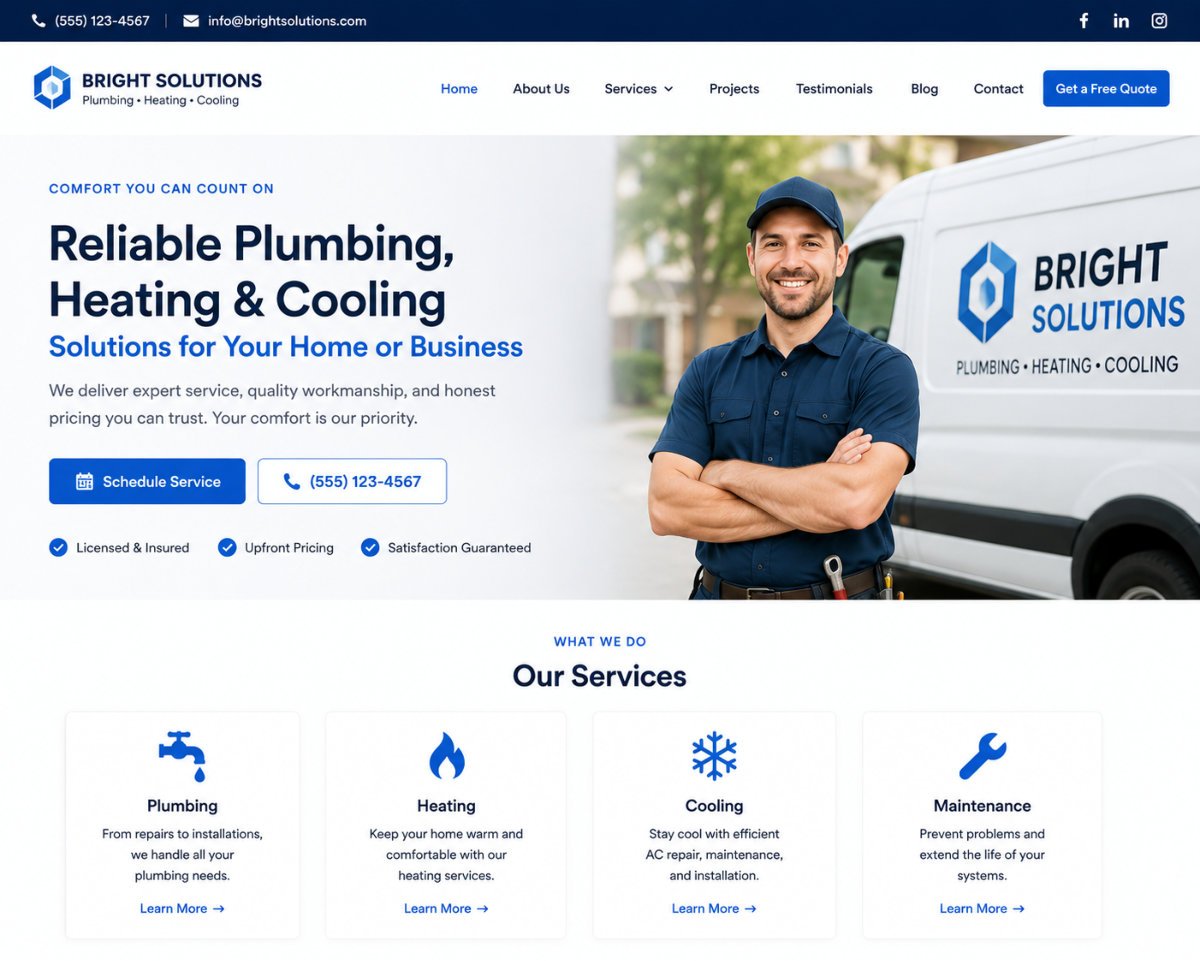
Your homepage has roughly three seconds to answer one question for a new visitor: is this business what I’m looking for? Lead with a clear, specific headline stating exactly what you do and who you serve, not a vague company slogan or tagline. “Plumbing repairs for homeowners in [city], same-day service” beats “Quality You Can Trust” every time.
Step 2: Choose a Business-Appropriate Theme
Look for clean, professional themes designed for business or agency use, rather than a generic blog theme. See our theme selection guide for the broader decision framework, speed and support still matter most, business-appropriate design is the additional filter here.
Step 3: Build a Specific Services Page
List your actual services clearly, each with a short, specific description of what’s included. Avoid generic industry jargon, describe services the way you’d explain them to a friend who’s never hired someone like you before.
Step 4: Add Real Trust Signals
Testimonials and case studies do real work here, they answer the unspoken question every visitor has: has this actually worked for someone else? A specific testimonial (“Fixed our leak in under an hour, on a Saturday”) is far more convincing than a generic one (“Great service!”).
WebGomu Tip: If you don’t have testimonials yet, don’t fabricate them, and don’t leave the section empty either. Reach out to your best past clients directly and ask for a short, specific quote, most people are happy to help once asked directly, and a handful of genuine testimonials beats none or fake ones every time.
Step 5: Add Booking or Appointment Functionality
If your business takes appointments, a booking plugin lets visitors schedule directly from your site instead of playing email tag. This removes real friction between “interested” and “booked,” worth the setup time for any service business that takes scheduled appointments.
Step 6: Set Up Local SEO Basics
If your business serves a specific geographic area, claim and complete your Google Business Profile, and keep your business name, address, and phone number consistent everywhere they appear online, your website, directories, and social profiles alike. Inconsistency here genuinely confuses both search engines and potential customers.
Step 7: Make Sure Your Contact Form Actually Works
See our contact form guide for the full setup, and specifically confirm notification emails are arriving reliably. A missed inquiry because of a silent email delivery failure is a genuinely costly, avoidable mistake for a business site.
Common Mistakes
- Writing a vague homepage headline instead of clearly stating what you do and who you serve.
- Fabricating testimonials instead of genuinely asking past clients, or leaving the section empty.
- Listing services in vague industry jargon instead of specific, plain-language descriptions.
- Inconsistent business name, address, or phone number across the web, which hurts local search visibility.
Recommended Tools
- A clean, business-appropriate free theme — see our theme selection guide for the broader framework
- WPForms — for a working contact form, covered in our dedicated guide
- WP Mail SMTP — worth adding if contact form notification emails aren’t arriving reliably
Key Takeaways
- A service business site needs 5-6 focused pages, not dozens.
- Your homepage headline should state specifically what you do and who you serve, not a vague slogan.
- Real, specific testimonials meaningfully outperform generic or fabricated ones.
- Local SEO consistency (name, address, phone) matters if you serve a specific geographic area.
Frequently Asked Questions
How many pages does a service business website need?
Typically 5-6: Home, About, Services, testimonials or case studies, and Contact. More isn’t necessarily better, focused, well-written pages outperform a large number of thin ones.
What should my homepage headline say?
State specifically what you do and who you do it for, rather than a vague company slogan. A visitor should understand within seconds whether your business fits their need.
What if I don’t have testimonials yet?
Reach out directly to your best past clients and ask for a short, specific quote. Never fabricate testimonials, a handful of genuine ones is far more valuable than fake ones, and better than none at all.
Do I need a booking plugin for my service business site?
Only if your business takes scheduled appointments. It removes friction between visitor interest and an actual booking, worth the setup time if relevant to how you operate.
Does local SEO matter for a service business website?
Yes, if you serve a specific geographic area. A complete Google Business Profile and consistent business name, address, and phone number across the web meaningfully help local visibility.
Resources Links
Author:

Christoper Enolpe
Founder of WebGomu • WordPress Freelancer with 10+ Years of Experience
Christoper is the founder of WebGomu and a WordPress freelancer with over 10 years of hands-on experience building, optimizing, and maintaining WordPress websites. He writes practical, beginner-friendly guides based on real-world experience, covering WordPress, SEO, website performance, and AI tools to help readers build better websites with confidence.
Learn more: https://webgomu.com/about/
Get one WordPress tip every week
Start Here

The Ultimate Beginner’s Guide to WordPress (2026): Build Your First Website Without Coding
Popular Guides
Our Partner

More from the blog
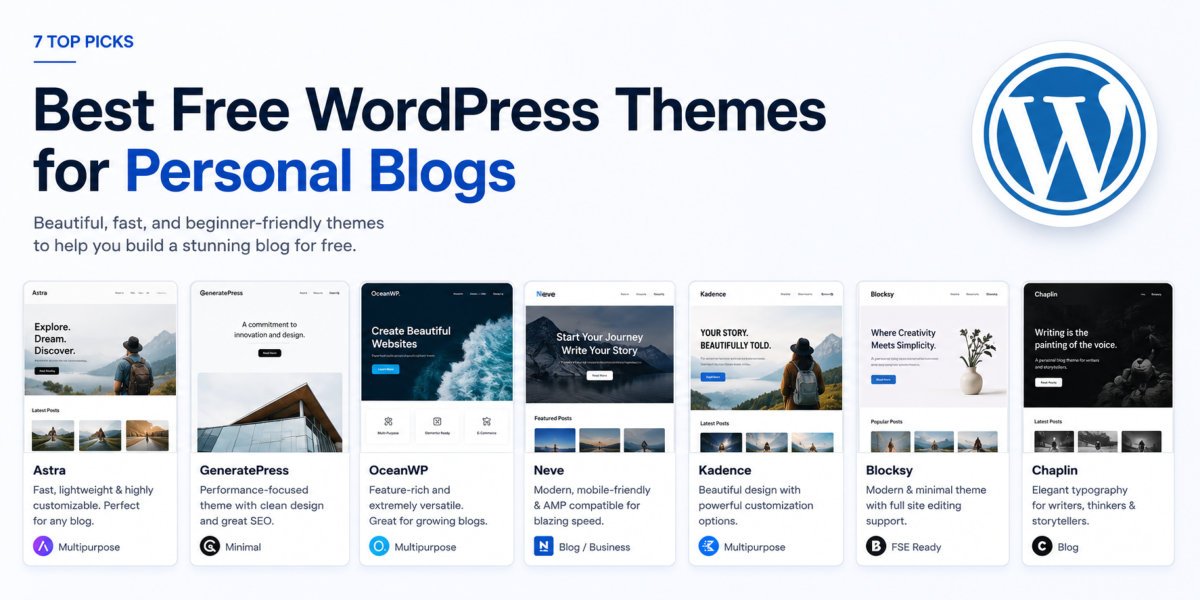
7 Best Free WordPress Themes for Personal Blogs (2026)
How to Build a Professional Portfolio Website on WordPress