Essential Pages Every New Website Needs (Home, About, Contact)

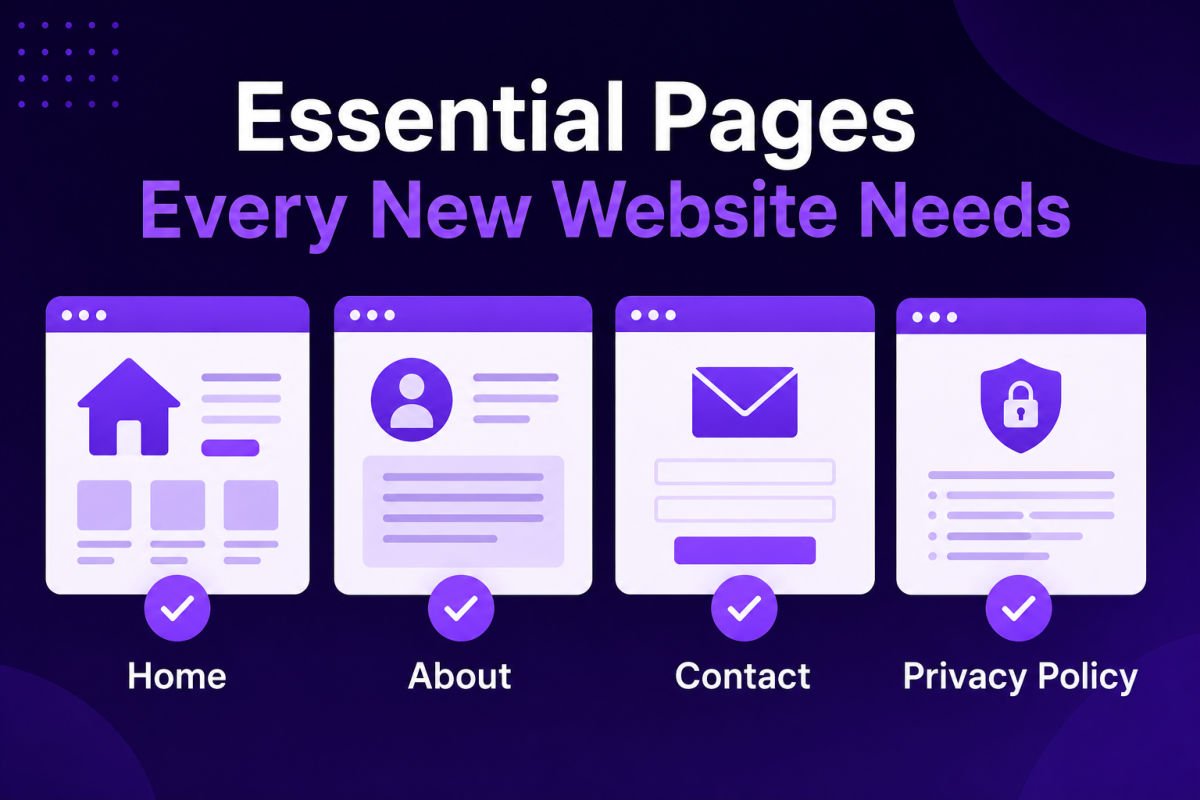
Every new website needs at minimum a Home page, an About page, and a Contact page, plus a Privacy Policy page if you collect any visitor data (which nearly every site does, even through basic analytics). Each page has a specific job: Home orients visitors, About builds trust, Contact removes friction, and Privacy Policy keeps you compliant.
Once your theme is installed and you’re staring at a blank site, it’s tempting to just start writing blog posts. But a handful of core pages need to exist first — they’re what turn a WordPress install into an actual website visitors can trust and navigate.
Here’s exactly what to build, and what to put on each one.
What You’ll Learn
- The essential pages every new site needs before launch
- What to actually include on each page
- Which page most beginners forget, and why it matters
- How to set these pages up correctly in WordPress
1. Home Page
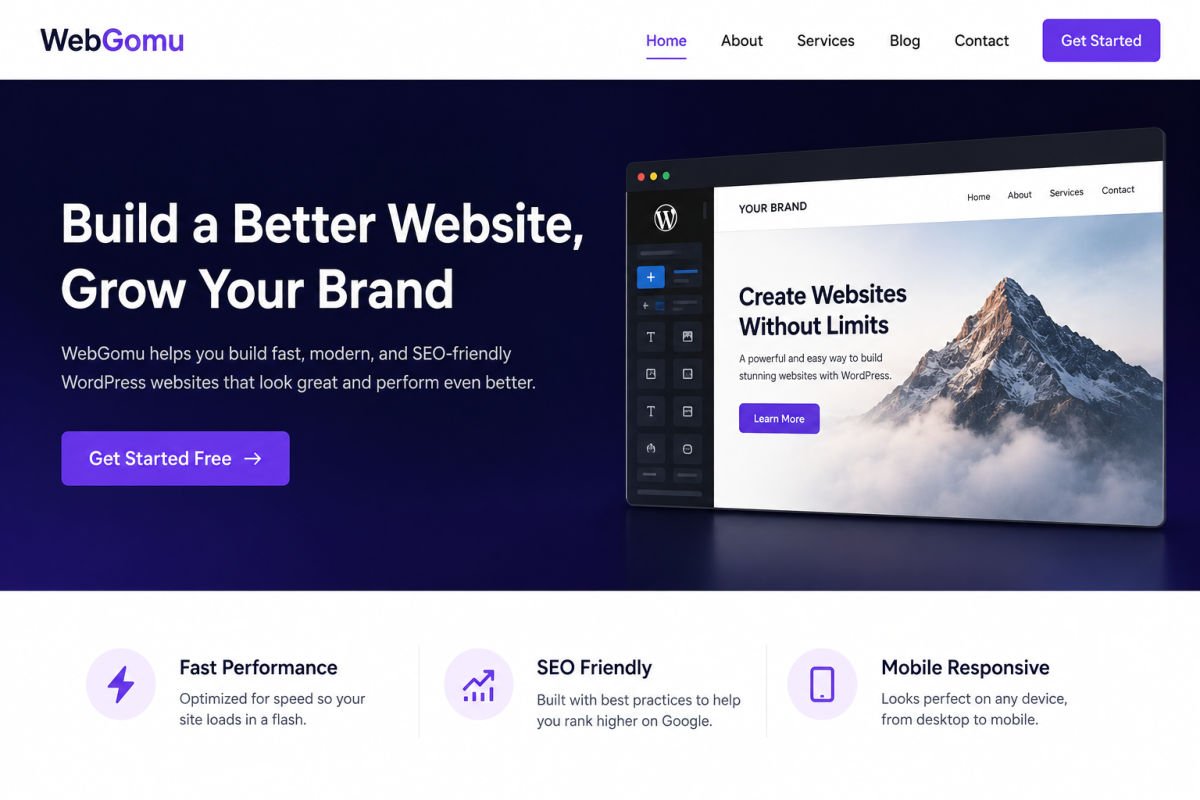
Your homepage has seconds to answer one question for a new visitor: “Am I in the right place?” It should clearly state what your site or business is about, who it’s for, and what the visitor should do next.
Keep it focused: a clear headline, a short explanation of your value, and one obvious next step (like “Read the Blog,” “Get in Touch,” or “Shop Now”). Avoid vague, clever taglines that don’t actually explain what you do.
2. About Page
The About page is one of the most-visited pages on any new site, because visitors who are interested want to know who’s behind it before they trust you. Include your story, your background or credentials if relevant, and why you started the site or business.
Keep it human. Beginners often make this page too corporate or too vague — write it the way you’d explain your site to someone at a dinner party.
3. Contact Page
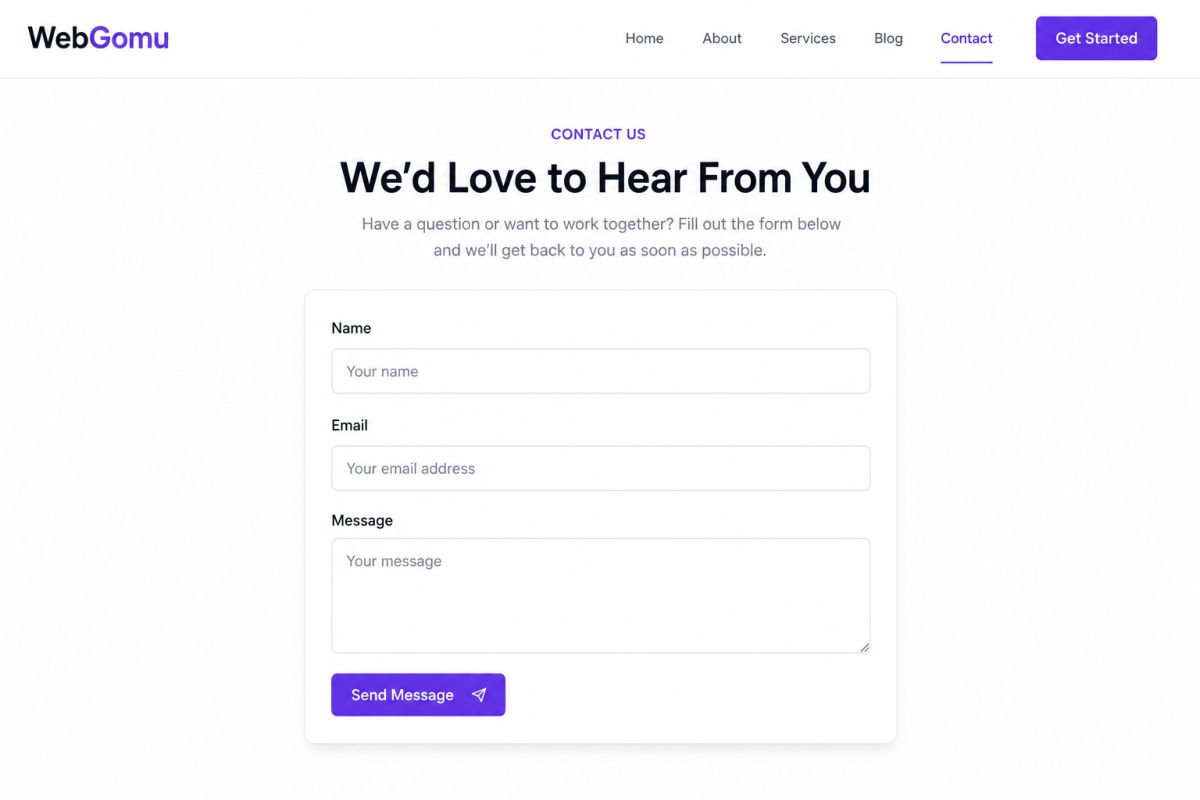
Make it as easy as possible for a visitor to reach you. At minimum, include a simple contact form with a few fields (name, email, message), and optionally an email address, social links, or business hours if relevant.
See our upcoming guide on building a contact form for the exact plugin setup — for now, know that this page should exist before launch, even if it’s simple.
4. Privacy Policy Page
Often forgotten, but genuinely important. If your site uses analytics, comment forms, contact forms, or any tool that collects visitor data (which is almost every WordPress site), you need a Privacy Policy page explaining what’s collected and how it’s used.
WordPress actually makes this easier than expected — under Settings → Privacy, you can generate a draft Privacy Policy page automatically, which you should then review and customize rather than publishing as-is.
WebGomu Tip: Don’t treat the Privacy Policy as an afterthought you’ll “get to later.” Set it up during your initial site build, even in basic form — it’s far easier to do now than to retroactively figure out what data your growing list of plugins has been collecting.
Optional But Common: Additional Pages
Depending on your site type, you may also want:
- Services or Products page — if you’re running a business site
- Blog page — a dedicated page showing your latest posts, separate from your homepage
- FAQ page — useful if you get repeated questions from visitors or customers
These aren’t required for launch, but are worth planning for as your site grows.
How to Set These Up in WordPress
- Go to Pages → Add New in your dashboard.
- Create each page (Home, About, Contact, Privacy Policy) with a clear title.
- Under Settings → Reading, set your Home page to display your new “Home” page instead of your latest blog posts, if you want a dedicated homepage layout.
- Add these pages to your site’s main menu so visitors can actually find them — see our guide on setting up menus and navigation for the full walkthrough.
Common Mistakes
- Launching without a Contact page, leaving visitors no way to reach you.
- Skipping the Privacy Policy entirely, which can create compliance issues once you’re collecting any visitor data.
- Writing an About page that’s all business jargon instead of an actual introduction to who you are.
- Forgetting to add new pages to the site menu, so they technically exist but nobody can find them.
Recommended Tools
- WordPress’s built-in Privacy Policy generator — under Settings → Privacy, a genuinely useful starting draft
- A simple contact form plugin — needed to make your Contact page functional (covered in our upcoming contact form guide)
Key Takeaways
- Home, About, Contact, and Privacy Policy are the essential four pages for any new site.
- Each page has a specific job — don’t skip any of them before launch.
- WordPress’s built-in Privacy Policy generator is a solid starting point.
- New pages need to be added to your site menu to actually be discoverable.
Frequently Asked Questions
Do I really need a Privacy Policy page for a small blog?
Yes, in most cases. Even basic tools like analytics or comment sections collect visitor data, which typically requires disclosure depending on your location and audience.
Can my homepage and blog page be the same page?
Yes, that’s a common and valid setup, especially for pure blogs. Business sites often prefer a dedicated static homepage with a separate blog page.
What should I avoid putting on my About page?
Avoid overly corporate language or vague mission statements that don’t actually explain who you are or what you do. Specific and personal beats generic every time.
How many fields should my contact form have?
Keep it minimal — Name, Email, and Message is enough for most sites. Every additional field reduces the chance a visitor completes the form.
Do I need all these pages before I launch my site?
Home, About, Contact, and Privacy Policy are worth having in place before launch. Additional pages like Services or FAQ can be added as your site grows.
Resources Links
Author:

Christoper Enolpe
Founder of WebGomu • WordPress Freelancer with 10+ Years of Experience
Christoper is the founder of WebGomu and a WordPress freelancer with over 10 years of hands-on experience building, optimizing, and maintaining WordPress websites. He writes practical, beginner-friendly guides based on real-world experience, covering WordPress, SEO, website performance, and AI tools to help readers build better websites with confidence.
Learn more: https://webgomu.com/about/
Get one WordPress tip every week
Start Here

The Ultimate Beginner’s Guide to WordPress (2026): Build Your First Website Without Coding
Popular Guides
Our Partner

More from the blog
7 Best Free WordPress Themes for Personal Blogs (2026)
How to Create a Service Business Website on WordPress