Best WordPress Caching Plugins Compared (2026)

The right caching plugin depends more on your server type than any feature comparison. If your host runs LiteSpeed, LiteSpeed Cache is the clear, free choice, its server-level caching architecture regularly delivers under 150ms Time to First Byte, something PHP-based plugins can’t match. On standard Apache or Nginx servers, WP Rocket is the most polished paid option (plug-and-play, no configuration needed), while WP Fastest Cache and WP Super Cache are solid free alternatives. One detailed industry report analyzing 5.7 million real pageviews found cached pages averaged 106ms TTFB versus 723ms uncached, a 7x difference from this single change alone.
Before You Start
Find out what web server your host runs (LiteSpeed, Apache, or Nginx) before choosing a plugin, this genuinely determines which option performs best for you. Check your hosting control panel or ask your host directly. See our beginner speed guide for the broader picture if you haven’t covered the fundamentals yet.
Nearly every “speed up your WordPress site” guide says the same thing: install a caching plugin. That’s genuinely correct, caching is one of the highest-impact fixes available, but which specific plugin to install depends heavily on details most generic advice skips entirely. This guide covers exactly that.
What You’ll Learn
- Why your server type should decide your caching plugin choice, not feature lists alone
- How the leading free and paid options actually compare
- A WooCommerce-specific setting that matters more than people expect
- Which option fits your specific situation
Step 1: Check Your Server Type First
This single detail matters more than any other factor in choosing a caching plugin. LiteSpeed Cache performs at a fundamentally different level specifically on LiteSpeed servers, caching at the server level rather than within WordPress itself. On a standard Apache or Nginx server, that same plugin performs closer to any other free option, losing its primary advantage entirely.
Comparing the Leading Options
| Plugin | Best For | Price |
|---|---|---|
| LiteSpeed Cache | Sites specifically hosted on LiteSpeed servers | Free |
| WP Rocket | Plug-and-play performance with zero configuration | ~$59/year (single site) |
| WP Fastest Cache | Free option on Apache/Nginx with native Cloudflare support | Free (premium upgrade optional) |
| WP Super Cache | Simplest, most no-frills free option | Free |
1. LiteSpeed Cache
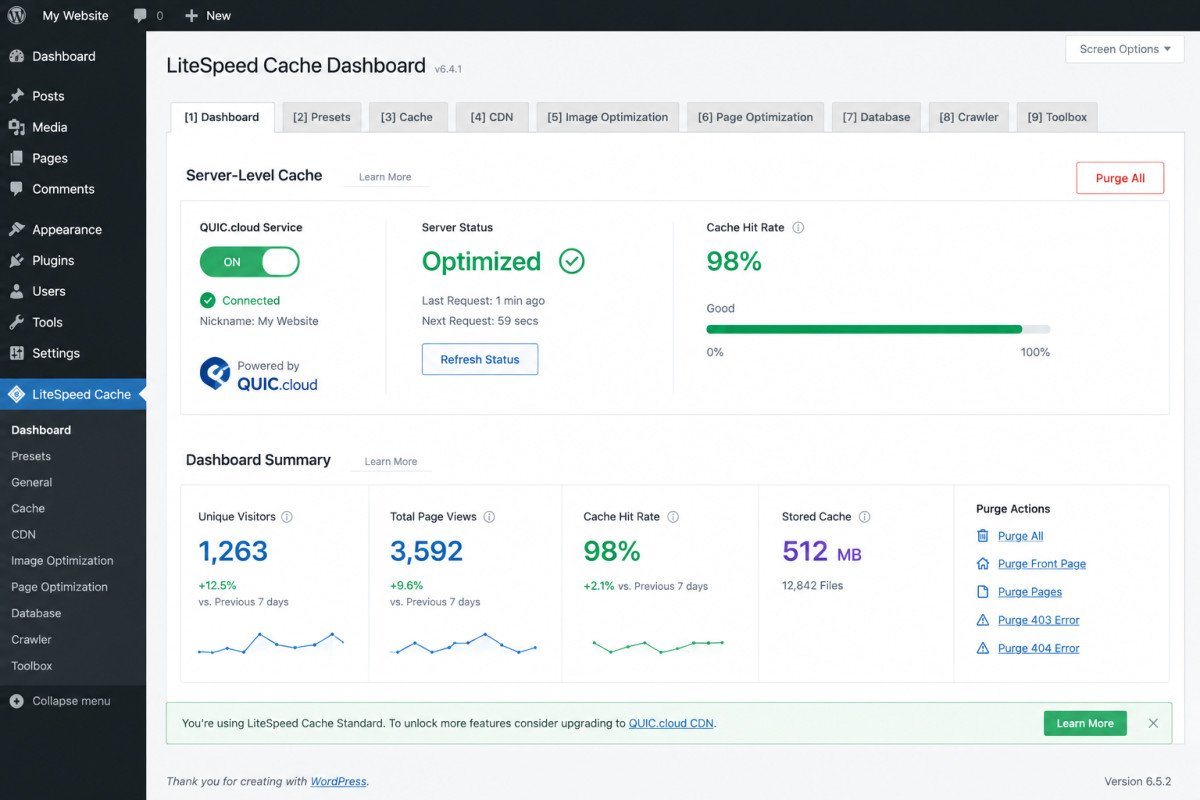
On a LiteSpeed server, this is genuinely the standout choice, and it’s free. Because it caches at the server level rather than within WordPress, it routinely delivers under 150ms Time to First Byte, sometimes under 100ms. Beyond caching, it bundles image optimization, CSS/JS minification, database cleanup, lazy loading, and CDN integration, effectively replacing several separate plugins in one package.
The honest catch: on a standard Apache or Nginx server, this same plugin loses its core architectural advantage and performs closer to other free options. Confirm your server type before assuming this is your best pick.
2. WP Rocket
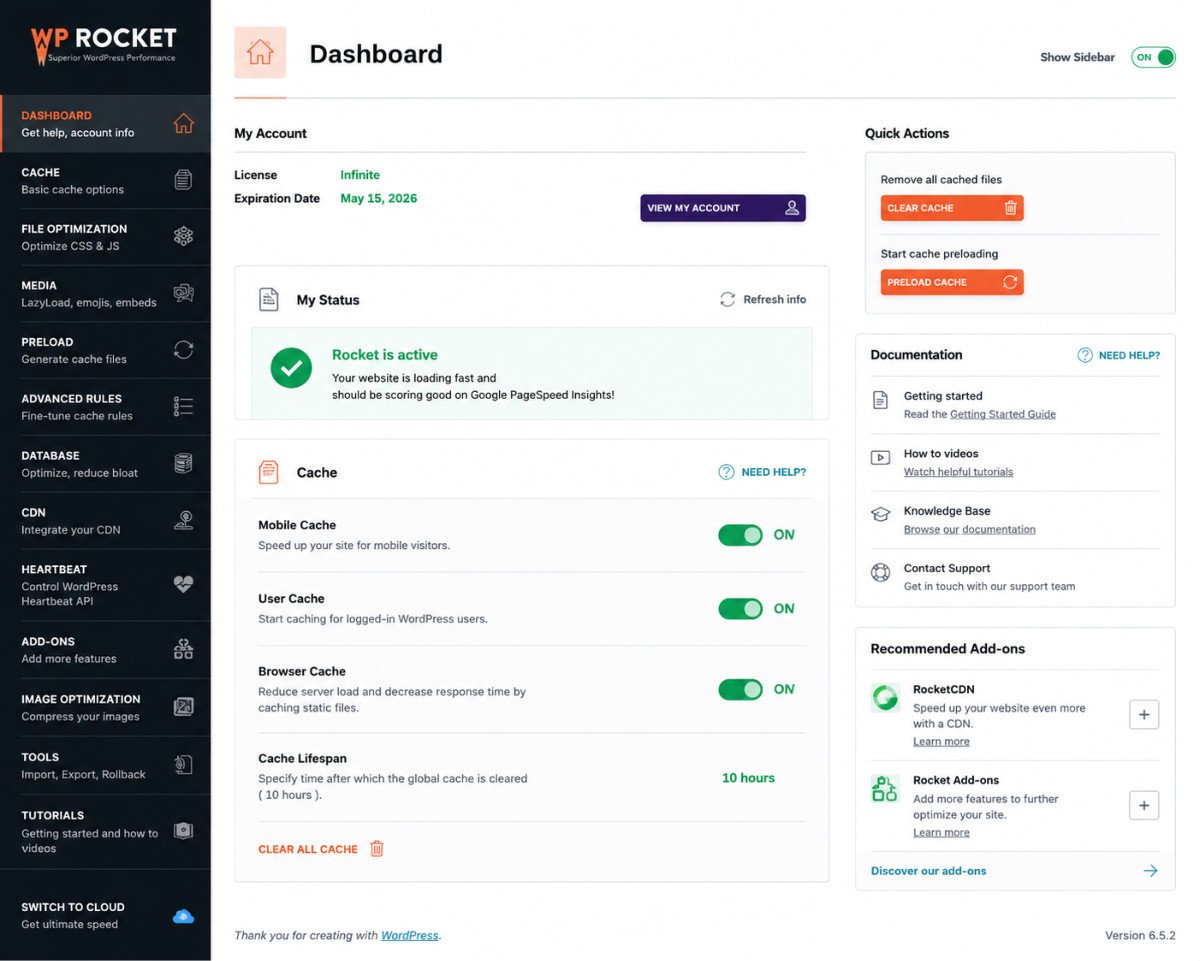
Widely considered the most polished paid option, genuinely effective immediately after activation with minimal configuration required. It’s WooCommerce-compatible out of the box, automatically excluding sensitive pages like cart and checkout from caching. There’s no free version, but a 14-day money-back guarantee lets you test it risk-free.
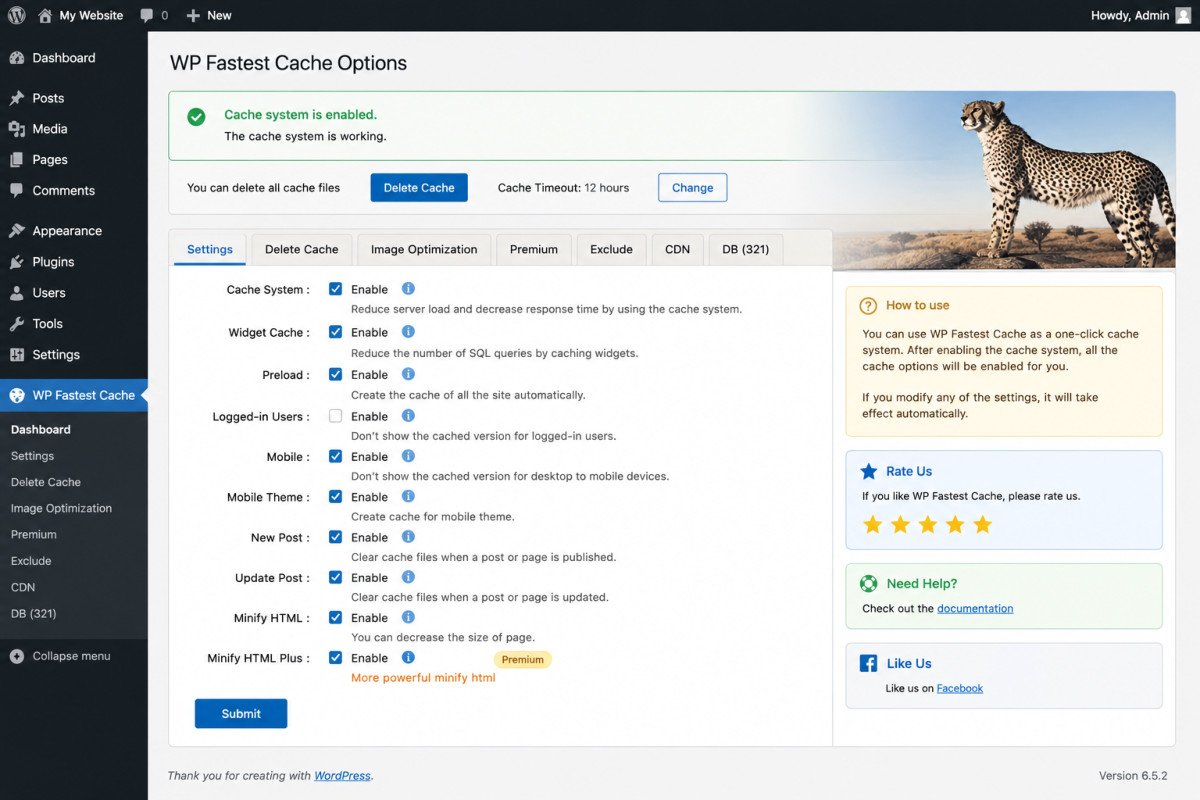
3. WP Fastest Cache
Holds the highest WordPress.org satisfaction rating among major caching plugins (4.9/5 across 4,200+ reviews). It uses a mod_rewrite delivery method that bypasses PHP entirely on Apache servers, and includes native Cloudflare integration with automatic cache purging. JavaScript minification and WebP conversion are paywalled on the premium tier.
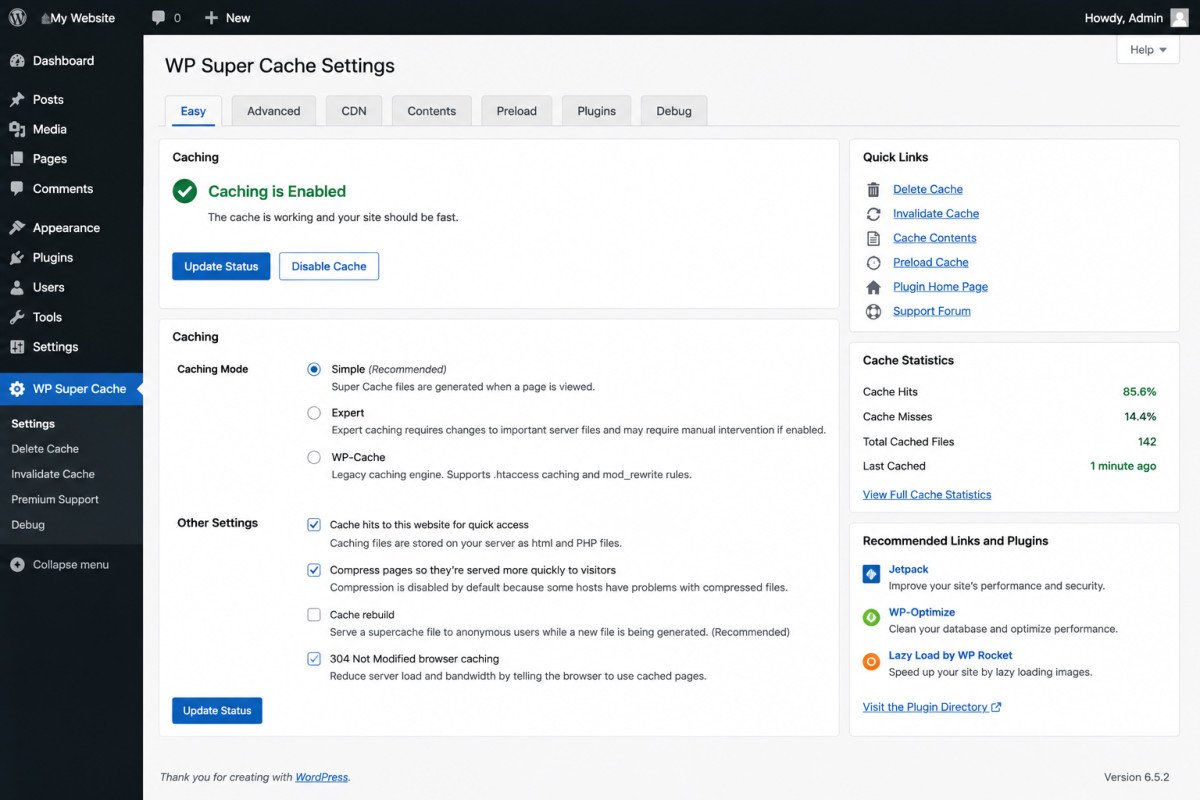
4. WP Super Cache
One of the oldest caching plugins in the WordPress ecosystem, maintained by Automattic (the company behind WordPress.com and Jetpack, a genuine trust signal). It generates static HTML files and serves those instead of running PHP on every visit. No object caching, no CDN, no image optimization, just straightforward, reliable page caching with minimal setup.
WebGomu Tip: If you’re running a WooCommerce store, specifically confirm your chosen caching plugin excludes cart, checkout, and account pages from caching by default. Caching these pages incorrectly can show customers stale cart contents or outdated account information, a real, avoidable problem covered in our WooCommerce troubleshooting guide.
Which One Should You Choose?
- Hosted on LiteSpeed: LiteSpeed Cache, no real reason to choose anything else.
- Want zero-configuration setup and don’t mind paying: WP Rocket.
- On Apache/Nginx, budget-conscious, want native Cloudflare support: WP Fastest Cache.
- Want the absolute simplest, no-frills free option: WP Super Cache.
Common Mistakes
- Installing LiteSpeed Cache without checking whether your host actually runs LiteSpeed, losing its main advantage.
- Running more than one caching plugin simultaneously, causing conflicts rather than added benefit.
- Not confirming cart and checkout pages are excluded from caching on a WooCommerce store.
- Enabling every advanced setting immediately instead of testing incrementally, some can break specific themes or plugins if misconfigured.
Key Takeaways
- Your server type should be the first factor in choosing a caching plugin, not feature comparisons alone.
- LiteSpeed Cache is the clear free choice specifically on LiteSpeed servers.
- WP Rocket offers the most polished, zero-configuration paid experience on any server type.
- WooCommerce stores need confirmed cache exclusions for cart, checkout, and account pages.
Frequently Asked Questions
Which caching plugin is best for WordPress in 2026?
It depends on your server. LiteSpeed Cache is the clear choice on LiteSpeed servers, while WP Rocket is the most polished paid option elsewhere, with WP Fastest Cache and WP Super Cache as solid free alternatives.
Does LiteSpeed Cache work on any hosting?
It installs anywhere, but its major performance advantage only applies on LiteSpeed servers specifically. On Apache or Nginx, it performs closer to other free caching plugins.
Is WP Rocket worth paying for?
For many users, yes, it’s widely considered the most polished, effective-immediately option with minimal configuration required, and it includes a 14-day money-back guarantee to test it.
Can I use two caching plugins at the same time?
No, running multiple caching plugins together typically causes conflicts rather than added benefit. Choose one and configure it properly.
Do WooCommerce stores need special caching settings?
Yes, cart, checkout, and account pages need to be excluded from caching to avoid showing customers stale cart or account information.
Resources Links
Author:

Christoper Enolpe
Founder of WebGomu • WordPress Freelancer with 10+ Years of Experience
Christoper is the founder of WebGomu and a WordPress freelancer with over 10 years of hands-on experience building, optimizing, and maintaining WordPress websites. He writes practical, beginner-friendly guides based on real-world experience, covering WordPress, SEO, website performance, and AI tools to help readers build better websites with confidence.
Learn more: https://webgomu.com/about/
Get one WordPress tip every week
Start Here

The Ultimate Beginner’s Guide to WordPress (2026): Build Your First Website Without Coding
Popular Guides
Our Partner

More from the blog

WPCode Review 2026: The Safe Way to Add Custom Code

AI Photo Editing Tools for WooCommerce Product Photos (2026)