The Ultimate WordPress Security Guide (2026)

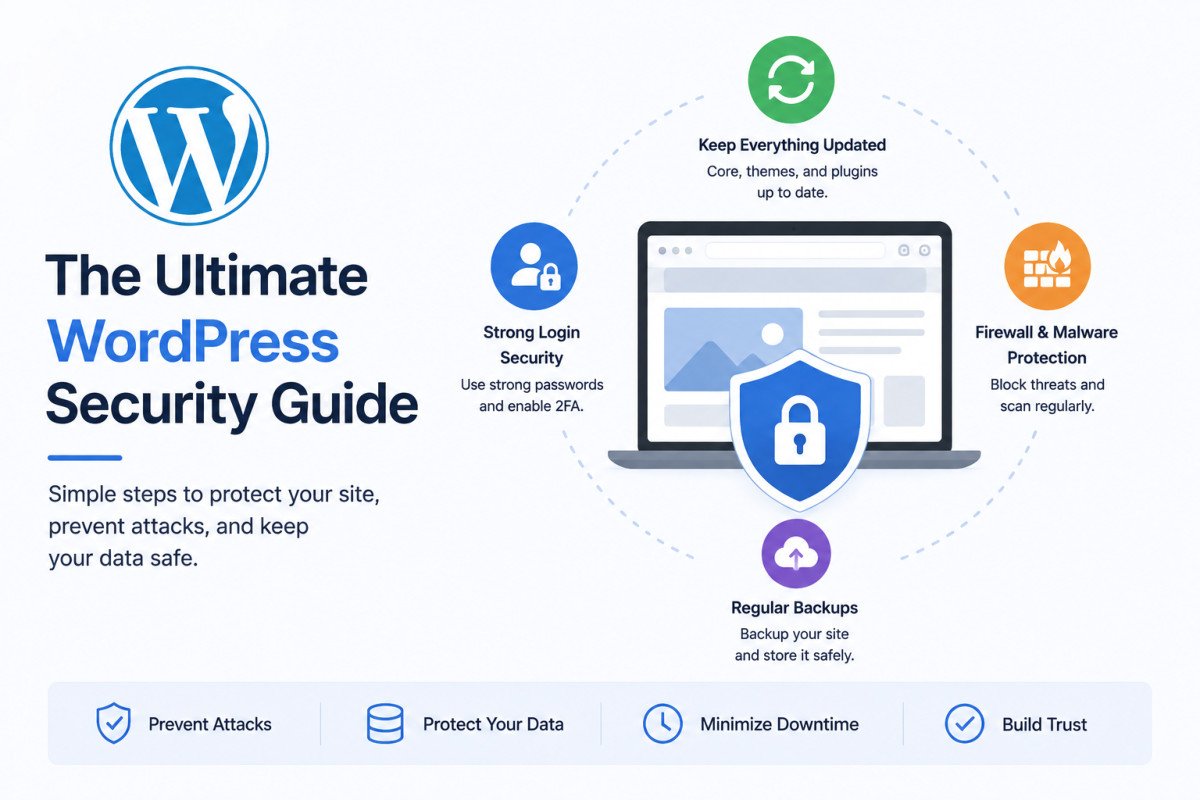
WordPress security works best as layered defense, no single plugin or setting is sufficient on its own. The core layers: keep core, plugins, and themes updated (96% of new WordPress vulnerabilities are found in plugins and themes, not core itself), harden your login with strong passwords and two-factor authentication, add a firewall and malware scanner, and maintain real, tested backups. Platform-wide, an estimated 90,000 attacks hit WordPress sites every minute, this isn’t a hypothetical risk for a niche of sites, it’s the constant background reality of running the internet’s most popular CMS.
Before You Start
This guide organizes WordPress security into clear layers, with a dedicated, deeper article linked at every step. Work through them in order, each layer is meaningful on its own, but they’re genuinely stronger combined.
Nobody sets out to build a website and then gets hacked, but plenty of site owners discover their store is quietly redirecting visitors to a gambling site, or their homepage is flagged by Google, months after the actual breach happened. WordPress security isn’t about paranoia, it’s about a handful of boring, repeatable habits that make your site meaningfully harder to compromise than the millions of others that skip them.
What You’ll Learn
- The real, current scale of the WordPress threat landscape
- The layered, defense-in-depth framework that actually works
- Which plugin fits each specific layer, with our full reviews linked
- Why no single security measure is ever sufficient on its own
Why This Matters: The Real Scale of the Threat
WordPress now powers over 43% of all websites, making it the single most targeted content management system on the internet. The numbers back that up: an estimated 90,000 attacks hit WordPress sites every minute platform-wide, Sucuri reported cleaning malware from over 60,000 WordPress sites in a single recent quarter, and 96% of new vulnerabilities are found in plugins and themes, not WordPress core itself. This last point matters most for what you actually control, your plugin choices and update habits are where your real risk lives.
The Defense-in-Depth Framework
Every credible security approach converges on the same principle: layer multiple defenses so that if one fails, another catches the problem. No single plugin, setting, or habit is a complete solution by itself.
Layer 1: Keep Everything Updated
This is the foundational layer everything else builds on. Outdated core, plugins, and themes remain the single easiest way to lose a WordPress site. See our safe update guide for the correct order and process.
Layer 2: Harden Your Login
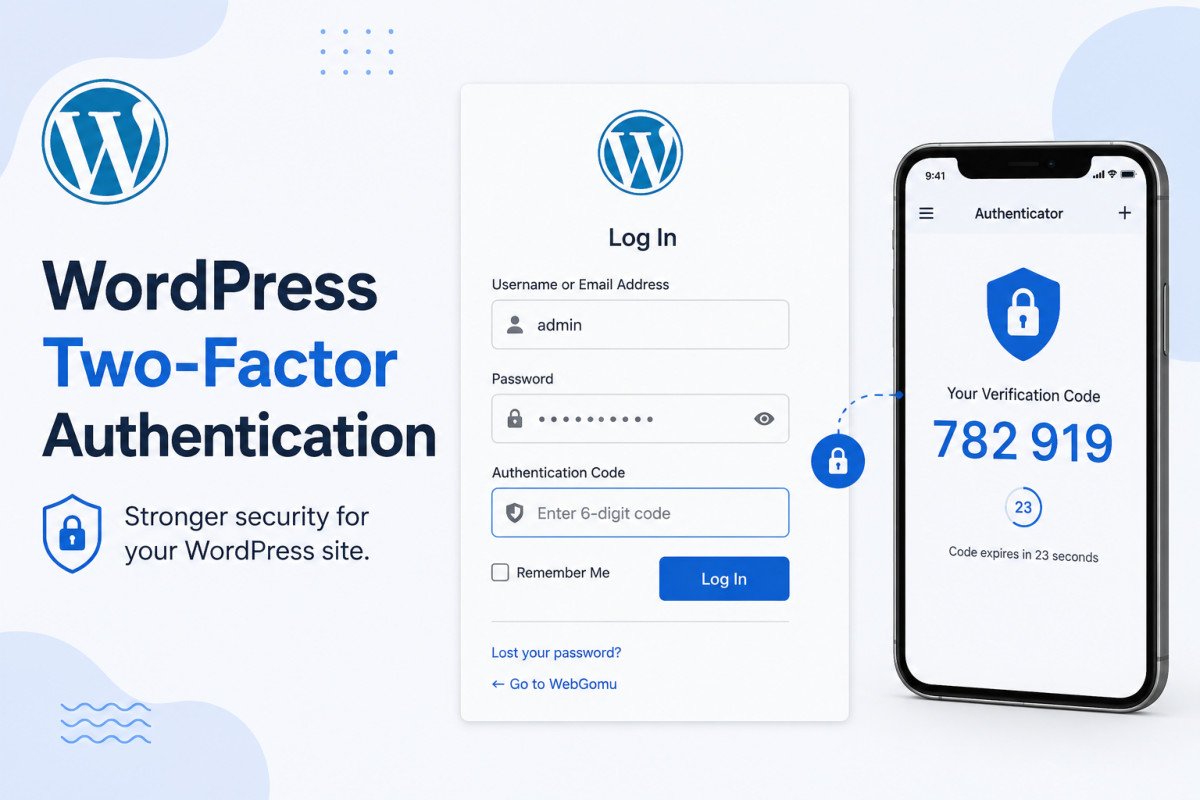
A small site sees roughly 43 brute-force login attempts daily on average, constant, automated background noise. See our two-factor authentication guide for your strongest single defense, and our broader login security guide for the full layered approach beyond 2FA alone, rate limiting, login URL masking, and CAPTCHA.
Layer 3: Install a Firewall and Malware Scanner
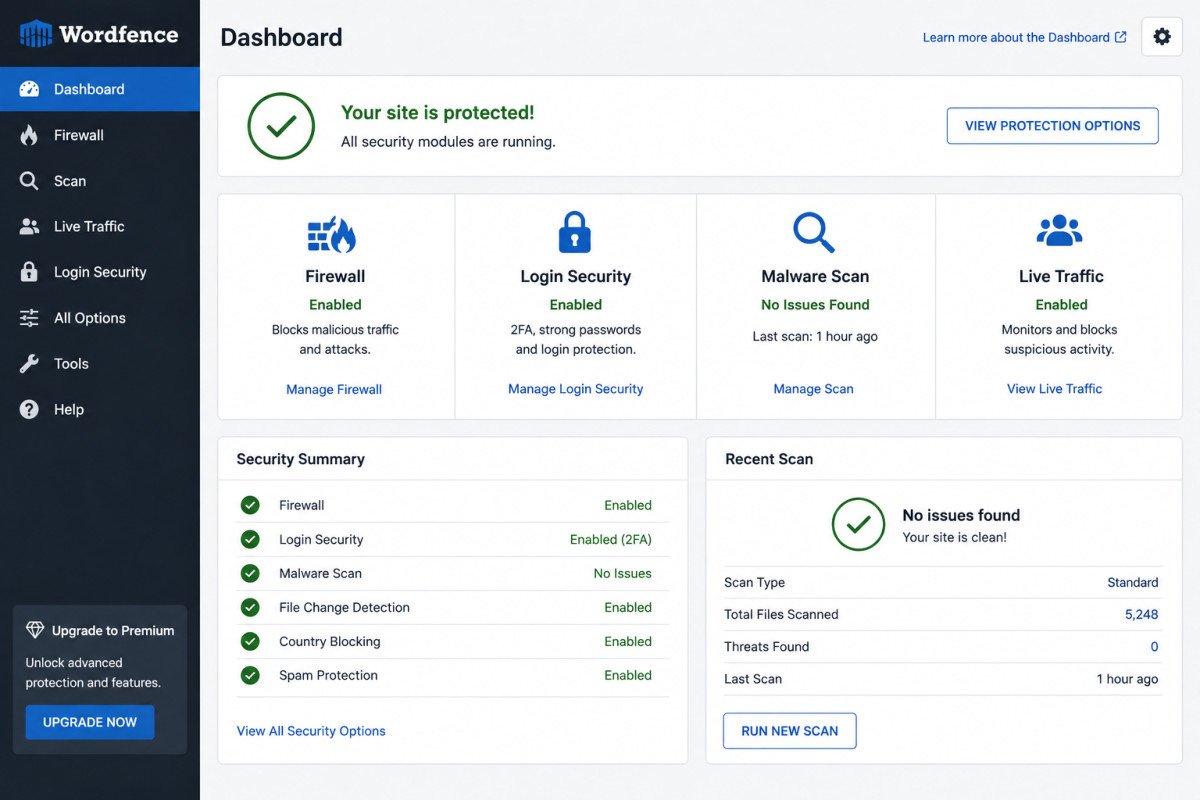
Given that most vulnerabilities live in plugins and themes, active scanning and firewall protection genuinely matter. Start with our security basics guide and roundup of the best free security plugins, then dig into our individual reviews to choose what fits your specific situation: Wordfence (strongest all-around free option), Sucuri (note: free tier excludes the firewall), Solid Security (hardening-focused, no built-in scanner), All-In-One Security (Apache-only firewall, check your server type), and MalCare (lightweight off-server scanning, cleanup is a paid feature).
Layer 4: Maintain Real, Tested Backups
Every other layer reduces risk, backups are what actually saves you when something still gets through. See our backup guide and our UpdraftPlus review, and critically, actually test a restore periodically, a backup that’s never been tested is an assumption, not a safety net.
WebGomu Tip: Pick the quickest items from this guide to implement first, enabling 2FA and confirming your backups actually work are both genuinely fast wins. Then set a reminder to revisit the full checklist in 30 days as part of your regular maintenance routine, security is an ongoing habit, not a one-time setup task.
Layer 5: Monitor and Respond
Most WordPress attacks aren’t sophisticated, they’re automated and opportunistic, scanning for known vulnerable plugins, weak passwords, and outdated software. Regular monitoring, checking scan reports, reviewing login activity, watching for unexpected changes, catches problems early, before they become a genuine incident.
Common Mistakes
- Relying on a single security plugin instead of layering updates, login hardening, scanning, and backups together.
- Assuming WordPress core is the main risk, when 96% of new vulnerabilities actually live in plugins and themes.
- Never testing whether a backup can actually be restored successfully.
- Treating security as a one-time setup task instead of an ongoing, regularly revisited habit.
Key Takeaways
- WordPress security works as layered defense, no single measure is ever sufficient alone.
- 96% of new vulnerabilities are found in plugins and themes, not WordPress core, making your plugin choices genuinely consequential.
- Updates, login hardening, a firewall/scanner, and tested backups together form the core defense-in-depth framework.
- Revisit your security setup roughly every 30 days as an ongoing habit, not a one-time project.
Frequently Asked Questions
What is the single most important WordPress security step?
There isn’t one, security works as layered defense. That said, keeping core, plugins, and themes updated is the foundational layer everything else builds on, since 96% of new vulnerabilities live specifically in plugins and themes.
How often do WordPress sites actually get attacked?
Constantly. An estimated 90,000 attacks hit WordPress sites every minute platform-wide, and even a small individual site sees roughly 43 brute-force login attempts per day on average.
Is one security plugin enough to protect my WordPress site?
Not fully. Different plugins cover different layers, hardening, scanning, firewall protection, no single tool covers everything, which is why a layered approach combining several specific defenses works better than relying on one plugin alone.
How often should I review my WordPress site’s security?
Roughly every 30 days as part of a regular maintenance routine, security is an ongoing habit, not something to configure once and forget.
What’s the biggest real risk to a WordPress site’s security?
Outdated or poorly maintained plugins and themes, 96% of new WordPress vulnerabilities are found there rather than in WordPress core itself.
Resources Links
Author:

Christoper Enolpe
Founder of WebGomu • WordPress Freelancer with 10+ Years of Experience
Christoper is the founder of WebGomu and a WordPress freelancer with over 10 years of hands-on experience building, optimizing, and maintaining WordPress websites. He writes practical, beginner-friendly guides based on real-world experience, covering WordPress, SEO, website performance, and AI tools to help readers build better websites with confidence.
Learn more: https://webgomu.com/about/
Get one WordPress tip every week
Start Here

The Ultimate Beginner’s Guide to WordPress (2026): Build Your First Website Without Coding
Popular Guides
Our Partner

More from the blog
The Ultimate WordPress Speed Optimization Guide (2026)
WordPress Login Security: The Complete Hardening Guide (2026)