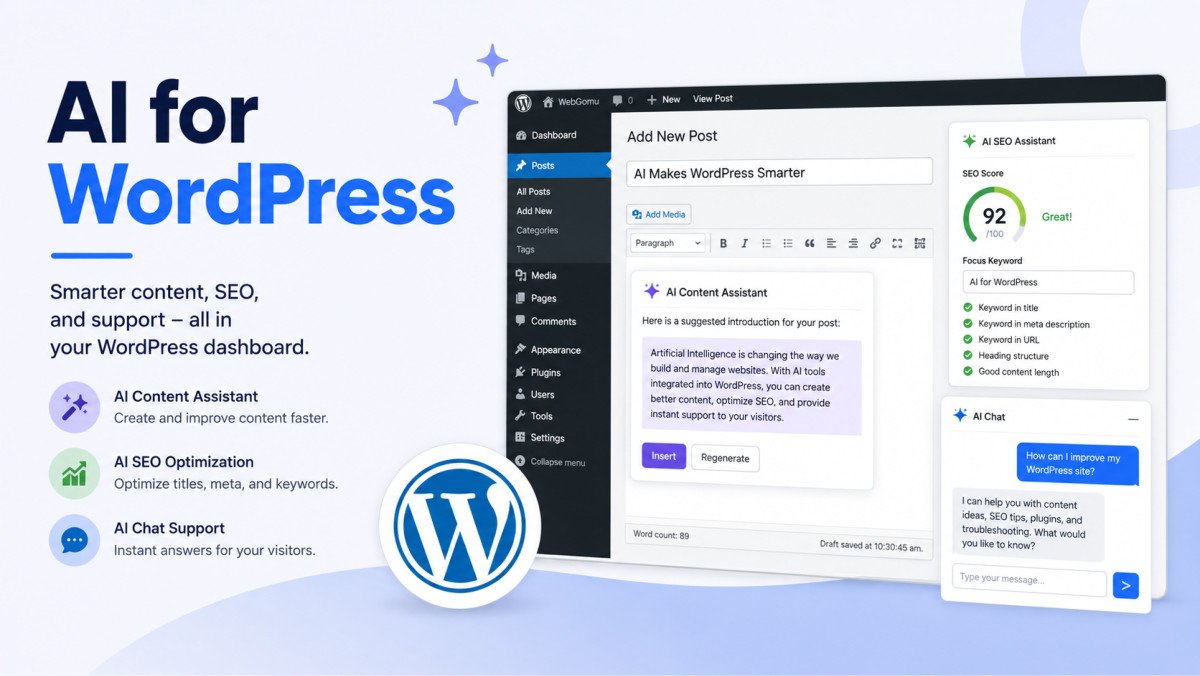
Best AI Plugins for WordPress (2026)

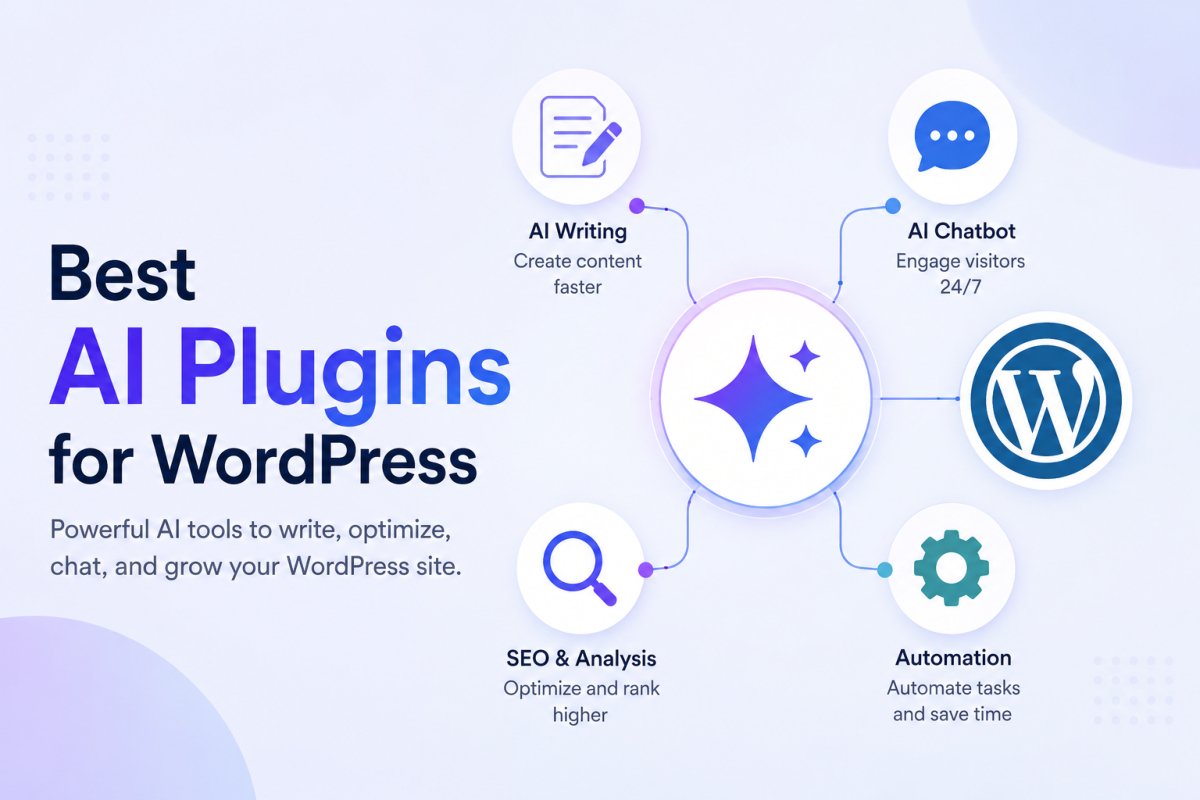
The best AI plugin for WordPress depends entirely on what you’re trying to solve, content writing, SEO, customer support, automation, forms, spam filtering, or translation, not one universal winner. Start with the specific problem, not the trend. Also worth knowing before choosing any of them: most AI plugins now use a bring-your-own-API-key model, meaning the plugin itself may be free or low-cost, but you pay the AI provider (OpenAI, Anthropic, or similar) separately based on actual usage.
Before You Start
Make sure you have the following in place first:
- A clear, specific task you actually want AI to help with, see our intro guide to using AI with WordPress if you haven’t identified one yet
- Awareness that many tools require a separate AI provider account and API key, budget for potential usage-based costs
The AI plugin market has genuinely exploded, dozens of tools claiming to be essential. Most beginners don’t need ten of them. This guide organizes the best options by actual use case, so you can pick the one or two that solve your real problem, not install everything and hope something sticks.
What You’ll Learn
- The best AI plugin for each major use case: content, SEO, support, automation, forms, and more
- Why the “bring-your-own-API-key” pricing model matters for your budget
- How WordPress 7.0’s Abilities API affects which plugins are worth choosing
- How to avoid installing more AI tools than you actually need
Quick Comparison by Use Case
| Use Case | Recommended Plugin | Pricing Model |
|---|---|---|
| Content writing | Jetpack AI Assistant or AI Engine | Included tier / bring-your-own-API-key |
| SEO | Rank Math (built-in AI features) | Free, included with existing setup |
| Customer support | Tidio | Free tier, paid tiers for advanced AI agent features |
| Automation | Bit Flows | Free tier, paid for advanced workflows |
| Forms | WPForms (AI form builder) | Included in paid tiers |
| Spam filtering | Akismet | Free for personal sites |
Content Writing: Jetpack AI Assistant or AI Engine
Jetpack AI Assistant brings content generation directly into the native WordPress editor, no separate dashboard, no real learning curve, genuinely low-friction if you’re already using other Jetpack features (like the social auto-posting covered in our automation guide).
AI Engine is frequently cited as offering the best overall value for content writing and image generation combined, using the bring-your-own-API-key model, you connect your own OpenAI or similar account rather than paying a separate plugin subscription on top.
SEO: Rank Math’s Built-In AI Features
If you’re already using Rank Math (see our setup guide), its AI features, keyword suggestions and writing analysis, are already available to you, no additional plugin required. Rank Math’s free version remains comprehensive enough that most users genuinely never need a separate AI SEO tool on top of it.
Customer Support: Tidio
Tidio combines live chat with an AI agent (called Lyro) capable of automatically answering common visitor questions around the clock. Setup is straightforward, and it integrates cleanly with WordPress without heavy configuration.
WebGomu Tip: Before installing any chatbot, revisit the privacy note from our AI intro guide. Chatbots collect and process visitor conversations, real personal data, worth reviewing the specific tool’s data handling practices and your own privacy policy before turning one on.
Automation: Bit Flows
Bit Flows adds AI-powered workflow automation directly inside WordPress, connecting multiple apps and automating multi-step processes. It’s a genuinely capable alternative or complement to the trigger-action automation tools covered in our automation guide.
Forms: WPForms’ AI Form Builder
WPForms‘ conversational AI builder lets you describe a form in plain language and generates a fully working form from that description, a genuine time-saver if you’re building anything more complex than a basic contact form. See our contact form guide for the standard setup if you don’t need the AI builder specifically.
Spam Filtering: Akismet
Akismet remains the most widely used spam-filter plugin for WordPress, using machine learning to catch spam comments and form submissions with minimal manual moderation required. It’s a low-controversy, foundational pick, genuinely useful regardless of your other AI tool choices.
Translation: TranslatePress
If you’re running a multilingual site, TranslatePress uses AI-powered translation to handle multiple languages without needing separate content built manually for each one.
Checking WordPress 7.0 Compatibility
As covered in our AI intro guide, WordPress 7.0’s Abilities API lets you store AI provider credentials centrally and share them across compatible plugins. When choosing between similar tools, checking for this compatibility is worth factoring in, it means less repeated setup as you add more AI tools to your site over time.
Common Mistakes
- Installing several AI plugins covering the same use case instead of picking the one that fits best.
- Not budgeting for bring-your-own-API-key usage costs, which can add up separately from the plugin’s advertised price.
- Turning on a chatbot without reviewing its data handling practices or updating your privacy policy.
- Choosing a trendy new AI tool over an established one already integrated with plugins you’re using, like Rank Math’s built-in AI features.
Recommended Tools
- Jetpack AI Assistant — lowest-friction content writing option if you’re already using Jetpack
- Rank Math — SEO AI features already included if you’ve followed our setup guide
- Akismet — genuinely worth having regardless of your other AI choices
Key Takeaways
- Choose AI plugins by specific use case, not by installing whatever’s trending.
- Most AI plugins now use bring-your-own-API-key pricing, budget for usage costs separately from the plugin itself.
- If you’re already using Rank Math or Jetpack, check their built-in AI features before adding a new tool.
- Chatbots and support tools collect real visitor data, review privacy practices before enabling one.
Frequently Asked Questions
What is the best AI plugin for WordPress overall?
There isn’t one universal answer, it depends on your specific use case. Jetpack AI Assistant and AI Engine lead for content writing, Rank Math for SEO, Tidio for support, and Bit Flows for automation.
What does “bring-your-own-API-key” mean?
It means the plugin connects to an AI provider (like OpenAI) using your own account and API key, rather than bundling AI costs into the plugin’s price. You pay the AI provider separately based on actual usage.
Do I need a separate plugin for AI SEO features?
Not necessarily. If you’re already using Rank Math, its built-in AI features (keyword suggestions, writing analysis) are already available without installing anything additional.
Are AI chatbot plugins safe for visitor privacy?
They collect real conversation data, which requires the same privacy consideration as any other data-collecting tool. Review each plugin’s specific data handling practices and update your privacy policy accordingly.
Should I install multiple AI plugins at once?
Generally no, start with one plugin solving your most pressing specific need, rather than installing several covering overlapping use cases.
Resources Links
Author:

Christoper Enolpe
Founder of WebGomu • WordPress Freelancer with 10+ Years of Experience
Christoper is the founder of WebGomu and a WordPress freelancer with over 10 years of hands-on experience building, optimizing, and maintaining WordPress websites. He writes practical, beginner-friendly guides based on real-world experience, covering WordPress, SEO, website performance, and AI tools to help readers build better websites with confidence.
Learn more: https://webgomu.com/about/
Get one WordPress tip every week
Start Here

The Ultimate Beginner’s Guide to WordPress (2026): Build Your First Website Without Coding
Popular Guides
Our Partner

More from the blog

AI Photo Editing Tools for WooCommerce Product Photos (2026)
Best AI Content Generators for WordPress: A Comparative Review