Advanced WordPress Guide: Beyond the Basics (2026)

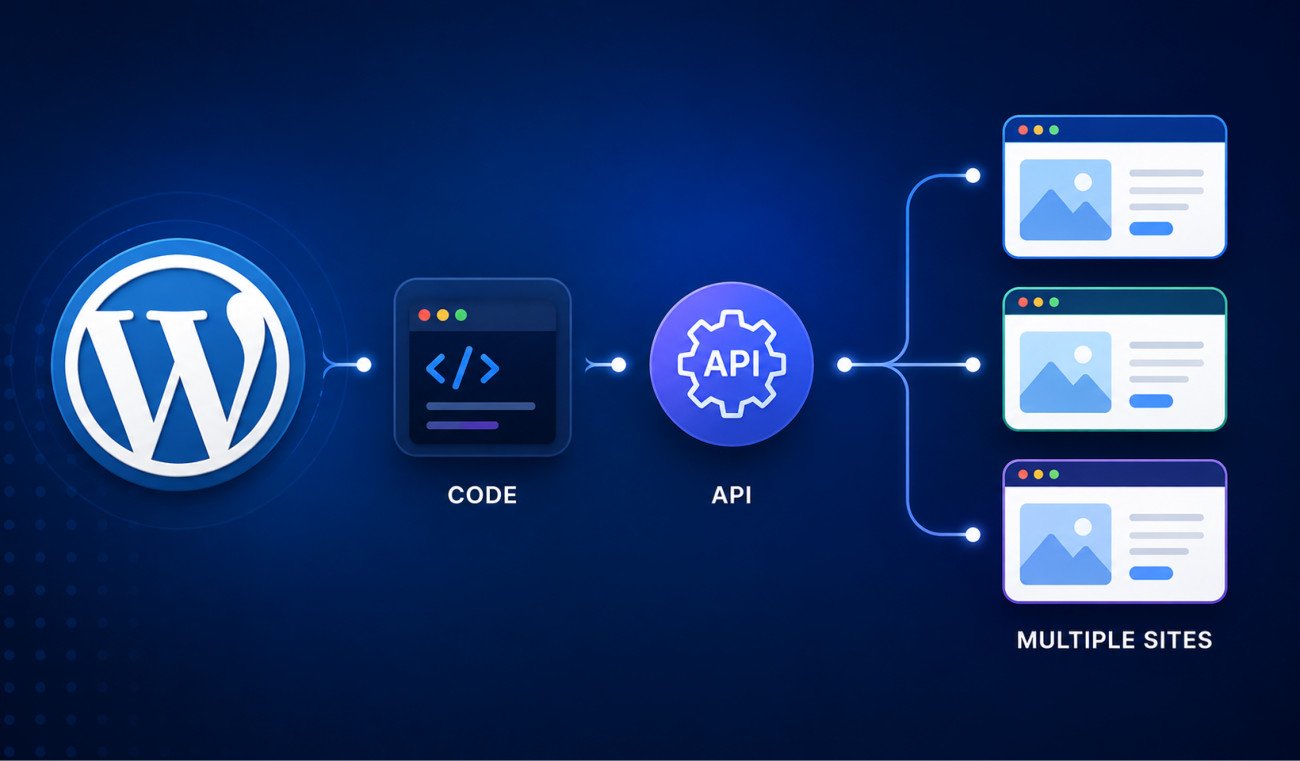
Once you’re comfortable with everyday WordPress, themes, plugins, content, there’s a genuine next tier: customizing WordPress’s actual behavior through code, connecting it to other applications, and managing it at scale across multiple sites. This guide organizes that path in order, starting with safe, beginner-accessible customization (shortcodes, custom post types, hooks), moving into how WordPress talks to the outside world (the REST API, headless setups), and finishing with managing WordPress across many sites at once (WP-CLI, Multisite, client site management). Every step links to a full, dedicated guide.
Before You Start
This guide assumes you’re already comfortable with everyday WordPress, installing plugins, managing content, choosing themes. If any of that still feels new, our beginner’s guide is the right starting point instead.
There’s a real, specific moment in every WordPress user’s journey where the dashboard stops feeling like the whole story, where you start wondering what’s actually happening when you click Save, or whether there’s a way to do something no plugin quite offers. This guide is built for exactly that moment.
What You’ll Learn
- Who this corner of WebGomu is genuinely built for
- A clear, ordered path through customization, connectivity, and scale
- Where to start based on what you’re actually trying to do
Who This Is For
Worth being honest upfront: this is genuinely different territory from the rest of WebGomu. Everything here assumes some comfort reading code, or a real willingness to learn it, and a few guides specifically require terminal or command-line comfort. If you’re not there yet, that’s completely fine, everything in our core Beginner Guide and Website Setup content remains the right foundation first.
Step 1: Safe Customization
Start here, these three build on each other and use WebGomu’s established safe pattern throughout, WPCode rather than editing theme files directly.
- Custom Shortcodes — the most accessible entry point, reusable bracketed tags that generate dynamic content
- Custom Post Types — genuinely separate content types beyond Posts and Pages, the same system behind WooCommerce’s “Products”
- Hooks: Actions vs Filters — the underlying system both of the above actually run on, actions do things, filters change things
Step 2: Connecting WordPress to the Outside World
Once customization feels comfortable, this is where WordPress stops being just a website and starts being a genuine content platform other things can talk to.
- The REST API — how WordPress exposes its content as data, the same system Gutenberg itself runs on internally
- Headless WordPress — using WordPress purely as a content backend for a separate, custom frontend
Step 3: Managing WordPress at Scale
The final tier, for anyone managing more than one site, or wanting to manage sites more efficiently than clicking through wp-admin allows.
- WP-CLI — managing WordPress from the terminal, genuinely faster for bulk, repetitive tasks
- WordPress Multisite — running a network of related sites from one installation
- Managing Multiple Client Sites — the more common approach for genuinely unrelated sites
The Safety Net Throughout
Every guide in this corner assumes the same underlying safety habit: test on a staging site before touching production, and back up before anything genuinely structural. Advanced work carries genuinely more risk than everyday WordPress use, this habit is what keeps that risk manageable.
WebGomu Tip: Don’t feel pressure to work through this entire path in order. If you have one specific problem, a client asking for a custom content type, a project needing headless architecture, jump directly to that guide. This path is a map for exploring, not a checklist you need to complete before any of it becomes useful.
Common Mistakes
- Jumping into WP-CLI or the REST API before understanding hooks, the underlying system both build on.
- Editing functions.php directly instead of using the safer WPCode pattern used throughout this entire corner.
- Testing advanced customizations directly on a live site instead of staging first.
- Choosing Multisite for genuinely unrelated sites when separate installations would serve better.
Key Takeaways
- Advanced WordPress work builds in three natural tiers: customization, connectivity, and scale.
- Shortcodes, custom post types, and hooks form the foundation everything else builds on.
- The REST API and headless setups extend WordPress beyond a traditional website.
- WP-CLI, Multisite, and client site management address running WordPress efficiently at scale.
Frequently Asked Questions
Where should I start in advanced WordPress topics?
Custom shortcodes are the most accessible entry point, they build directly into understanding custom post types and hooks, the foundation the rest of this path builds on.
Do I need to learn everything in order?
No, if a specific project needs one particular skill, jumping directly to that guide is completely reasonable. The ordered path is a map for exploring, not a strict prerequisite chain.
Is this content for developers only?
It requires genuine comfort with code, or willingness to learn it, more than the rest of WebGomu. It’s not exclusively for professional developers, but it is a real step up from everyday WordPress use.
What’s the difference between WP-CLI and Multisite?
WP-CLI is a tool for managing WordPress faster through terminal commands. Multisite is an architecture for running multiple related sites from one installation. They solve different problems and can be used together.
Should I test advanced WordPress work on my live site?
No, testing on a staging site first is a genuinely important habit throughout this entire corner, advanced customizations carry more risk than everyday WordPress use.
Resources Links
- The Ultimate Beginner’s Guide to WordPress (2026)
- How to Create a Custom WordPress Shortcode (Safely)
- How to Create Custom Post Types in WordPress
- WordPress Hooks Explained: Actions vs Filters
- WordPress REST API Explained
- WP-CLI Beginner’s Guide
- What Is Headless WordPress?
- WordPress Multisite Guide
- Managing Multiple WordPress Client Sites
Author:

Christoper Enolpe
Founder of WebGomu • WordPress Freelancer with 10+ Years of Experience
Christoper is the founder of WebGomu and a WordPress freelancer with over 10 years of hands-on experience building, optimizing, and maintaining WordPress websites. He writes practical, beginner-friendly guides based on real-world experience, covering WordPress, SEO, website performance, and AI tools to help readers build better websites with confidence.
Learn more: https://webgomu.com/about/
Get one WordPress tip every week
Start Here

The Ultimate Beginner’s Guide to WordPress (2026): Build Your First Website Without Coding
Popular Guides
Our Partner

More from the blog
How to Debug and Fix WordPress Critical Errors Safely (Without Crashing Live Sites)
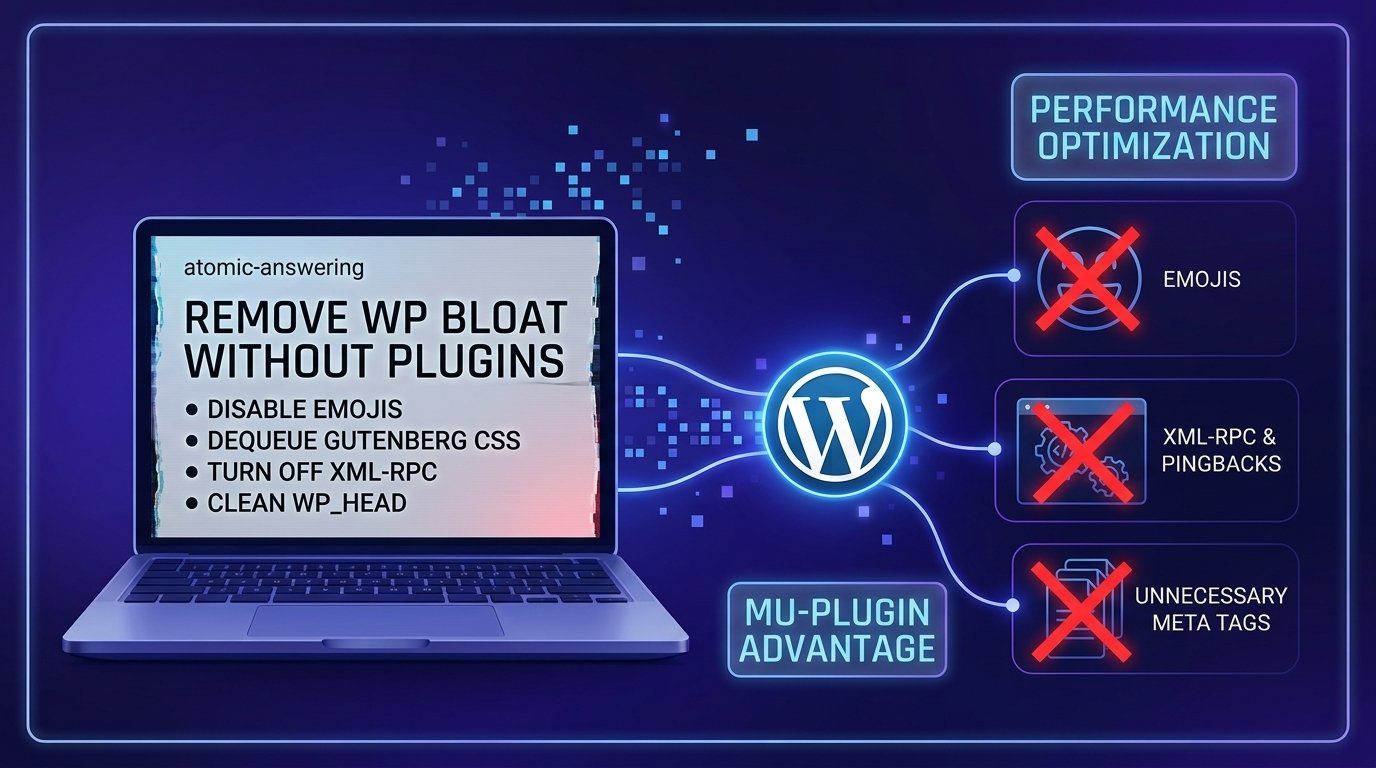
Essential PHP Snippets to Remove WordPress Bloat and Improve Speed