How to Sell Online Courses with WordPress (2026)

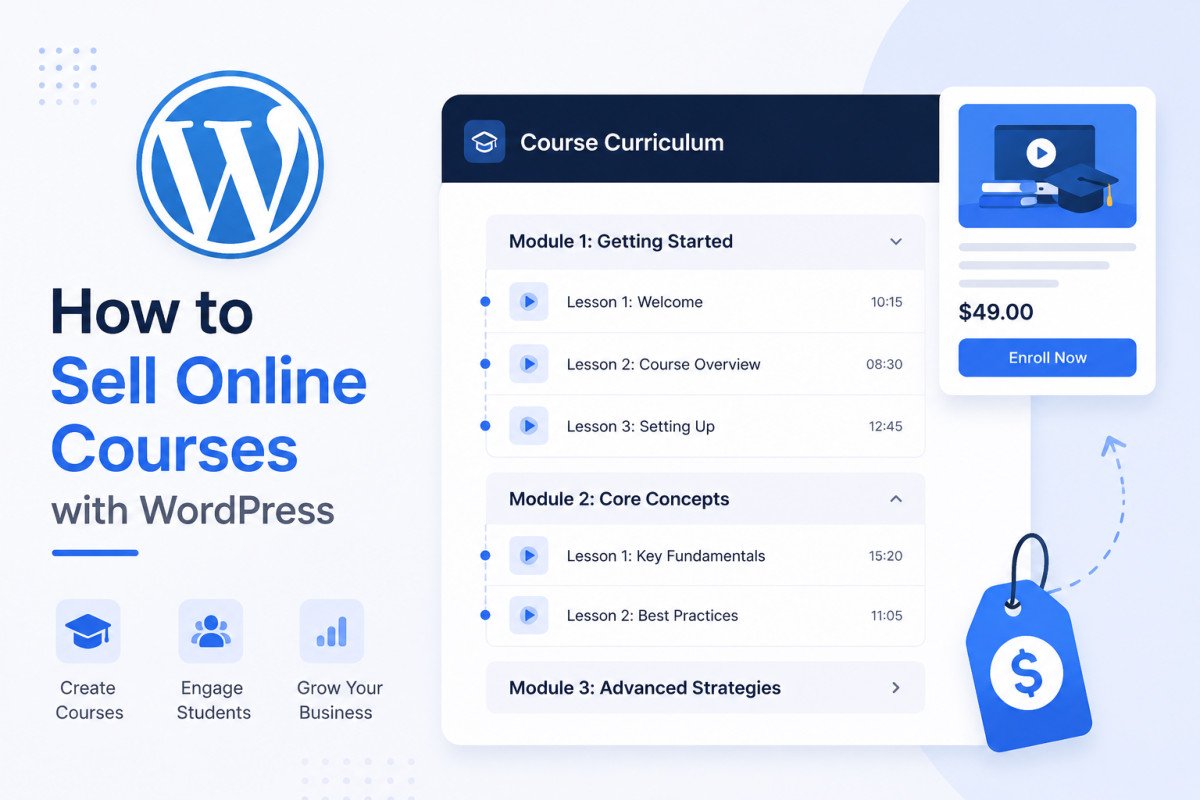
Selling online courses on WordPress requires an LMS (Learning Management System) plugin, which handles course structure, lessons, quizzes, and student progress. You can use an LMS’s own built-in checkout for simplicity, or connect it to WooCommerce for deeper ecommerce features like subscriptions and coupons. Tutor LMS is a strong starting point for most beginners, genuinely comprehensive free tier with native ecommerce built in. Before building anything, presell your course idea to validate real demand, this single step prevents the most common, costly mistake: building a full course nobody actually wants.
Before You Start
See our membership sites guide if ongoing, recurring access is more central to your idea than individual course sales, and our WooCommerce guide if you’re already running a store and want to add courses to it.
You have genuine expertise in something, and someone out there would pay to learn it from you directly rather than piecing it together from scattered free content. That’s the entire premise behind course selling, and WordPress genuinely supports building this yourself, no separate hosted course platform required.
What You’ll Learn
- The two ways to handle payment: a standalone LMS checkout versus WooCommerce integration
- How the leading LMS plugins actually compare
- A real architectural trap worth avoiding as your course business grows
- Why validating demand before building matters more than the plugin you choose
Two Ways to Sell: Standalone vs. WooCommerce
Most LMS plugins offer their own built-in checkout system, genuinely simpler and faster to set up if you don’t need advanced ecommerce features. Connecting your LMS to WooCommerce instead unlocks more flexibility: subscriptions, coupon codes, bundles, and a broader range of payment gateways, worth the extra setup step once your course business genuinely needs that depth.
Comparing the Leading LMS Plugins
| Plugin | Best For | Pricing |
|---|---|---|
| Tutor LMS | Most beginners, genuinely comprehensive free tier | Free core, native ecommerce and subscriptions built in |
| LearnPress | Lowest-cost entry point, open source | Free core |
| LifterLMS | Solid free course creation and progress tracking | Free core, paid add-ons available |
| Masteriyo | Flexible path, built-in checkout or free WooCommerce integration | Free core |
| LearnDash | Established, feature-rich, fully premium | No free tier |
Tutor LMS is generally the best recommended starting point, a genuinely usable free tier with native ecommerce (subscriptions, memberships, order management, guest checkout) already built in, rather than requiring you to bolt on separate tools immediately.
A Real Architectural Trap Worth Avoiding
Running a genuine course business involves four distinct jobs: course and curriculum management, payment processing, student community and engagement, and recurring subscription billing. The real risk isn’t picking the “wrong” plugin, it’s stitching together three or four separate tools from different vendors to cover all four jobs, creating fragile connections between them that can quietly break whenever any one plugin ships a major update. Where possible, favor tools genuinely designed to work together, or at minimum, understand exactly which vendor is responsible for which piece before you’re several months into building on top of the stack.
Step 1: Presell Before You Build
This is the single most valuable step most guides skip. Before investing real time producing full course content, validate that people actually want it, a simple landing page describing the course with an option to reserve a spot or join a waitlist, promoted to your existing audience, tells you far more than assumptions ever will. Building a complete course nobody wants is a genuinely common, costly, and avoidable mistake.
Step 2: Outline Your Course Structure
Break your course into clear modules and individual lessons before creating any actual content. A solid outline makes production dramatically more efficient than writing and recording as you go.
Step 3: Install and Configure Your LMS Plugin
- Install your chosen LMS plugin and run its setup wizard.
- Configure your course page, business type, and checkout currency.
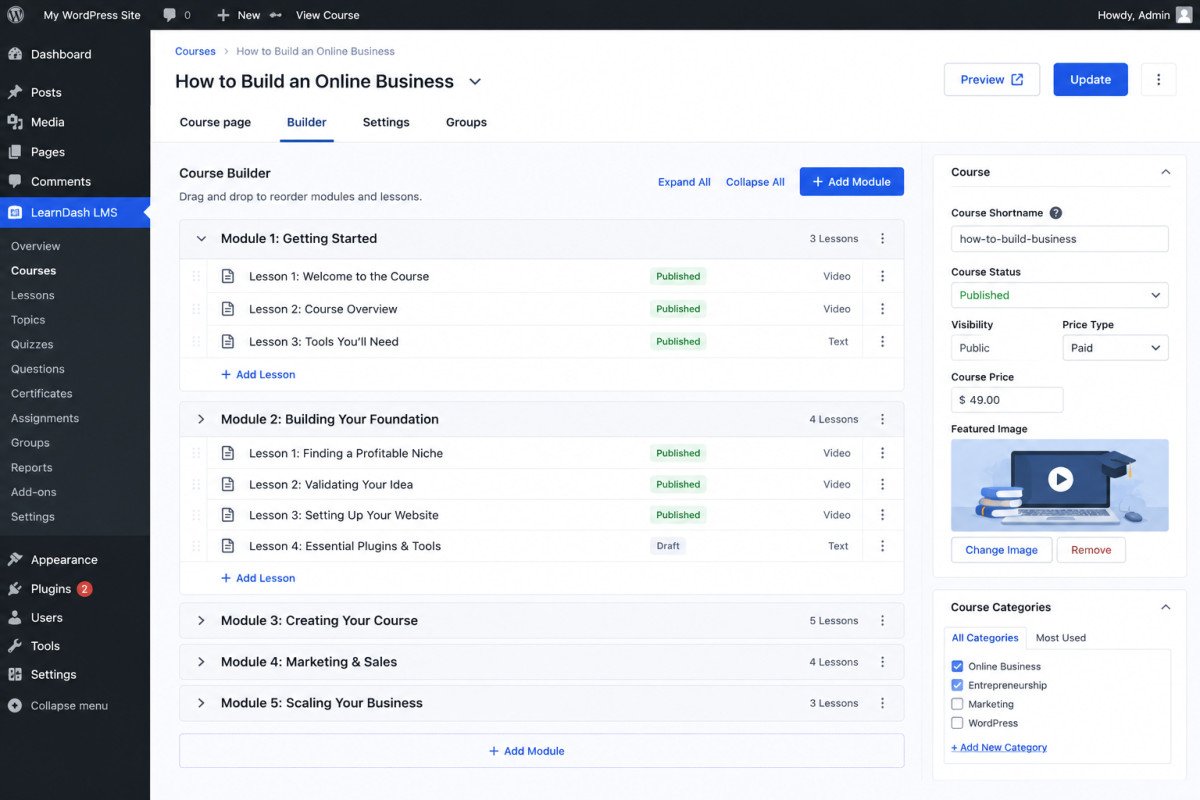
- Build your curriculum, adding sections, lessons, and quizzes as needed.
- If using WooCommerce integration, connect your course to a WooCommerce product so students can purchase through your existing store.
Step 4: Set Your Pricing Model
Decide between a one-time purchase, a subscription for ongoing access, or a bundle combining multiple courses. If offering subscriptions, plan your enrollment and unenrollment rules clearly, what happens to a student’s access if a payment fails or gets refunded.
WebGomu Tip: Start with a single, focused course rather than a large catalog. It’s genuinely easier to validate demand, gather real feedback, and refine your approach with one offering before committing to building several courses at once.
A Realistic Note on Income Expectations
Some course creators do earn substantial income, but treat any specific income figure you see in marketing material as a best-case example, not a typical outcome. Course income depends heavily on your existing audience, the genuine demand for your specific topic, and consistent promotion over time, not just publishing the course itself.
Common Mistakes
- Building a complete course before validating any real demand for it.
- Stitching together several separate vendor tools without understanding how they depend on each other.
- Choosing a fully premium plugin with no free tier before confirming your specific needs actually require it.
- Assuming a course will sell itself without ongoing, deliberate promotion.
Recommended Tools
- Tutor LMS — the strongest free starting point for most course creators
- WooCommerce — worth integrating once you need subscriptions, coupons, or broader payment gateway support, see our setup guide
Key Takeaways
- An LMS plugin handles course structure; WooCommerce integration adds deeper ecommerce features when needed.
- Tutor LMS offers the most comprehensive genuinely free starting point among leading LMS plugins.
- Avoid stitching together too many separate vendor tools, a real, common architectural risk as a course business grows.
- Presell your course idea before building it, the single highest-leverage step most guides skip entirely.
Frequently Asked Questions
Do I need WooCommerce to sell an online course on WordPress?
No, most LMS plugins include their own built-in checkout system. WooCommerce integration adds more advanced ecommerce features like subscriptions and coupons, worth it once your needs genuinely require that depth.
Which LMS plugin is best for beginners?
Tutor LMS is generally the best starting point, offering a genuinely comprehensive free tier with native ecommerce features already built in.
Should I build my full course before trying to sell it?
No, presell the idea first with a simple landing page or waitlist to validate real demand. Building a complete course before confirming anyone actually wants it is a common, costly mistake.
How much money can I realistically make selling online courses?
It varies significantly and depends heavily on your existing audience, genuine topic demand, and consistent promotion. Treat any specific high-income example you see in marketing material as a best-case scenario, not a typical outcome.
What’s the biggest risk when building a course-selling business on WordPress?
Stitching together too many separate tools from different vendors to cover course management, payments, community, and subscriptions, creating fragile connections that can break when any individual plugin updates.
Resources Links
Author:

Christoper Enolpe
Founder of WebGomu • WordPress Freelancer with 10+ Years of Experience
Christoper is the founder of WebGomu and a WordPress freelancer with over 10 years of hands-on experience building, optimizing, and maintaining WordPress websites. He writes practical, beginner-friendly guides based on real-world experience, covering WordPress, SEO, website performance, and AI tools to help readers build better websites with confidence.
Learn more: https://webgomu.com/about/
Get one WordPress tip every week
Start Here

The Ultimate Beginner’s Guide to WordPress (2026): Build Your First Website Without Coding
Popular Guides
Our Partner

More from the blog
Membership Sites on WordPress: How to Get Started (2026)
How to Sell Digital Products on WordPress Without WooCommerce