Cloudways vs SiteGround: Is Managed Hosting Worth the Extra $20?

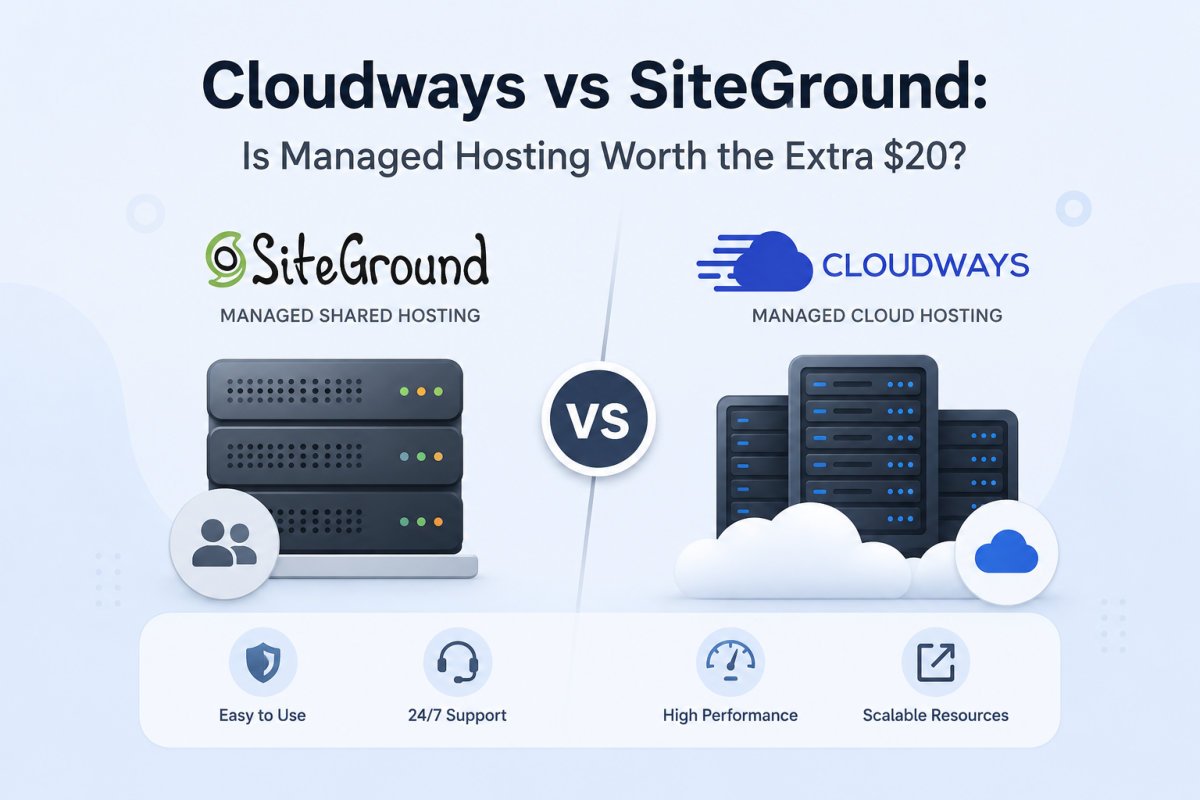
Cloudways starts around $11-14/month, noticeably more than SiteGround’s roughly $3/month intro price. But that gap narrows, and often reverses, once SiteGround’s steep renewal pricing kicks in, sometimes reaching $15-40/month depending on plan. Cloudways runs on dedicated cloud VPS infrastructure, giving more consistent performance at scale, while SiteGround’s shared hosting is genuinely easier for a true first-time beginner. The extra upfront cost is worth it once you’re scaling, managing multiple sites, or have outgrown shared hosting’s performance ceiling, not necessarily for your very first small site.
Before You Start
This comparison assumes some baseline hosting familiarity, if you’re choosing your very first host, see our general hosting guide first. This article is for readers deciding whether to stay on shared hosting or move to cloud hosting, or comparing these two specific options directly.
Cloudways and SiteGround aren’t actually direct competitors in the way price comparisons often frame them, they’re built on fundamentally different architectures. Understanding that difference matters more than comparing sticker prices alone.
What You’ll Learn
- The core architectural difference between shared and cloud hosting
- The real pricing picture, including SiteGround’s renewal jump
- Where each host genuinely wins on performance
- Who should choose which, honestly
The Fundamental Difference
SiteGround’s entry plans run on shared hosting, your site shares server resources with many other users’ sites. Cloudways runs every site on a dedicated cloud VPS (deployed on infrastructure like DigitalOcean, Vultr, or AWS), meaning your CPU, memory, and storage are exclusively yours, not affected by other sites’ traffic spikes. This architectural difference is the real reason for the price gap, and the real reason performance tends to diverge as traffic grows.
Pricing: The Full Picture
| Cloudways | SiteGround | |
|---|---|---|
| Starting price | ~$11-14/month | ~$3/month (intro) |
| Typical renewal price | Same pricing model, no steep renewal jump | ~$15-40/month depending on plan |
| Pricing structure | Pay-as-you-go, priced by server size, not per site | Fixed plans, priced with site/resource limits |
This is the detail most sticker-price comparisons miss: Cloudways doesn’t have SiteGround’s dramatic renewal cliff. Once you account for SiteGround’s actual ongoing cost after the first term, the real gap between the two narrows considerably, and at higher usage or multiple sites, Cloudways can end up costing less over time despite its higher starting price.
WebGomu Tip: Multiple independent sources specifically flag SiteGround’s renewal jump as one that catches people who don’t read the terms closely. Before comparing these two on price alone, calculate SiteGround’s actual year-two cost, not just its attractive intro rate, that’s the number that matters for a fair comparison.
Performance and Scalability
Because every Cloudways site runs on dedicated resources, performance stays more consistent and predictable as traffic grows, it isn’t affected by other sites sharing your server. SiteGround’s shared hosting performs well for smaller, lower-traffic sites, but has a real ceiling, growth eventually means either upgrading tiers or migrating to something with dedicated resources. Multiple independent comparisons have found Cloudways outperforming SiteGround meaningfully once you’re comparing at similar renewal price points, particularly for sites managing meaningful traffic or multiple properties.
Ease of Use
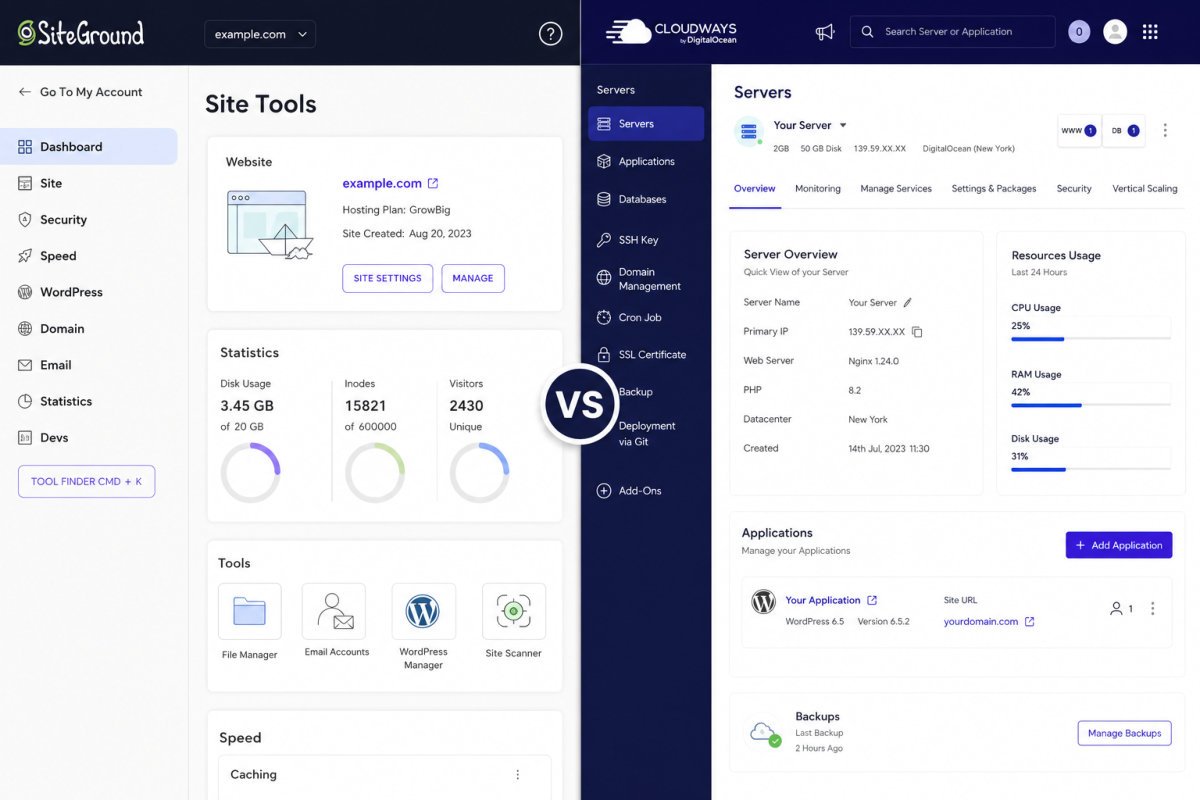
This is genuinely SiteGround‘s strongest advantage: its Site Tools panel lets you install WordPress with almost no server knowledge required, a real edge for a complete beginner. Cloudways uses its own modern control panel, more capable, but with a real (if short) learning curve, most users report getting comfortable within a short tutorial, but it’s not quite the same zero-friction experience as SiteGround’s beginner-first design.
What Each Includes (and Doesn’t)
- SiteGround includes free email hosting, Cloudways doesn’t, plan for that as a separate cost if you go with Cloudways.
- Cloudways includes a free trial, letting you test the platform before committing.
- Cloudways includes developer-oriented tools (Git, Redis, Memcached, team collaboration) that SiteGround doesn’t offer at comparable tiers.
- Both include staging environments and automated backups, though SiteGround limits staging to its mid-tier plan and above.
Who Should Choose Which
- Absolute first-time site, minimal traffic, want the simplest possible setup: SiteGround, its beginner-first design is a genuine advantage here.
- Managing multiple sites, or expecting real traffic growth: Cloudways, once you account for SiteGround’s renewal cost, the value comparison shifts meaningfully.
- Need developer-level control (Git, Redis, custom server config): Cloudways, this isn’t available on SiteGround’s comparable tiers.
- Want included email hosting without a separate cost: SiteGround has a real edge here.
Common Mistakes
- Comparing only SiteGround’s intro price against Cloudways’ starting price, without accounting for SiteGround’s steep renewal.
- Moving to Cloudways before actually needing dedicated resources, it’s genuinely more than a small, low-traffic first site needs.
- Forgetting Cloudways doesn’t include email hosting, and not budgeting for it separately.
- Assuming shared hosting is always the wrong choice, for a true beginner with modest traffic, it’s often the right one.
Recommended Tools
- SiteGround — strong choice for a genuine first site, simplest setup available
- Cloudways — worth the higher starting cost once you’re scaling, managing multiple sites, or need dedicated performance
Key Takeaways
- Cloudways runs on dedicated cloud VPS infrastructure; SiteGround’s entry plans use shared hosting.
- SiteGround’s low intro price is offset by a significantly steeper renewal jump than Cloudways’ consistent pricing.
- SiteGround is genuinely easier for a first-time beginner; Cloudways offers more consistent performance at scale.
- The “extra cost” of Cloudways narrows considerably once SiteGround’s real renewal price is factored in.
Frequently Asked Questions
Is Cloudways really more expensive than SiteGround?
At the intro price, yes. But SiteGround’s steep renewal pricing narrows or reverses that gap over time, making a full multi-year cost comparison more accurate than comparing only first-term prices.
Is Cloudways good for beginners?
It’s usable for beginners, but SiteGround’s Site Tools panel offers a genuinely simpler, more guided experience for someone with zero server hosting background.
Does Cloudways include email hosting?
No, this is a real gap compared to SiteGround, which includes free email hosting. Budget for email separately if choosing Cloudways.
Why is Cloudways faster than SiteGround at scale?
Cloudways runs every site on dedicated cloud VPS resources, not shared with other users. SiteGround’s entry plans use shared hosting, where performance can be affected by other sites on the same server.
Should a brand-new small site use Cloudways?
Not necessarily. For a first site with modest traffic, SiteGround’s shared hosting is often sufficient and simpler to manage. Cloudways becomes more valuable once you’re scaling or managing multiple sites.
Resources Links
Author:

Christoper Enolpe
Founder of WebGomu • WordPress Freelancer with 10+ Years of Experience
Christoper is the founder of WebGomu and a WordPress freelancer with over 10 years of hands-on experience building, optimizing, and maintaining WordPress websites. He writes practical, beginner-friendly guides based on real-world experience, covering WordPress, SEO, website performance, and AI tools to help readers build better websites with confidence.
Learn more: https://webgomu.com/about/
Get one WordPress tip every week
Start Here

The Ultimate Beginner’s Guide to WordPress (2026): Build Your First Website Without Coding
Popular Guides
Our Partner

More from the blog

WPCode Review 2026: The Safe Way to Add Custom Code

AI Photo Editing Tools for WooCommerce Product Photos (2026)