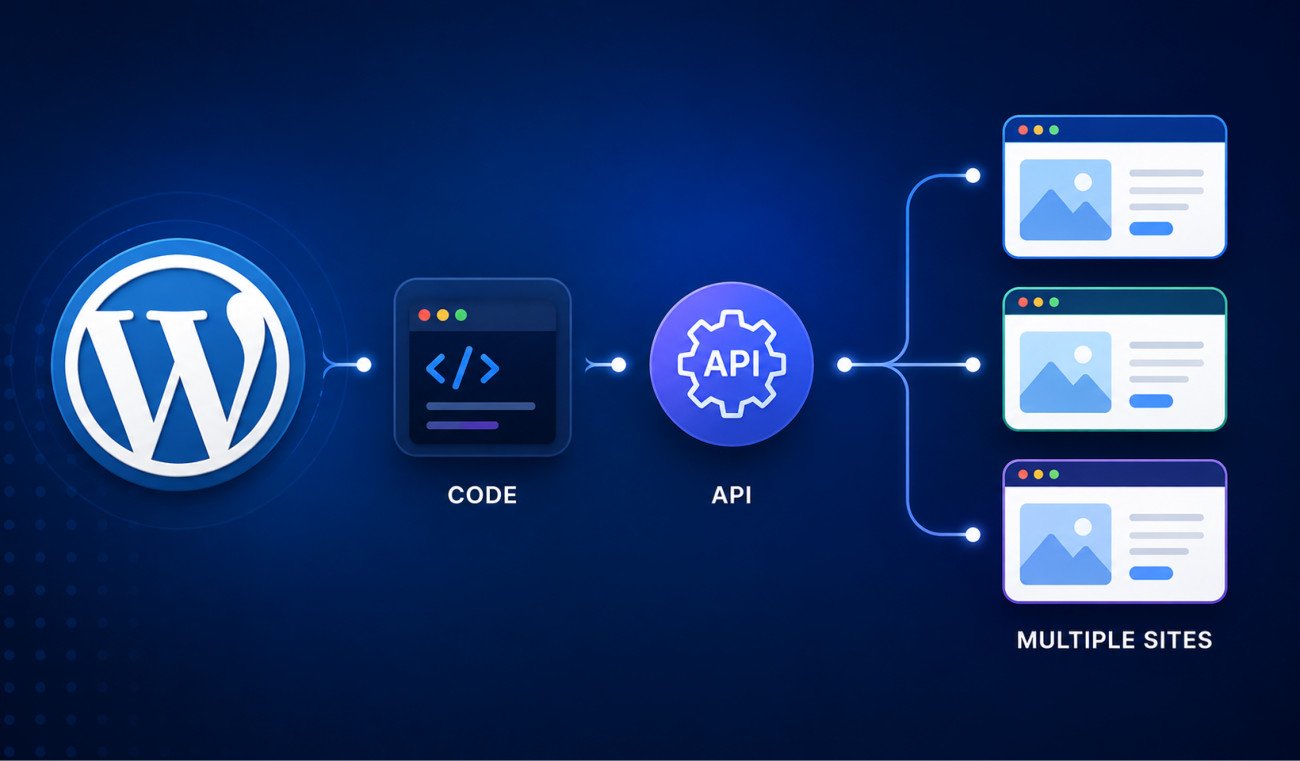
How to Choose a Domain Name for Your Website

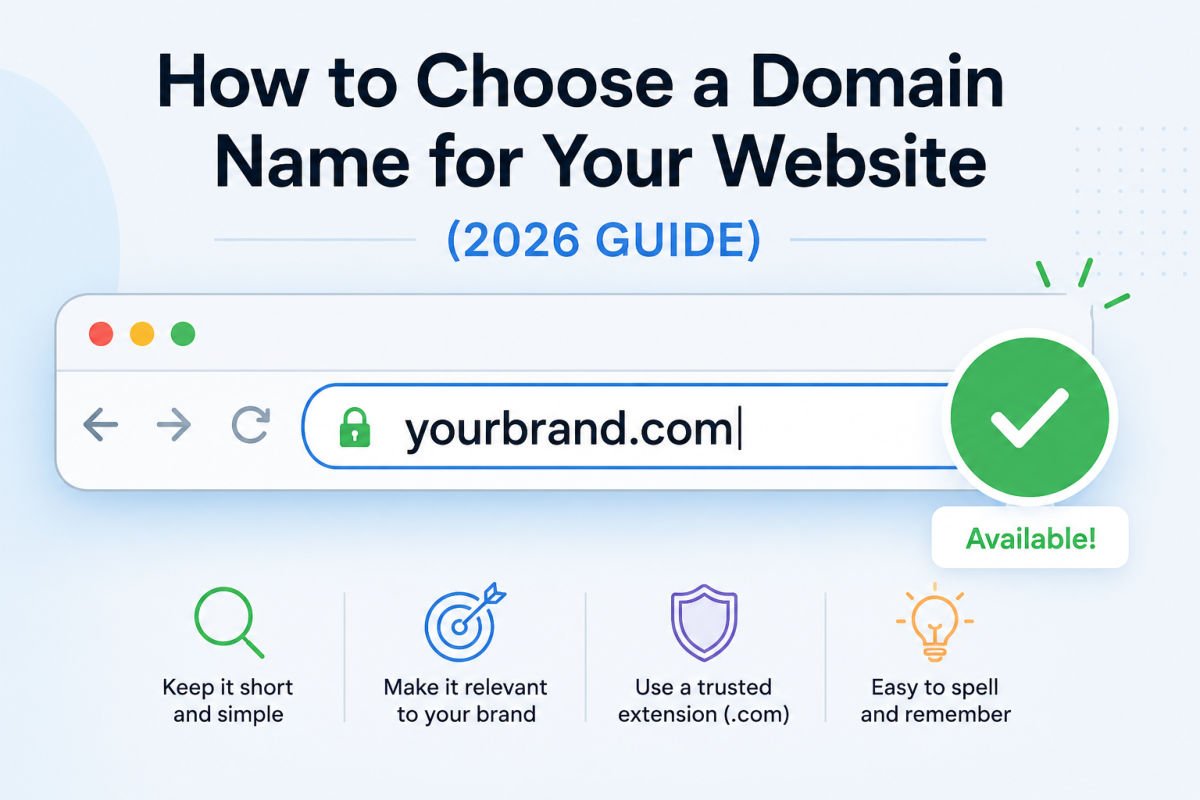
Choosing a domain name feels like a huge decision because it’s something you’ll likely keep for years. The good news is that you don’t need the “perfect” domain—you just need one that’s easy for people to remember, trust, and type correctly.
In this guide, you’ll learn exactly how to choose a domain name, avoid the mistakes most beginners make, and confidently register your website name today.
Quick Decision Framework
Choose a .com domain if possible if you’re building a business website, blog, or portfolio.
Use your brand name first instead of stuffing keywords into the domain.
Avoid hyphens, numbers, and unusual spellings because they make your website harder to remember.
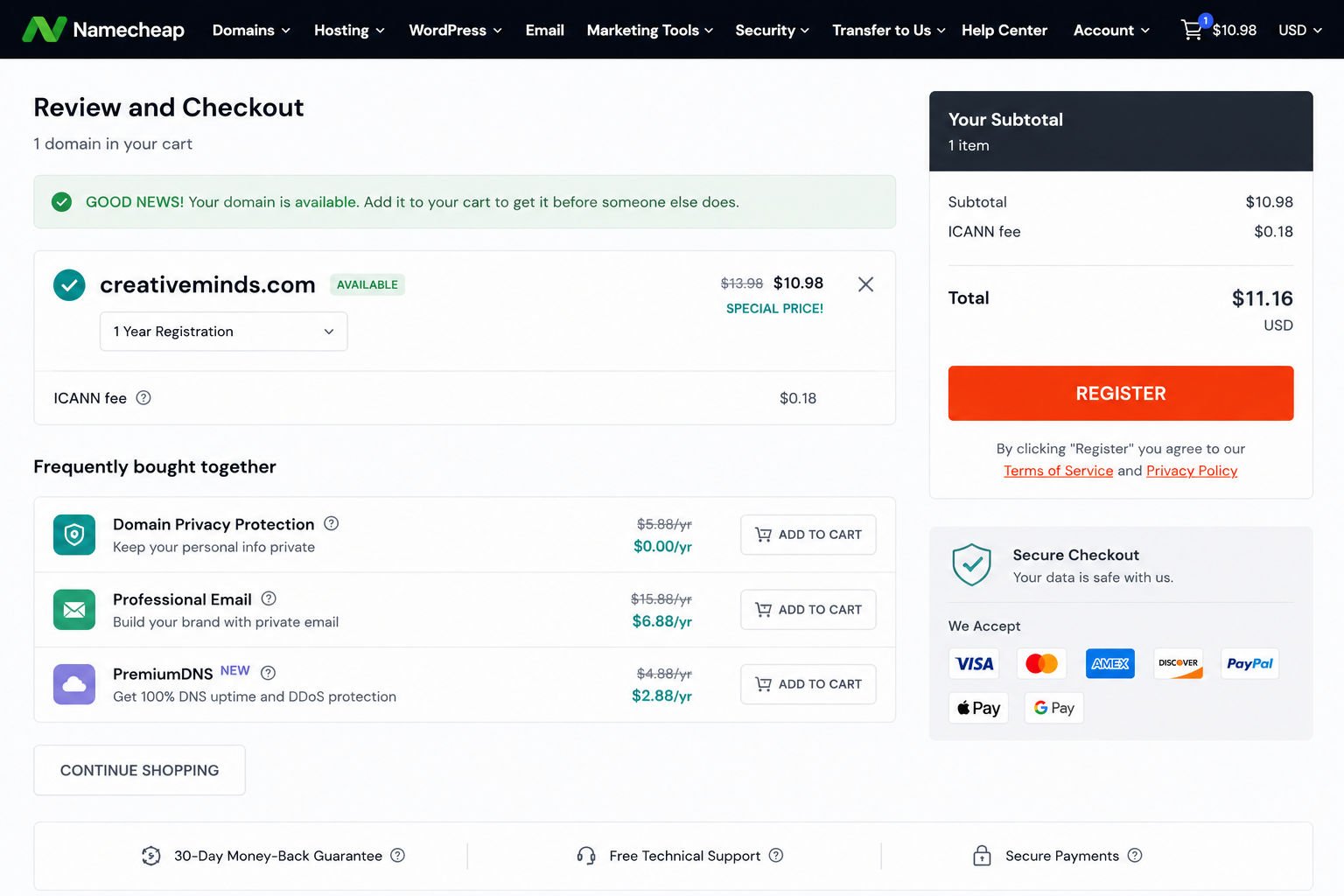
If your preferred domain is available, register it immediately. Domain names can be purchased by anyone at any time.
What You’ll Learn
- How to create a memorable domain name
- The mistakes that make visitors forget your website
- When you should use .com and when other extensions make sense
- How to check availability before someone else buys it
- What to do if your ideal domain name is already taken
Step 1: Start With Your Brand Instead of Keywords
Many beginners think they need to include lots of keywords in their domain name to rank on Google.
Years ago, domains like bestcheapwordpresshosting.com were common. Today, branding matters far more than stuffing keywords into a URL.
Instead, ask yourself:
- What do I want people to remember?
- Will this name still make sense five years from now?
- Can my website expand into new topics later?
If you already have a business name, use that first.
If you’re starting a new blog or business, brainstorm a few words related to your niche, values, or personality and combine them naturally.
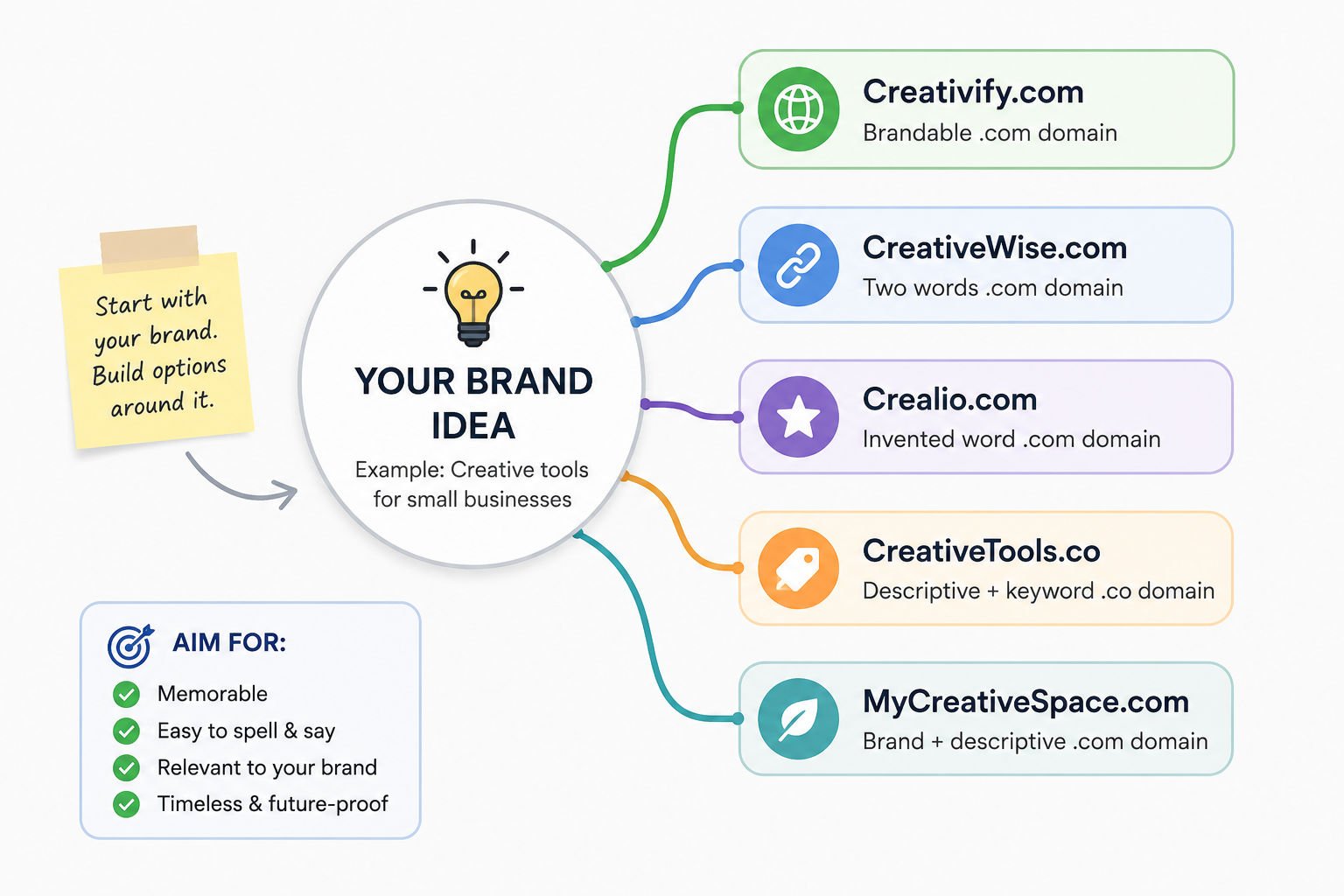
WebGomu Tip: Think long-term. A name like “HealthyLivingToday” gives you much more room to grow than “KetoRecipes2026.”
Step 2: Follow the Five Golden Rules
A good domain should be easy enough that someone hears it once and remembers it later.
Use this checklist before registering.
- Keep it short. Shorter names are easier to remember, type, and share.
- Choose simple words. Avoid uncommon spellings that people are likely to mistype.
- Avoid hyphens and numbers. Visitors often forget whether the dash exists or whether you meant “2” or “two.”
- Choose .com whenever possible. It’s still the extension most people expect and trust.
- Make it easy to pronounce. If you can’t easily tell someone your website over the phone, consider another name.
WebGomu Tip: Say your domain aloud to someone. If they can spell it correctly without asking questions, you’ve chosen a strong name.
Step 3: Check Domain Availability
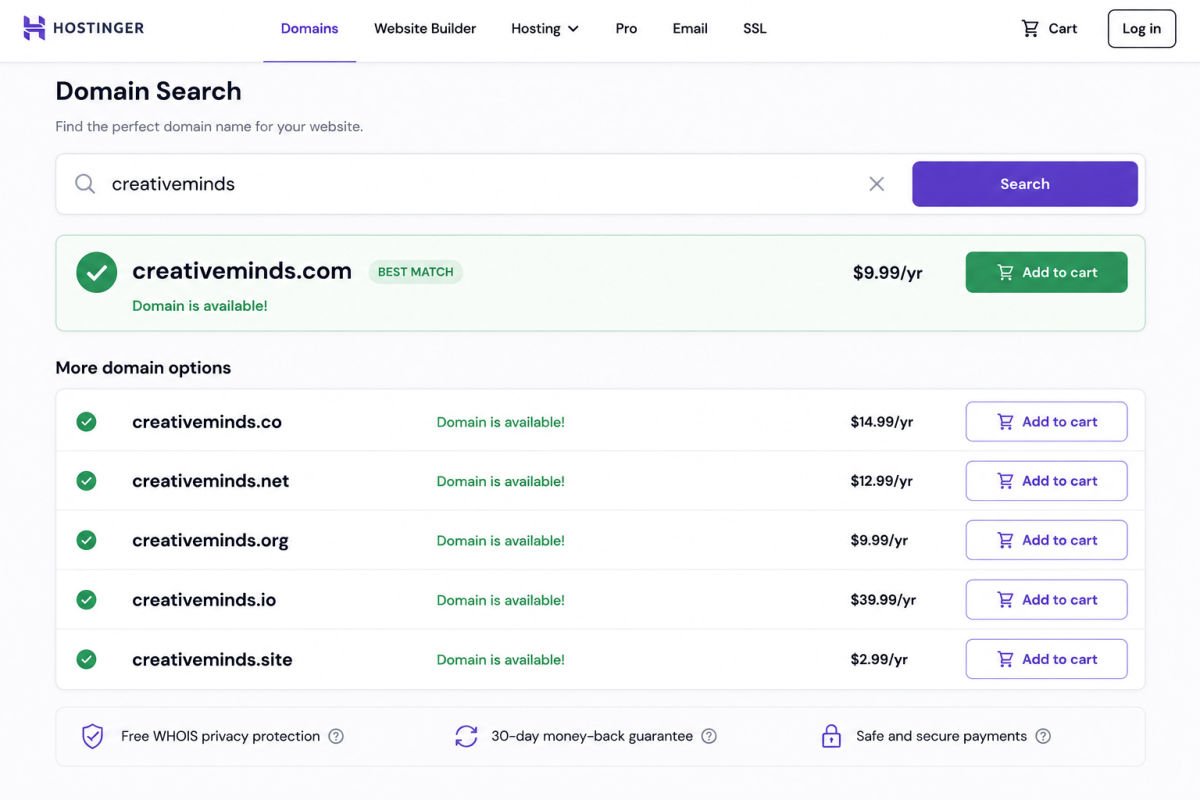
Once you have several ideas, check whether they’re available.
Most hosting companies include a free domain search tool during signup, and dedicated domain registrars let you search instantly.
If your preferred name isn’t available, try:
- Using a shorter version
- Adding a meaningful word like “studio,” “media,” or “online”
- Choosing another extension that still fits your brand
- Trying another brand variation instead of adding numbers
Step 4: Check Trademarks and Social Media
Before buying the domain, spend a few minutes making sure another company isn’t already using the same name.
Search:
- Your country’s trademark database
- YouTube
- X (Twitter)
Having the same brand name across your website and social media makes it much easier for customers to find you.
Step 5: Register Your Domain Immediately
Once you’ve found an available name that checks all the boxes, don’t wait.
Thousands of domain names are registered every day, and someone else could purchase yours before you do.
Many hosting providers include a free domain for the first year, making it convenient for beginners to register everything in one place.
Once your domain is registered, the next step is getting WordPress itself up and running, see our complete WordPress installation guide to continue.
Should You Buy Other Domain Extensions?
For most beginners, buying only the .com version is enough.
However, if you’re building a serious business or expect your brand to grow, consider purchasing:
- .net
- .org (if appropriate)
- Your country extension (such as .ph, .uk, or .ca)
This helps protect your brand from competitors or impersonators.
Common Mistakes Beginners Make
- Waiting weeks to decide. Good domains disappear quickly.
- Choosing something difficult to spell.
- Using trendy words that may feel outdated later.
- Adding hyphens or random numbers.
- Ignoring trademark searches.
- Not checking social media usernames.
- Choosing a domain that’s too specific for future growth.
Recommended Tools
- Your hosting provider’s domain search — the easiest option for beginners.
- A trusted domain registrar — ideal if you prefer managing your domain separately from hosting.
- Google Search — quickly check whether another business already uses your brand name.
- Your country’s trademark database — helps avoid potential legal issues.
Key Takeaways
- Your domain should be short, memorable, and easy to spell.
- Choose your brand over keyword stuffing.
- .com remains the safest choice for most websites.
- Always check trademarks and social media before buying.
- Register your domain immediately once it’s available.
Frequently Asked Questions
Can I change my domain name later?
Yes, but changing your domain later usually requires redirects and can temporarily affect your SEO and branding. It’s better to choose carefully from the beginning.
Is .com still important in 2026?
Yes. While many newer extensions exist, .com is still the most recognized and trusted by users worldwide.
Should my domain include keywords?
Not necessarily. Google no longer gives significant ranking advantages to keyword-rich domains. A memorable brand is usually a better long-term investment.
How much does a domain name cost?
A standard .com domain usually costs between $10 and $20 per year. Premium domain names may cost significantly more.
Can I buy a domain without hosting?
Absolutely. You can register a domain today and connect it to a hosting provider whenever you’re ready to build your website.
What’s the difference between a domain and web hosting?
A domain name is your website’s address, while web hosting stores your website files and makes them accessible online. You need both to launch a website.
Resources Links
Author:

Christoper Enolpe
Founder of WebGomu • WordPress Freelancer with 10+ Years of Experience
Christoper is the founder of WebGomu and a WordPress freelancer with over 10 years of hands-on experience building, optimizing, and maintaining WordPress websites. He writes practical, beginner-friendly guides based on real-world experience, covering WordPress, SEO, website performance, and AI tools to help readers build better websites with confidence.
Learn more: https://webgomu.com/about/
Get one WordPress tip every week
Start Here

The Ultimate Beginner’s Guide to WordPress (2026): Build Your First Website Without Coding
Popular Guides
Our Partner

More from the blog

WPCode Review 2026: The Safe Way to Add Custom Code
WordPress REST API Explained: A Beginner’s Guide (2026)