Is WordPress a CMS? A Beginner’s Explanation (2026)

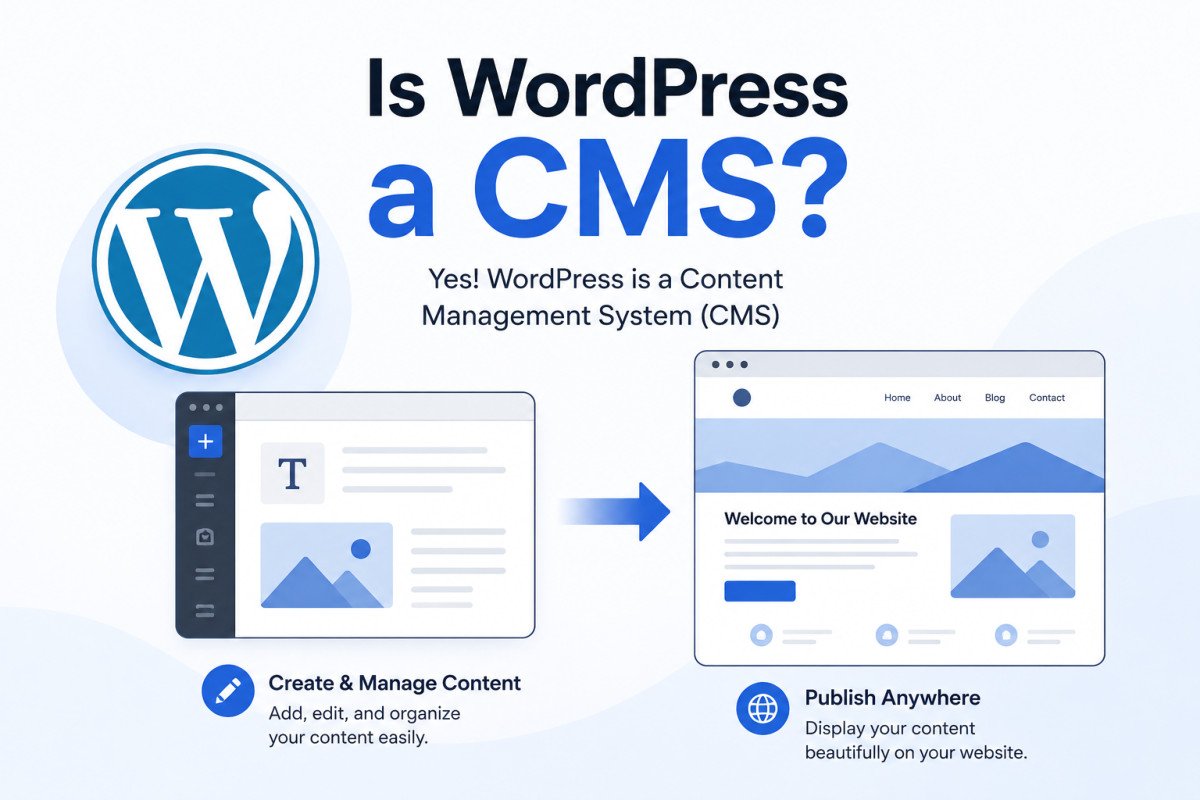
Yes, WordPress is a content management system (CMS), software that lets you create, edit, organize, and publish content on a website without writing code. WordPress handles this through two connected parts: an editing interface where you write and manage content, and a delivery system that turns that content into the actual pages visitors see. It’s the most widely used CMS in the world, powering well over 40% of all websites.
Before You Start
This is a conceptual explainer, not a setup guide. If you’re ready to actually build something, our beginner’s guide is the right next step.
“Content management system” sounds like something you’d need an IT department for, three intimidating words that promise a complicated dashboard full of settings you’ll never touch. In reality, if you’ve ever written a blog post, edited a product listing, or updated an “About” page without touching a single line of code, you’ve already used one. WordPress just happens to be the one running roughly two out of every five websites you visit.
What You’ll Learn
- What a CMS actually is, in plain English, not textbook jargon
- Why WordPress specifically qualifies as one
- What “self-hosted” really means for you as the site owner
- How WordPress compares to other CMS platforms and website builders
What Exactly Is a CMS?
A content management system has two working parts, even though you’ll only ever interact with one of them directly:
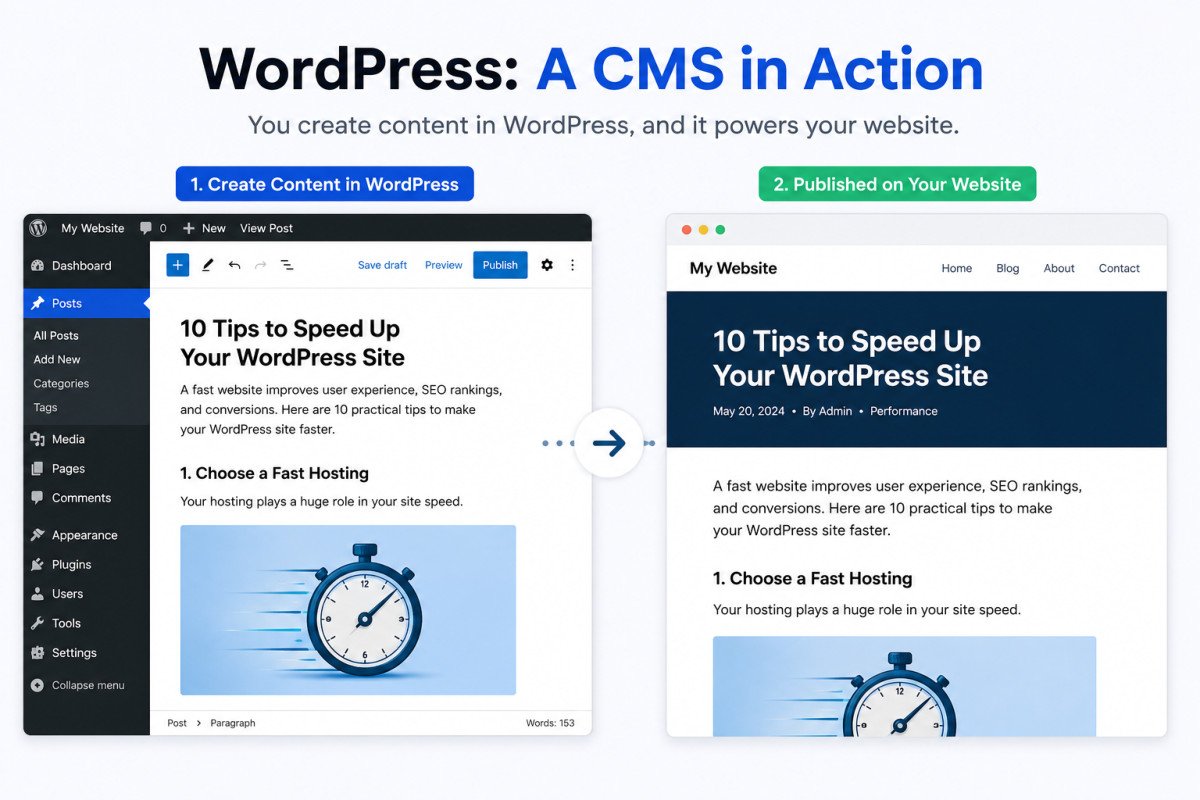
- The content management side, the interface where you actually write, edit, upload images, and organize your content. This is your WordPress dashboard, no coding required.
- The content delivery side, the behind-the-scenes system that takes what you wrote and turns it into an actual webpage a visitor’s browser can display.
Before content management systems existed, updating a website meant editing raw HTML files directly, or paying someone who could. A CMS removes that requirement entirely, you write your content, and the system handles turning it into a real, working page.
Why WordPress Qualifies as a CMS
WordPress checks every box: it lets you create and edit content through a visual interface, organizes that content in a database, supports multiple users with different permission levels, and automatically generates the pages visitors see. It started as a blogging platform in 2003, but has since evolved into a genuinely general-purpose CMS, capable of powering business sites, online stores, membership sites, and large publications, not just blogs.
What “Self-Hosted” Really Means: You Own It
This is the part beginner explanations often skip. Because WordPress.org is self-hosted, once you install it, you genuinely own your site, files, database, and content, all of it. That’s a real advantage over locked-in platforms. But it comes with real responsibility too: you’re the one choosing where it’s hosted, keeping it secure, and maintaining it over time. A CMS gives you the tools, it doesn’t manage the site for you.
WebGomu Tip: If “you own your site” sounds like a lot of responsibility, it genuinely is, but it’s also exactly why WordPress dominates the way it does. Compare that ownership against a hosted platform where the company can change pricing, features, or policies at any time, and you’re stuck with whatever they decide.
WordPress vs. Other CMS Platforms
WordPress isn’t the only CMS, Joomla and Drupal are two other well-known open-source options, generally considered more developer-oriented and less beginner-friendly than WordPress. Platforms like Wix or Squarespace are a different category entirely, closed, hosted website builders rather than self-hosted content management systems, you don’t own or control the underlying software the way you do with WordPress.
Beyond Blogging: What WordPress Actually Powers Today
Despite its blogging origins, WordPress today runs newspapers, magazines, business websites, online stores, and membership platforms. Large publishing organizations rely on it for genuinely serious editorial workflows, not just personal blogs. If you’ve been thinking of WordPress as “just for bloggers,” that hasn’t been accurate for a long time.
Common Mistakes
- Confusing WordPress.org (self-hosted, full CMS) with WordPress.com (a hosted service with real limitations), see our comparison guide for the full difference.
- Assuming “CMS” means something complicated or developer-only, WordPress specifically is built for non-technical use.
- Underestimating the ownership responsibility that comes with a self-hosted CMS, hosting, security, and updates are genuinely yours to manage.
- Treating website builders like Wix as equivalent to a CMS, they’re a fundamentally different, more limited category.
Recommended Tools
- WordPress.org — the free, self-hosted CMS this entire site is built around teaching
- Our hosting guide — since a self-hosted CMS means choosing your own hosting
Key Takeaways
- A CMS lets you create and publish content without writing code, WordPress is the most widely used one in the world.
- WordPress has two working parts: the editor you use, and the delivery system that builds the actual pages.
- Because WordPress is self-hosted, you genuinely own your site, along with the responsibility of hosting and maintaining it.
- WordPress today powers far more than blogs, stores, publications, and business sites all run on it.
Frequently Asked Questions
Is WordPress a CMS or a website builder?
A CMS. Website builders like Wix are closed, hosted platforms where you don’t own the underlying software. WordPress is self-hosted, open-source software you genuinely own and control.
Is WordPress a CMS or a framework?
Primarily a CMS. It can be extended and used more like a framework for custom development, but for the vast majority of users, it functions as a complete, ready-to-use content management system.
Do I need to know how to code to use WordPress as a CMS?
No, that’s the core purpose of a CMS, managing content through a visual interface without writing code. Coding knowledge only becomes relevant for custom development beyond standard use.
What other CMS platforms compete with WordPress?
Joomla and Drupal are the two other major open-source CMS platforms, both generally considered more developer-oriented and less beginner-friendly than WordPress.
Is WordPress only good for blogs?
No, despite its blogging origins, WordPress today powers business websites, online stores, membership sites, and large publications.
Resources Links
Author:

Christoper Enolpe
Founder of WebGomu • WordPress Freelancer with 10+ Years of Experience
Christoper is the founder of WebGomu and a WordPress freelancer with over 10 years of hands-on experience building, optimizing, and maintaining WordPress websites. He writes practical, beginner-friendly guides based on real-world experience, covering WordPress, SEO, website performance, and AI tools to help readers build better websites with confidence.
Learn more: https://webgomu.com/about/
Get one WordPress tip every week
Start Here

The Ultimate Beginner’s Guide to WordPress (2026): Build Your First Website Without Coding
Popular Guides
Our Partner

More from the blog

WPCode Review 2026: The Safe Way to Add Custom Code
WordPress REST API Explained: A Beginner’s Guide (2026)