Essential PHP Snippets to Remove WordPress Bloat and Improve Speed

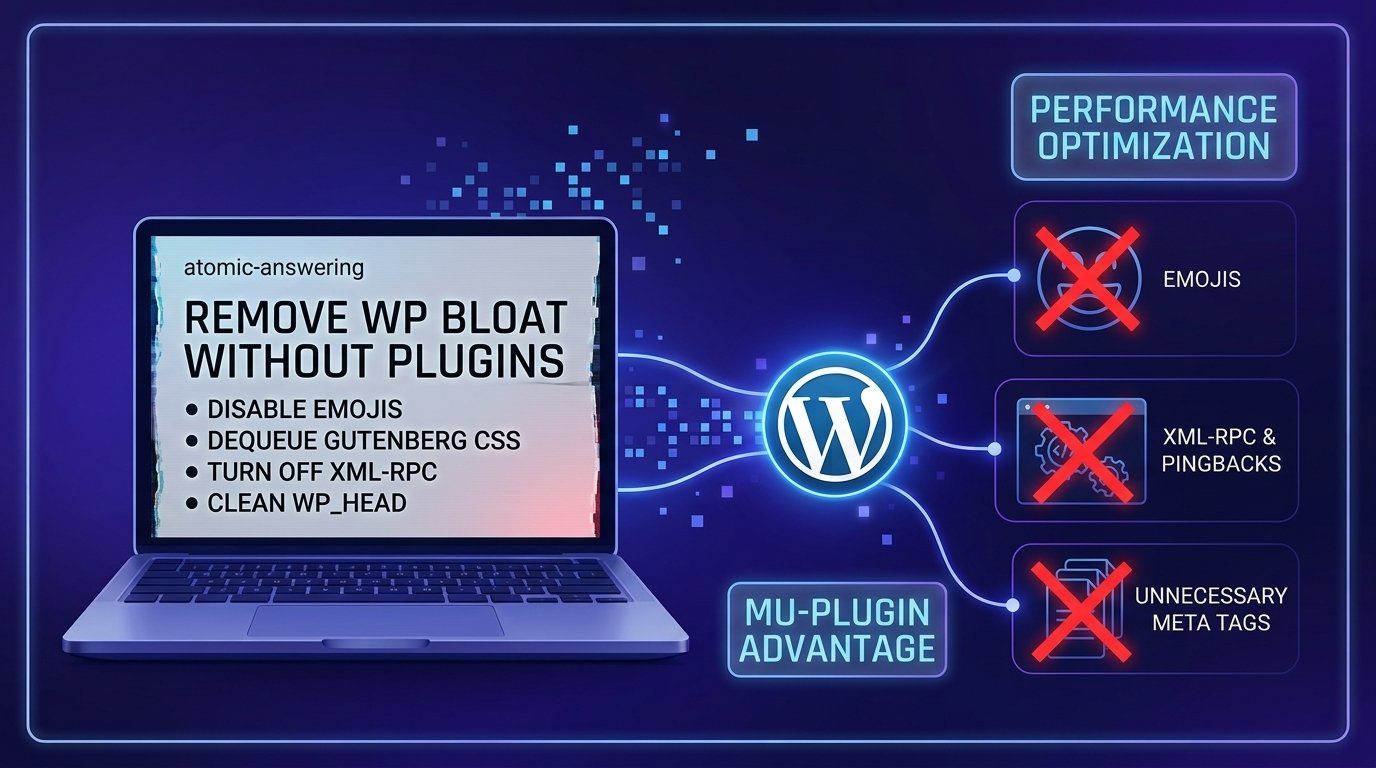
Before You Start
Make sure you have the following in place first:
- SFTP access or host File Manager access to your
/wp-content/directory - A recent full-site backup (see our complete backup guide before modifying site logic)
- Understanding of basic action and filter hooks in WordPress (review our WordPress hooks guide)
Here’s a liberating fact for performance-conscious developers: WordPress loads several legacy scripts, style sheets, and background processes on every single page render by default. You don’t need heavy optimization plugins to clean them up—just a few clean, safe PHP snippets.
What You’ll Learn
- Why dropping code into a Must-Use (MU) plugin is safer than editing
functions.php - How to dequeue core block library styles and global inline CSS on pages that don’t need them
- How to disable emojis, XML-RPC, and self-pingbacks to reduce unnecessary server requests
- How to safely disable core WordPress features without breaking essential site functions
Where to Put These Snippets: The MU-Plugin Advantage
Instead of adding optimization code to your theme’s functions.php (which gets wiped during theme updates) or installing 5 different utility plugins, create a Must-Use Plugin:
1. Navigate to /wp-content/ via SFTP.
2. Create a folder named mu-plugins if it doesn’t already exist.
3. Inside /wp-content/mu-plugins/, create a file named webgomu-performance.php.
4. Add <?php at the top and paste your snippets inside. Code in this directory executes automatically and cannot be accidentally deactivated from the WordPress admin dashboard.
1. Disable Default Emoji Scripts & Styles
WordPress automatically injects inline JavaScript and CSS on every page to convert text emoticons into visual emojis. Modern operating systems and browsers handle emojis natively, making these scripts redundant.
// Disable WordPress core emoji inline scripts and styles
add_action( 'init', function() {
    remove_action( 'wp_head', 'print_emoji_detection_script', 7 );
    remove_action( 'admin_print_scripts', 'print_emoji_detection_script' );
    remove_action( 'wp_print_styles', 'print_emoji_styles' );
    remove_action( 'admin_print_styles', 'print_emoji_styles' );
    remove_filter( 'the_content_feed', 'wp_staticize_emoji' );
    remove_filter( 'comment_text_rss', 'wp_staticize_emoji' );
    remove_filter( 'wp_mail', 'wp_staticize_emoji_for_email' );
});
2. Dequeue Gutenberg Block Styles on Non-Essential Pages
If your homepage or landing pages rely on classic layouts or custom PHP templates, WordPress still enqueues core Gutenberg CSS file assets by default.
// Dequeue core block styles if not using Gutenberg blocks on the page
add_action( 'wp_enqueue_scripts', function() {
    // Modify conditions as needed for your site architecture
    if ( is_front_page() ) {
        wp_dequeue_style( 'wp-block-library' );
        wp_dequeue_style( 'wp-block-library-theme' );
        wp_dequeue_style( 'global-styles' ); // Removes Gutenberg SVG/Global style inline CSS
    }
}, 100 );
3. Disable XML-RPC & Self-Pingbacks
The legacy xmlrpc.php file is a frequent target for brute-force attacks and pingback spam. Unless you are connecting legacy mobile apps or specific external publishing platforms, XML-RPC can safely be disabled.
// Disable XML-RPC functionality
add_filter( 'xmlrpc_enabled', '__return_false' );

// Remove RSD (Really Simple Discovery) link from wp_head
remove_action( 'wp_head', 'rsd_link' );

// Disable self-pingbacks
add_action( 'pre_ping', function( &$links ) {
    $home = get_option( 'home' );
    foreach ( $links as $l => $link ) {
        if ( 0 === strpos( $link, $home ) ) {
            unset( $links[$l] );
        }
    }
});
4. Clean Up Unnecessary Meta Tags in wp_head
WordPress outputs several header meta tags that announce your exact WordPress version number and generator information, serving no functional purpose for modern visitors.
// Remove generator and REST API meta tags from head
remove_action( 'wp_head', 'wp_generator' );
remove_action( 'wp_head', 'wlwmanifest_link' );
remove_action( 'wp_head', 'wp_shortlink_wp_head' );
WebGomu Tip: If your site relies on custom frontend endpoints or integrations, test your REST API endpoints thoroughly after applying header cleanups. For a deeper look at how background requests operate, read our complete guide on how the WordPress REST API works. If a snippet causes an unexpected PHP issue during setup, follow our step-by-step tutorial on how to fix WordPress critical errors safely.
Common Mistakes
- Adding snippets directly to a parent theme’s
functions.phpfile, which gets completely erased during theme updates. - Disabling the entire REST API or global block styles without testing if active plugins rely on those assets.
- Forgetting to open the PHP tag (
<?php) at the top of a custom MU-plugin file, resulting in a syntax error. - Not clearing server-level, CDN, or browser caching after deploying code snippets.
Recommended Tools
- Code Snippets / WPCode — alternative plugins if you prefer a graphical interface inside
wp-adminover creating an MU-plugin file - PageSpeed Insights / GTmetrix — useful for auditing HTTP requests and render-blocking CSS before and after applying snippets
Key Takeaways
- Using an MU-plugin in
/wp-content/mu-plugins/keeps your custom performance logic persistent across theme updates. - Removing native emoji scripts and legacy head meta tags instantly trims unnecessary JavaScript and CSS bloat.
- Disabling XML-RPC improves site security while reducing automated brute-force spam.
Frequently Asked Questions
What is an MU-plugin in WordPress?
An MU-plugin (Must-Use plugin) is a single PHP file or directory stored in /wp-content/mu-plugins/. WordPress automatically executes files in this directory on every page load, and they cannot be turned off from the admin dashboard.
Is it safe to disable WordPress emojis?
Yes, modern desktop and mobile browsers have built-in native emoji support. Disabling core WordPress emoji scripts will not prevent visitors from viewing or typing emojis.
Will dequeuing block library CSS break my site?
It will only affect pages where core block styling is actively required. If you dequeue wp-block-library on pages built with custom PHP templates or lightweight block builders, standard styling remains intact.
Can I disable XML-RPC if I use the WordPress REST API?
Yes, the modern WordPress REST API operates separately from legacy XML-RPC protocols. Disabling XML-RPC does not block valid REST API requests.
Resources Links
Author:

Christoper Enolpe
Founder of WebGomu • WordPress Freelancer with 10+ Years of Experience
Christoper is the founder of WebGomu and a WordPress freelancer with over 10 years of hands-on experience building, optimizing, and maintaining WordPress websites. He writes practical, beginner-friendly guides based on real-world experience, covering WordPress, SEO, website performance, and AI tools to help readers build better websites with confidence.
Learn more: https://webgomu.com/about/
Get one WordPress tip every week
Start Here

The Ultimate Beginner’s Guide to WordPress (2026): Build Your First Website Without Coding
Popular Guides
Our Partner

More from the blog
How to Debug and Fix WordPress Critical Errors Safely (Without Crashing Live Sites)
WordPress REST API Explained: A Beginner’s Guide (2026)