WooCommerce Checkout Optimization: Reduce Cart Abandonment

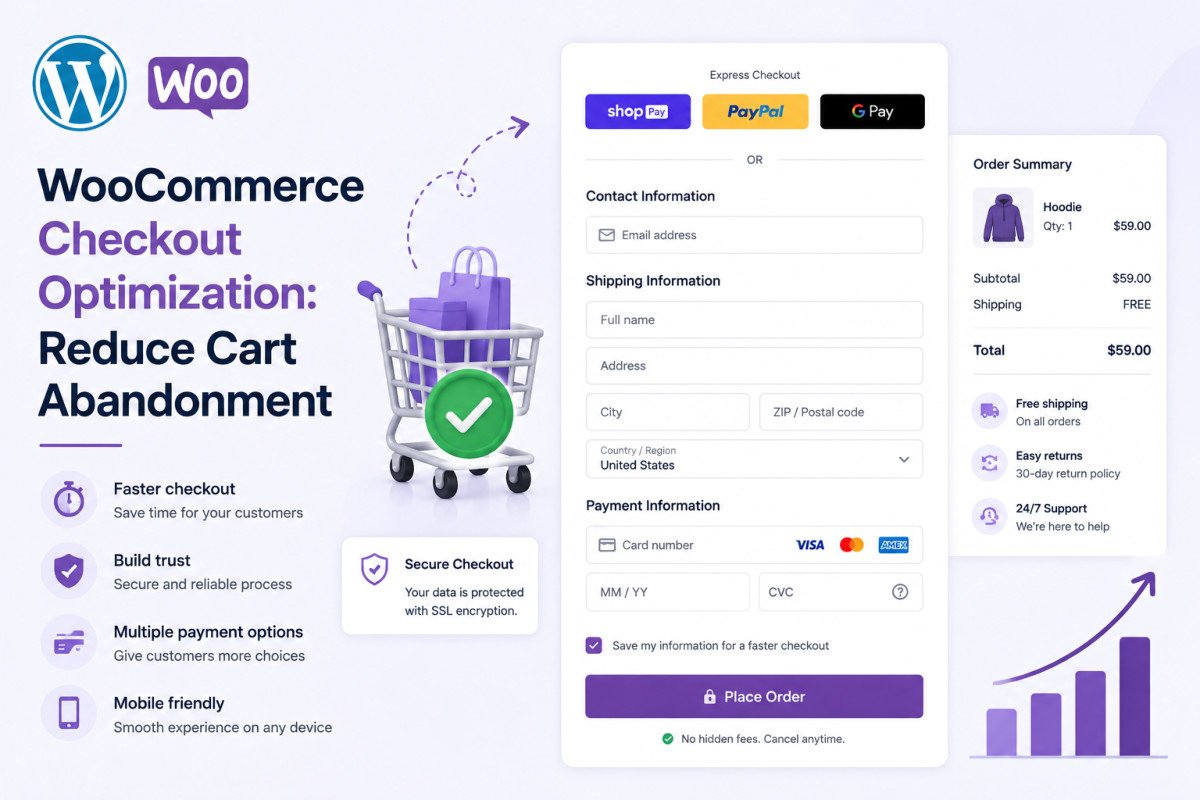
The average ecommerce cart abandonment rate sits around 70%, according to Baymard Institute research, meaning 7 out of 10 shoppers who reach checkout leave without buying, costing an estimated $18 billion in lost sales annually across the industry. A well-optimized WooCommerce checkout can realistically bring that down to 55-65%: enable guest checkout, remove unnecessary form fields, keep checkout page load time under 3 seconds, add subtle trust signals, and offer multiple payment options. Under 50% abandonment is considered genuinely exceptional.
Before You Start
See our payment gateways guide if you haven’t set up multiple payment options yet, and our speed optimization guide for the broader performance picture, both feed directly into checkout conversion.
Someone found your product, liked it enough to add it to their cart, and made it all the way to checkout. That’s the hardest part of the entire sales process, already done. Losing them at this exact final step, over a slow-loading page or an unnecessary “company name” field, is one of the most avoidable ways to lose a sale.
What You’ll Learn
- The real scale of cart abandonment, and a realistic goal for your own store
- The specific fields and settings most stores get wrong
- Why checkout speed specifically matters more than general site speed
- The right order to fix problems, before chasing recovery emails
The Real Scale of the Problem
Baymard Institute, a respected ecommerce UX research organization, puts the average cart abandonment rate at roughly 70% across the industry, and estimates this costs businesses an estimated $18 billion in lost sales revenue every year. This isn’t a niche problem, it’s the default state for most stores that haven’t deliberately addressed it.
A Realistic Goal, Not a Fantasy One
You won’t eliminate cart abandonment entirely, some of it reflects genuine comparison shopping and browsing behavior that has nothing to do with your checkout itself. A well-optimized WooCommerce store should realistically aim for 55-65% abandonment, meaningfully better than average. Under 50% is considered genuinely exceptional. Most store owners see measurable improvement within 1-2 weeks of implementing focused changes.
Fix 1: Enable Guest Checkout
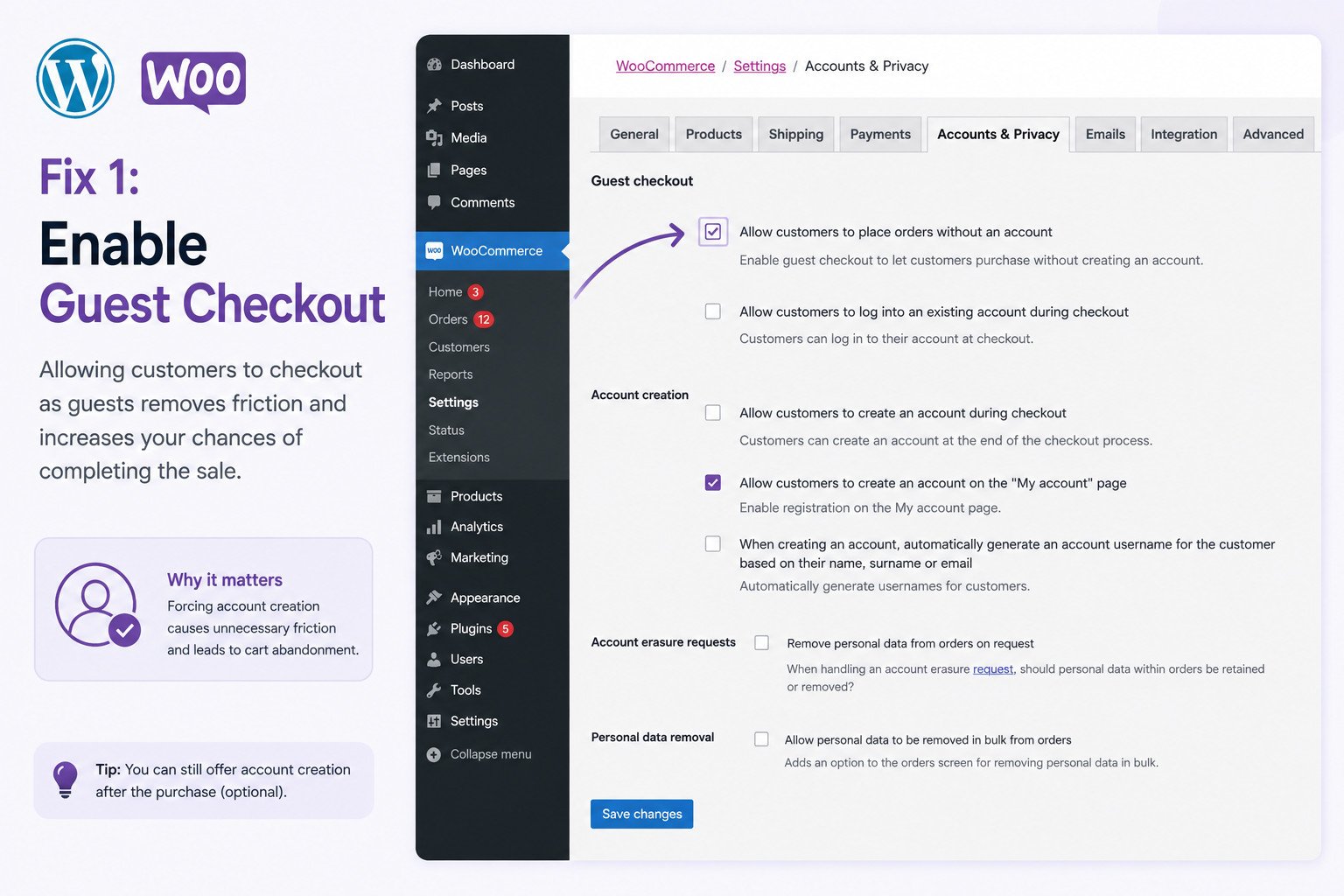
Forcing account creation before purchase is one of the most consistently cited friction points across ecommerce research. Go to WooCommerce → Settings → Accounts & Privacy and check “Allow customers to place orders without an account.” You can still offer account creation as an optional step afterward, many customers who buy as guests create one later once they’ve seen real value.
Fix 2: Remove Unnecessary Fields
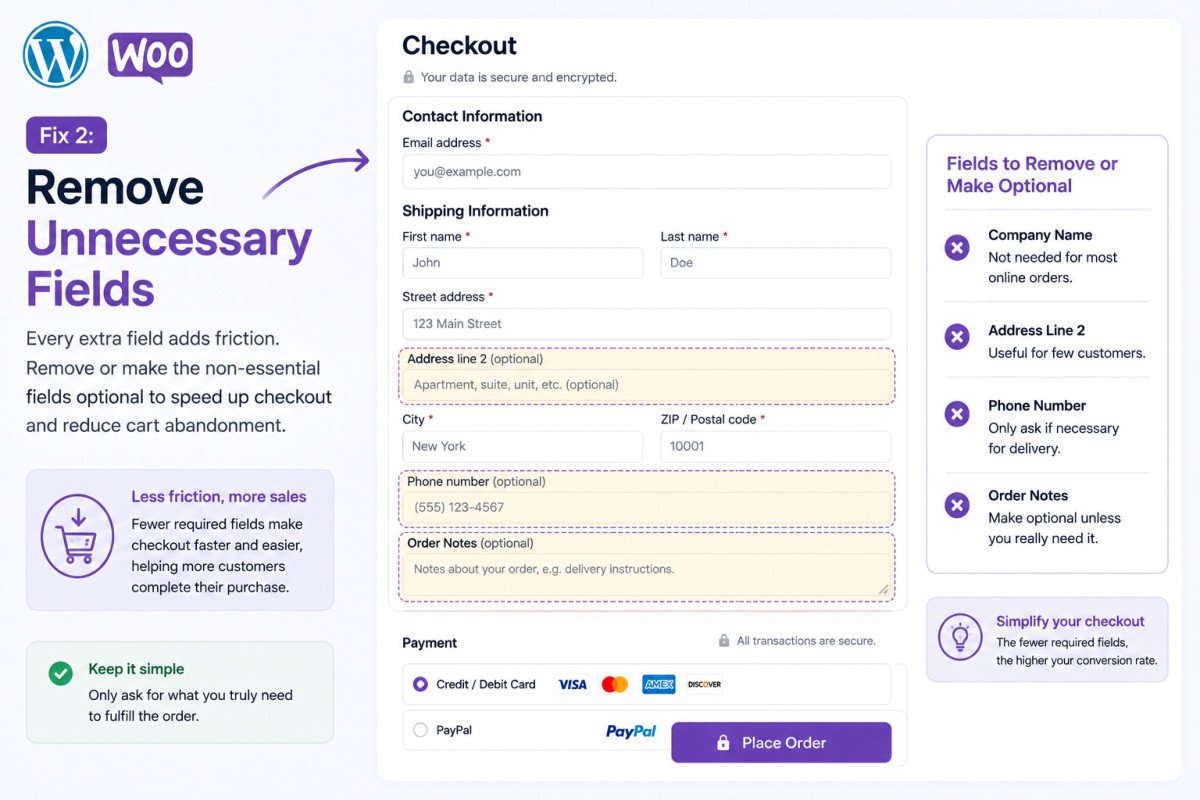
Most WooCommerce stores can safely remove or make optional: company name, address line 2, phone number, and order notes. Every additional required field is a small, real reason for someone to abandon rather than finish.
Fix 3: Speed, the Same Rule Applies Here Too
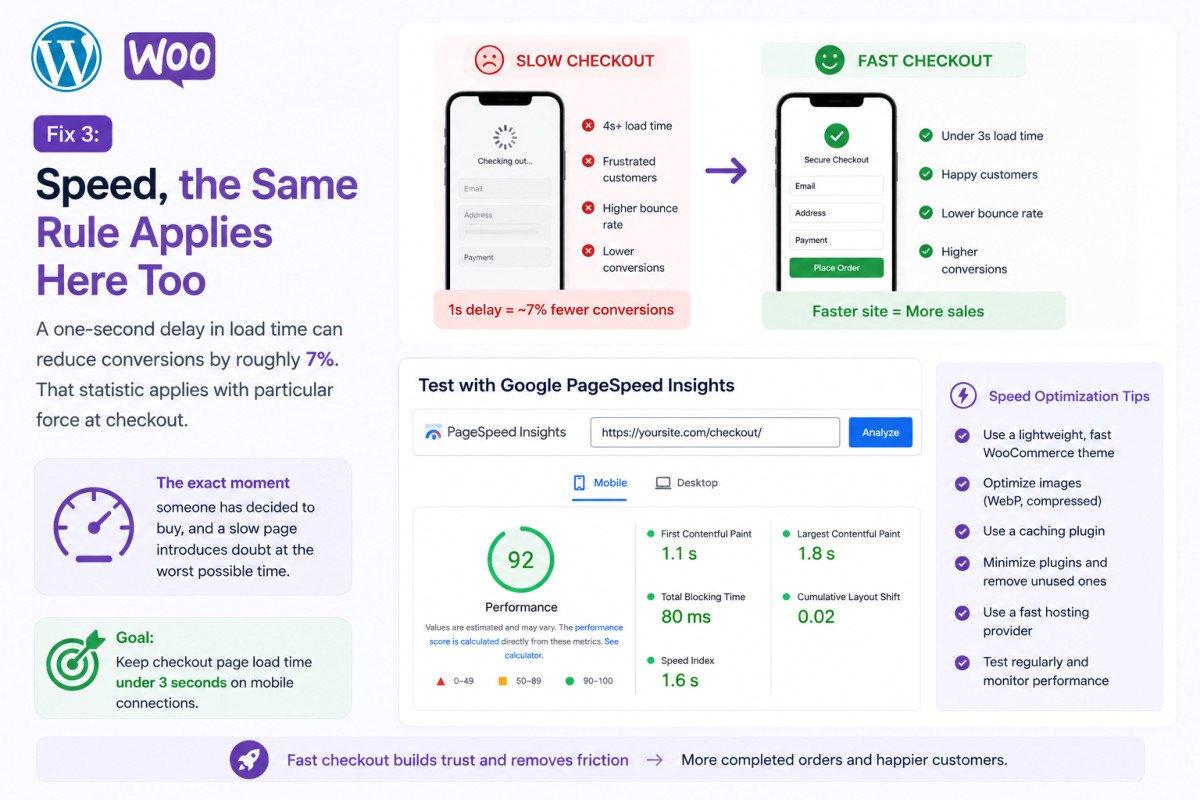
As covered in our speed mistakes guide, a one-second delay in load time can reduce conversions by roughly 7%. That statistic applies with particular force at checkout specifically, this is the exact moment someone has decided to buy, and a slow page introduces doubt at the worst possible time. Keep checkout page load time under 3 seconds on mobile connections, and test with Google PageSpeed Insights the same way you would any other key page.
Fix 4: Add Subtle Trust Signals
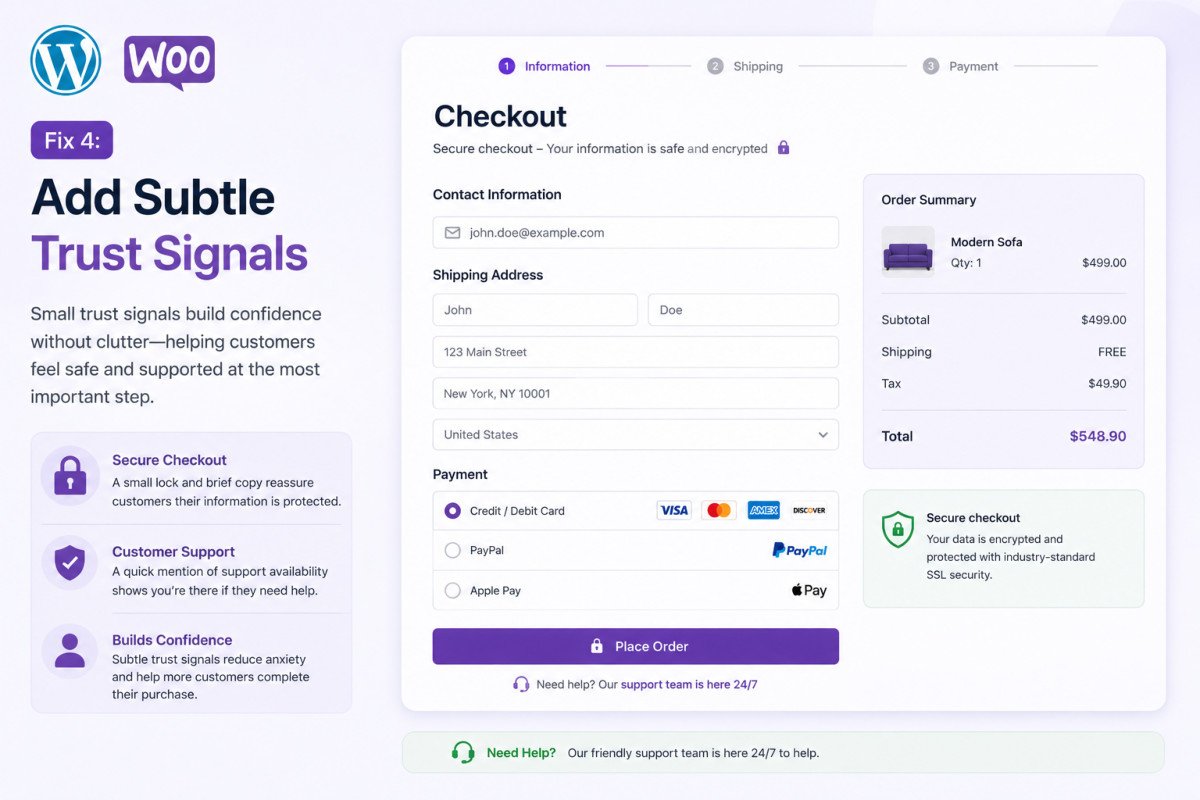
A small amount of reassurance goes a long way: brief security copy near the payment field (“Secure checkout, encrypted payment”), a recognizable padlock icon, and a short line about customer support availability. Worth being deliberate about restraint here, large trust badges cluttering the page can actually reduce perceived trust rather than build it. Subtle, specific reassurance outperforms an aggressive wall of badges.
Fix 5: Optimize Specifically for Mobile
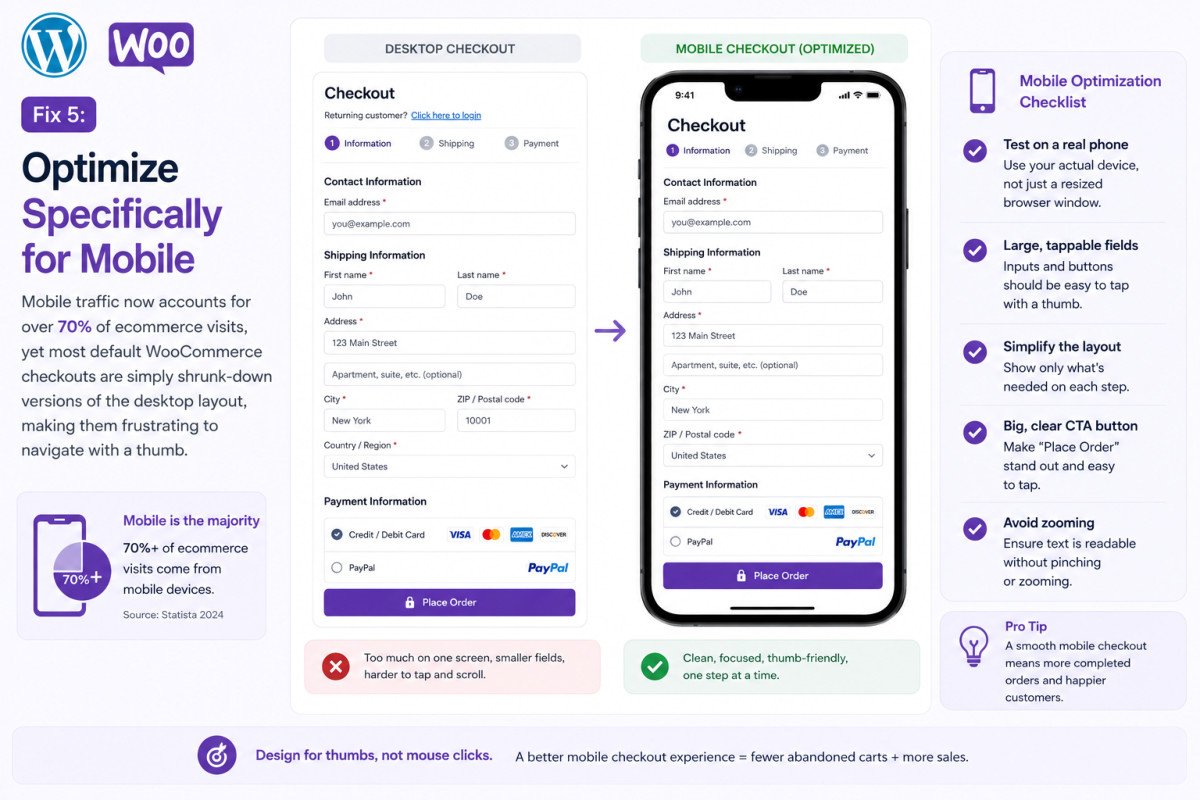
Mobile traffic now accounts for over 70% of ecommerce visits, yet most default WooCommerce checkouts are simply shrunk-down versions of the desktop layout, genuinely frustrating to navigate with a thumb. Test your actual checkout flow on a real phone, not just a resized browser window, and confirm buttons and fields are comfortably tappable.
Fix 6: Offer Multiple Payment Options
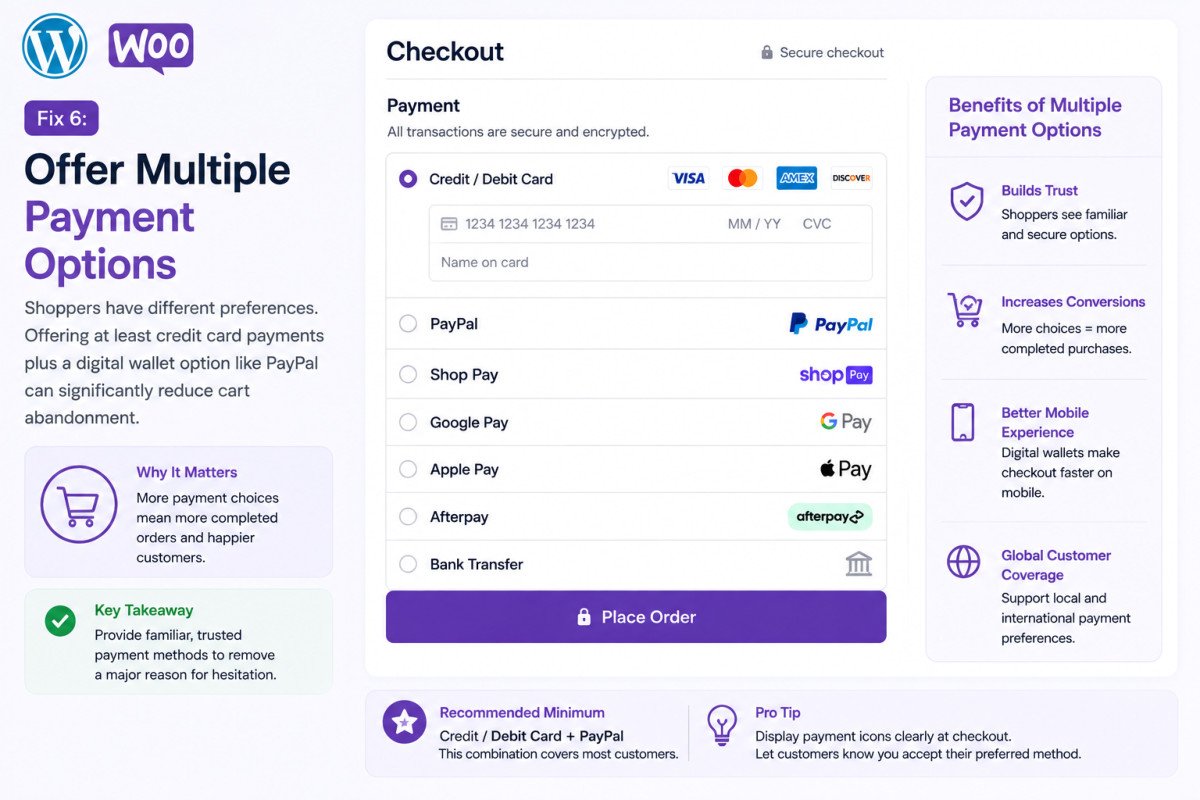
As covered in our payment gateways guide, offering at minimum credit card processing plus a digital wallet option like PayPal genuinely reduces abandonment compared to a single payment method.
A Note on the Coupon Code Field
A visible, prominent coupon code field can backfire, it prompts shoppers to leave checkout entirely to go hunt for a discount code elsewhere, and not everyone who leaves comes back. Consider hiding or collapsing this field by default rather than displaying it prominently.
WebGomu Tip: Fix your actual checkout process before investing in abandoned cart recovery emails. Recovery emails can genuinely recover 10-15% of abandoned carts, but they’re treating a symptom. Address the real reasons people are leaving first, a better checkout prevents abandonment in the first place, rather than trying to win people back after the fact.
Common Mistakes
- Requiring account creation before allowing a purchase to complete.
- Including unnecessary required fields like company name or address line 2 by default.
- Treating checkout speed as the same priority as general site speed, rather than a more urgent, higher-stakes case.
- Jumping straight to abandoned cart recovery emails without first fixing the checkout experience itself.
Recommended Tools
- Google PageSpeed Insights — test your actual checkout page load time specifically, not just your homepage
- Your WooCommerce analytics or GA4 — track your real cart abandonment rate over time to measure genuine improvement
Key Takeaways
- Average cart abandonment sits around 70%, a well-optimized store can realistically reach 55-65%.
- Guest checkout and reduced form fields are the highest-leverage, fastest fixes available.
- A one-second checkout delay can cost roughly 7% in conversions, the same speed principle that applies site-wide, magnified here.
- Fix the checkout experience itself before investing in abandoned cart recovery emails.
Frequently Asked Questions
What’s a good cart abandonment rate for a WooCommerce store?
The industry average is around 70%. A well-optimized store should realistically aim for 55-65%, with under 50% considered genuinely exceptional.
Does requiring an account before checkout actually hurt sales?
Yes, this is one of the most consistently cited friction points in ecommerce research. Enabling guest checkout under WooCommerce → Settings → Accounts & Privacy is a genuinely high-leverage fix.
How much does checkout page speed actually matter?
Significantly. A one-second delay in load time can reduce conversions by roughly 7%, and this effect is especially costly at checkout specifically, since it’s the exact moment a customer has decided to buy.
Should I show a coupon code field prominently at checkout?
Not necessarily. A visible coupon field can prompt shoppers to leave checkout to search for a discount code elsewhere, some of whom don’t return. Hiding or collapsing it by default is often the safer choice.
Should I focus on abandoned cart recovery emails or fixing checkout first?
Fix the checkout experience first. Recovery emails can recover 10-15% of abandoned carts, but addressing the actual reasons people abandon prevents the problem at its source rather than just responding to it afterward.
Resources Links
Author:

Christoper Enolpe
Founder of WebGomu • WordPress Freelancer with 10+ Years of Experience
Christoper is the founder of WebGomu and a WordPress freelancer with over 10 years of hands-on experience building, optimizing, and maintaining WordPress websites. He writes practical, beginner-friendly guides based on real-world experience, covering WordPress, SEO, website performance, and AI tools to help readers build better websites with confidence.
Learn more: https://webgomu.com/about/
Get one WordPress tip every week
Start Here

The Ultimate Beginner’s Guide to WordPress (2026): Build Your First Website Without Coding
Popular Guides
Our Partner

More from the blog
WooCommerce Payment Gateways: Setup & Comparison (2026)
WooCommerce Shipping Setup: Zones, Methods & Rates (2026)