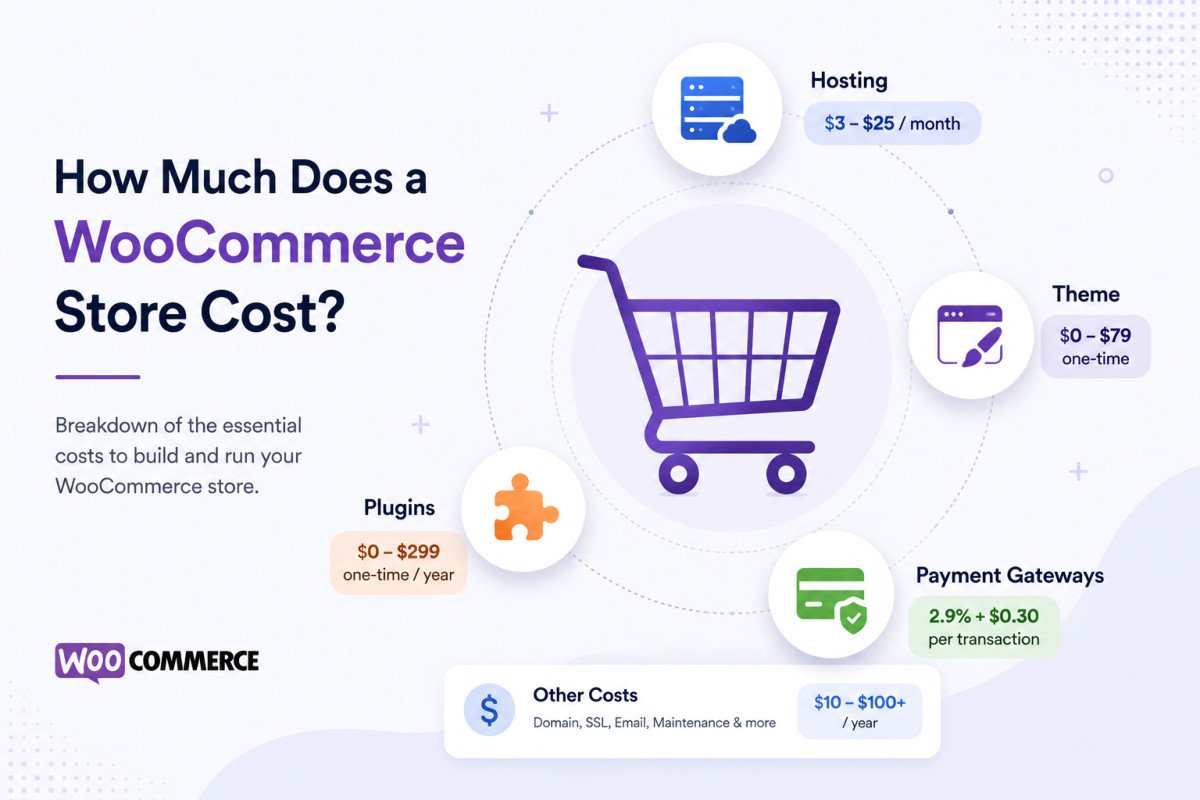
WooCommerce Payment Gateways: Setup & Comparison (2026)

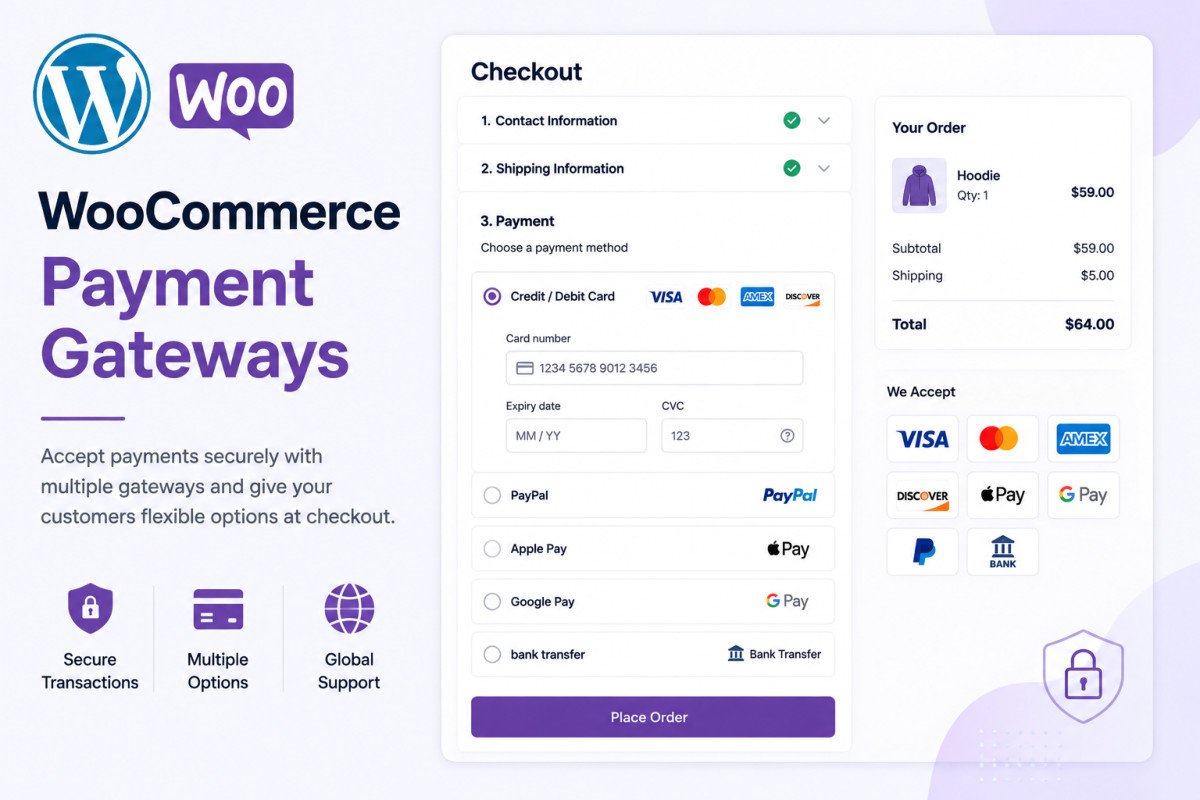
Most WooCommerce stores should offer 2-3 payment gateways, typically Stripe as the primary option (broad country support, no setup fee, roughly 2.9% + 30 cents per transaction), plus PayPal for buyer trust in markets where it’s popular. Offering multiple gateways genuinely reduces cart abandonment. Set each up under WooCommerce → Settings → Payments, always test in sandbox mode with provided test card numbers before switching to live, and never worry about storing card data yourself, modern gateways handle that entirely on their own PCI-compliant servers.
Before You Start
If you haven’t set up your store yet, see our WooCommerce setup guide first. If payments are already failing on an existing store, see our troubleshooting guide, this article covers proper setup, not diagnosing an existing problem.
The payment gateway you choose is one of the highest-leverage decisions in running a store, get it wrong and you’re quietly losing money on every single transaction, either through higher fees or customers abandoning a clunky checkout at the worst possible moment.
What You’ll Learn
- Why offering multiple gateways is the recommended approach, not just one
- How the real fee differences add up over a year, in actual dollars
- Whether you need to worry about storing customer card data yourself
- How to test everything safely before accepting real payments
Why Offer Multiple Gateways
WooCommerce supports multiple active payment gateways running simultaneously, and this is genuinely the recommended approach for most stores. A common, solid combination: Stripe as your primary gateway for its broad country and currency support, plus PayPal added for the buyer trust it carries in markets where it’s popular. Offering 2-3 options meaningfully reduces cart abandonment compared to forcing everyone through a single method.
Comparing the Main Options
| Gateway | Typical Fees | Best For |
|---|---|---|
| Stripe | ~2.9% + 30¢, no setup/monthly fee | Most stores, broad international support |
| PayPal | ~2.9% + 30¢, no setup/monthly fee | Added buyer trust, widely recognized |
| WooPayments | Similar to Stripe, no setup/monthly fee | Native WooCommerce integration |
| Mollie | No monthly fee, competitive per-transaction rate | European stores needing broader local payment method coverage |
| Authorize.net | ~$25-30/month plus transaction fees | Higher-risk industries Stripe or PayPal may restrict |
The Real Fee Impact, In Actual Dollars
Percentage fees sound small until you scale them. A store doing $150,000 a year in revenue pays roughly $4,650 annually at a typical 2.9% + 30¢ rate. Switching to a gateway charging closer to 1.4% + 25¢, common for some regional European gateways, drops that to around $2,350, a genuine $2,300 yearly saving. At $500,000 in revenue, that gap widens to $7,500 or more. Fees are only half the equation though, a gateway that forces customers off your site or lacks Apple Pay support can cost you more in lost conversions than it saves in lower fees.
Is My Customers’ Card Data Safe?
Yes, genuinely. Modern payment gateways use tokenization and process actual card data entirely on their own PCI-compliant servers. Your WooCommerce store only ever handles a tokenized reference, never the real card number, meaning you’re not personally responsible for PCI compliance on raw card data the way older payment systems required.
The 3 Checkout Experience Types
- On-page (Stripe, WooPayments) — customers complete payment directly on your checkout page, generally the smoothest experience
- Redirect (PayPal Standard, Alipay) — customers leave your site to pay, then return, less seamless, but some customers genuinely trust this pathway more
- Hybrid (Amazon Pay, some PayPal configurations) — starts on-page, redirects only for additional verification
Setting Up a Gateway
- Install your chosen gateway’s official plugin from the WordPress plugin repository or the provider’s own site.
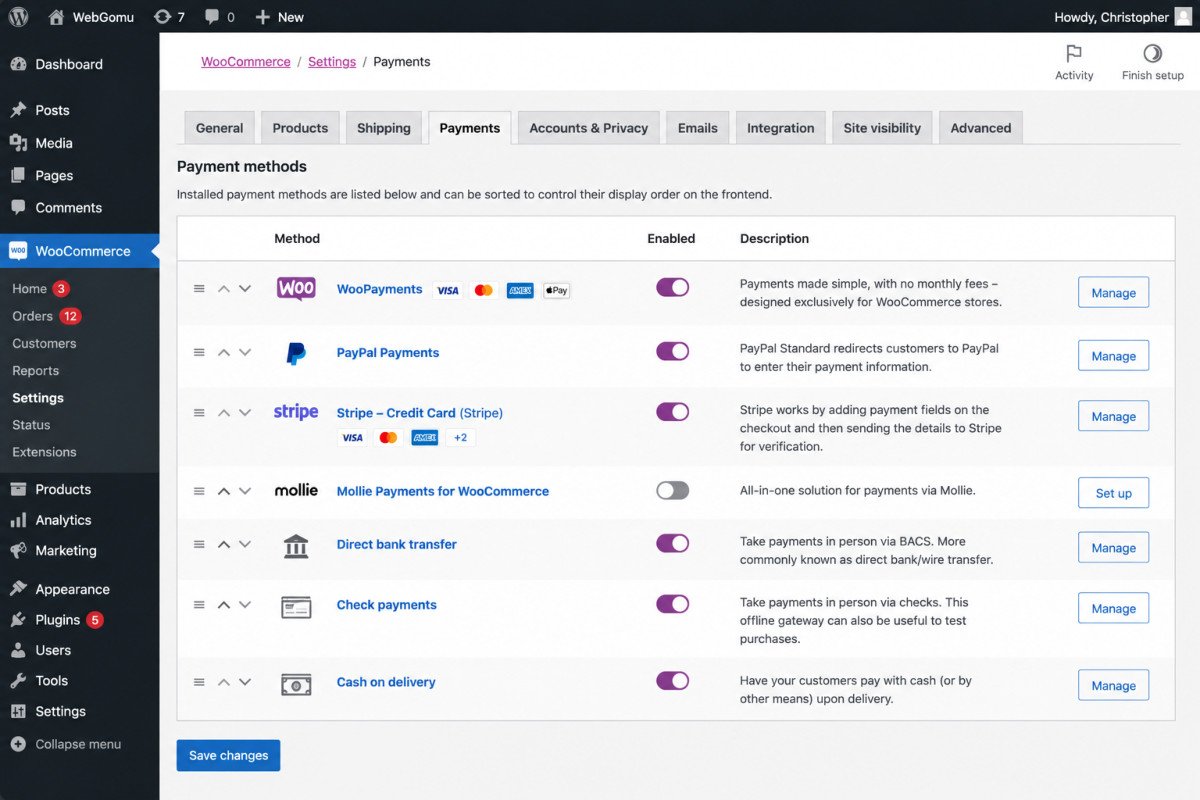
- Go to WooCommerce → Settings → Payments, each installed gateway appears as its own tab.
- Enter your API keys and configure the gateway’s specific settings.
- Enable test/sandbox mode before accepting any real payments.
Always Test Before Going Live
Every major gateway offers a sandbox or test mode that simulates real transactions without processing actual payments. Use the provided test card numbers to walk through your entire purchase flow, from cart to confirmation, before switching to live mode. This is exactly the kind of check that prevents the “payments not going through” issue covered in our troubleshooting guide.
WebGomu Tip: Once you have multiple gateways active, drag them into order on the checkout page under Settings → Payments, and put your lowest-fee option first. Most customers default to whatever’s presented first, a small, genuinely free optimization worth doing.
Common Mistakes
- Offering only one payment gateway, increasing cart abandonment for customers who prefer a different method.
- Skipping sandbox testing and discovering a configuration issue only after a real customer hits it.
- Choosing a gateway based on fee percentage alone without considering checkout experience and conversion impact.
- Worrying about PCI compliance for raw card data, when modern gateways handle this entirely themselves.
Recommended Tools
- Stripe — strong default primary gateway for most stores
- PayPal — worth adding as a secondary option for buyer trust
Key Takeaways
- Offering 2-3 payment gateways is the recommended approach, reducing cart abandonment versus a single option.
- Fee percentage differences add up to real, meaningful annual savings at scale, worth comparing beyond just the headline rate.
- Modern gateways handle PCI compliance for card data entirely themselves, your store never stores raw numbers.
- Always test in sandbox mode before switching any gateway to live.
Frequently Asked Questions
Should my WooCommerce store use more than one payment gateway?
Yes, offering 2-3 options is the recommended approach for most stores, since it genuinely reduces cart abandonment compared to forcing customers through a single payment method.
What are typical WooCommerce payment gateway fees?
Stripe and PayPal both typically charge around 2.9% plus 30 cents per transaction in the US, with no setup or monthly fee. Some regional gateways offer lower per-transaction rates but may include other trade-offs.
Is it safe to accept payments through WooCommerce?
Yes, modern payment gateways use tokenization and process card data on their own PCI-compliant servers. Your WooCommerce store only handles a tokenized reference, never the actual card number.
Should I test a payment gateway before going live?
Yes, always. Every major gateway offers a sandbox or test mode with provided test card numbers, letting you verify the complete purchase flow works correctly before accepting real payments.
How do I choose which payment gateway to show first at checkout?
Most gateways let you drag and reorder them on the checkout page. Placing your lowest-fee or preferred gateway first is a simple, effective optimization since many customers default to whatever’s presented first.
Resources Links
Author:

Christoper Enolpe
Founder of WebGomu • WordPress Freelancer with 10+ Years of Experience
Christoper is the founder of WebGomu and a WordPress freelancer with over 10 years of hands-on experience building, optimizing, and maintaining WordPress websites. He writes practical, beginner-friendly guides based on real-world experience, covering WordPress, SEO, website performance, and AI tools to help readers build better websites with confidence.
Learn more: https://webgomu.com/about/
Get one WordPress tip every week
Start Here

The Ultimate Beginner’s Guide to WordPress (2026): Build Your First Website Without Coding
Popular Guides
Our Partner

More from the blog
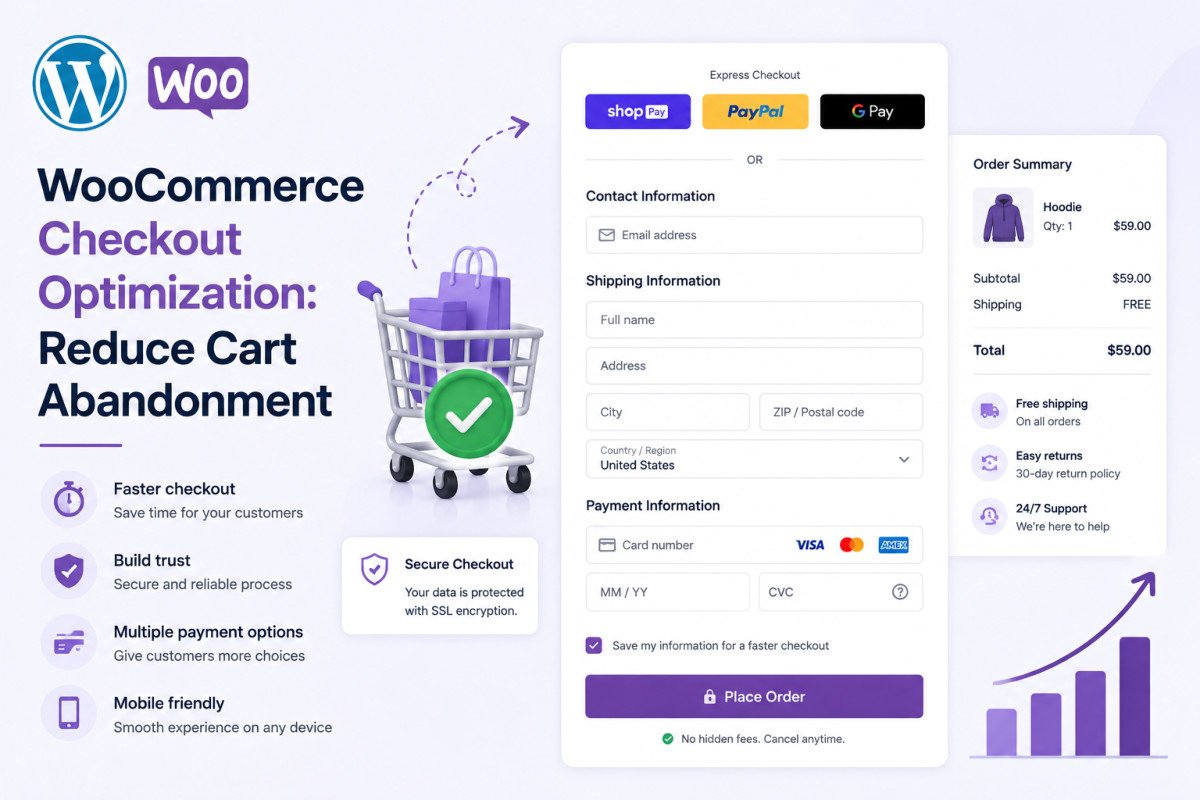
WooCommerce Checkout Optimization: Reduce Cart Abandonment
WooCommerce Shipping Setup: Zones, Methods & Rates (2026)