Best WooCommerce Plugins for a New Store (2026)

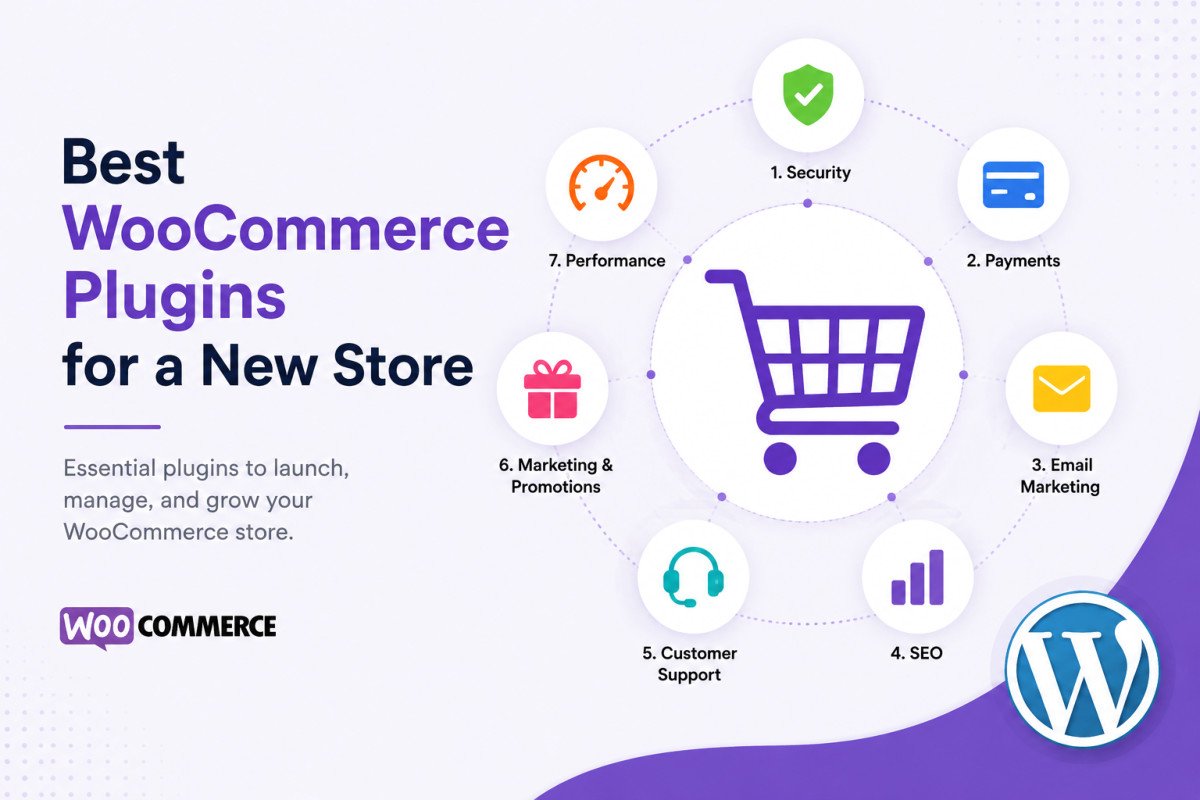
A new WooCommerce store genuinely needs plugins in seven categories: SEO (Rank Math), a caching plugin for speed, backups (UpdraftPlus), reliable email delivery (WP Mail SMTP), a conversion/checkout optimization tool (FunnelKit), customer reviews for trust signals, and analytics (Site Kit or MonsterInsights). That’s it, not the 30-plus item lists some roundups suggest. Multipurpose, well-maintained plugins covering these core needs keep your store fast and stable without unnecessary bloat.
Before You Start
If you haven’t set up your store yet, see our WooCommerce setup guide first, this article assumes WooCommerce is already installed and you’re deciding what to add on top of it.
Search “best WooCommerce plugins” and you’ll find lists of 30 or more options, genuinely overwhelming for someone just getting their first store running. Most new stores don’t need 30 plugins, they need a focused handful covering the actual problems every new store faces: getting found, staying fast, protecting data, and actually converting visitors into customers.
What You’ll Learn
- The 7 categories a new store genuinely needs, and why
- A specific, honest recommendation for each category
- Why fewer, well-chosen plugins outperform installing everything available
The 7 Core Categories at a Glance
| Category | Recommended Plugin | Why It Matters |
|---|---|---|
| SEO | Rank Math | Product page optimization, sitemaps, schema |
| Speed / Caching | A dedicated caching plugin | Slow checkout pages directly cost sales |
| Backups | UpdraftPlus | Protects real customer and order data |
| Email Delivery | WP Mail SMTP | Ensures order confirmations actually arrive |
| Conversion / Checkout | FunnelKit | Reduces checkout friction, improves conversion |
| Trust Signals | A customer reviews plugin | Genuine social proof drives purchase decisions |
| Analytics | Site Kit by Google or MonsterInsights | Understand what’s actually converting |
1. SEO: Rank Math
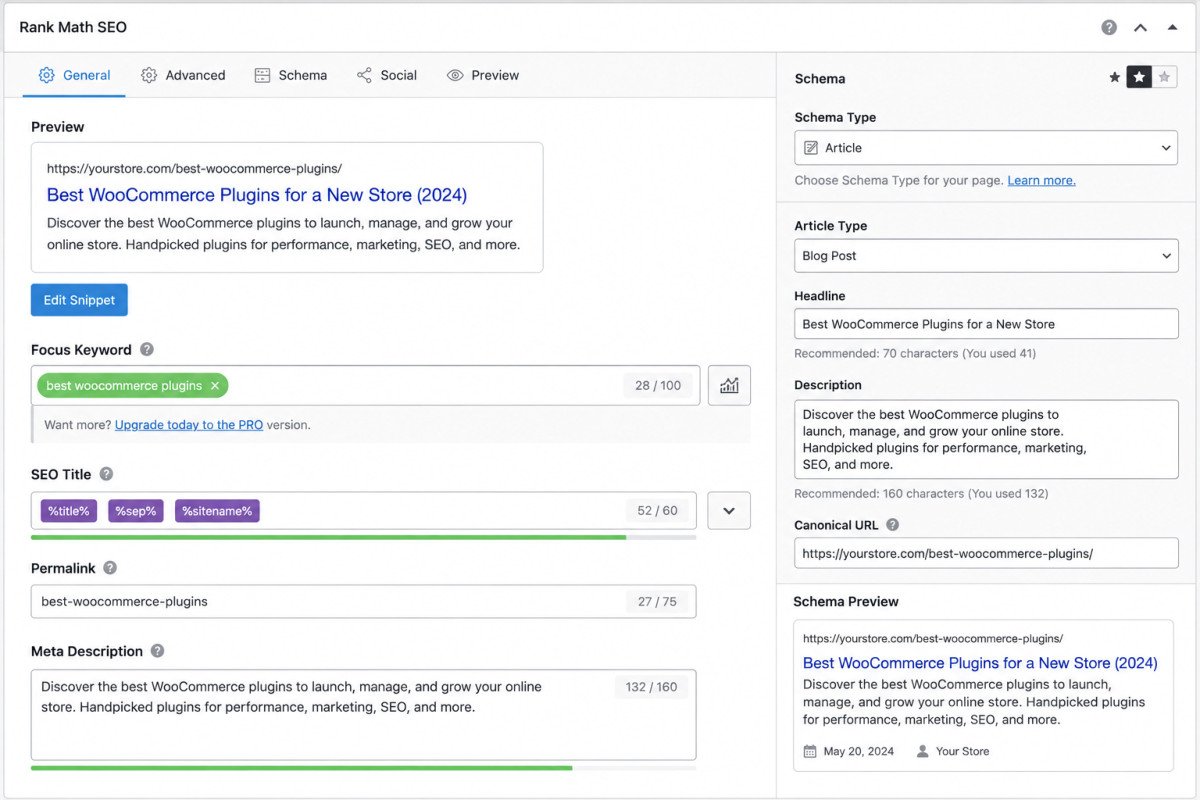
Product pages need the same SEO fundamentals as any other content, clear titles, meta descriptions, and structured schema, plus WooCommerce-specific product schema that helps your listings stand out in search results. See our Rank Math setup guide for the full walkthrough.
2. Speed: A Dedicated Caching Plugin
A slow checkout page directly costs sales, cart abandonment climbs sharply as load time increases. See our upcoming dedicated caching plugin comparison for specific picks, and our speed optimization guide for the broader picture.
3. Backups: UpdraftPlus
A store holds genuinely important data, orders, customer details, inventory, that a blog doesn’t. See our UpdraftPlus review for the full picture, and consider more frequent backup scheduling than a typical blog, given how quickly order data changes.
4. Email Delivery: WP Mail SMTP
As covered in our WooCommerce troubleshooting guide, WordPress’s default email function is unreliable on many shared hosts. For a store, this isn’t a minor inconvenience, a missed order confirmation is a genuine trust problem with a paying customer.
WebGomu Tip: Set up WP Mail SMTP before your first real sale, not after a customer complains their confirmation never arrived. This is one of the easiest, most overlooked pre-launch steps for a new store.
5. Conversion & Checkout: FunnelKit
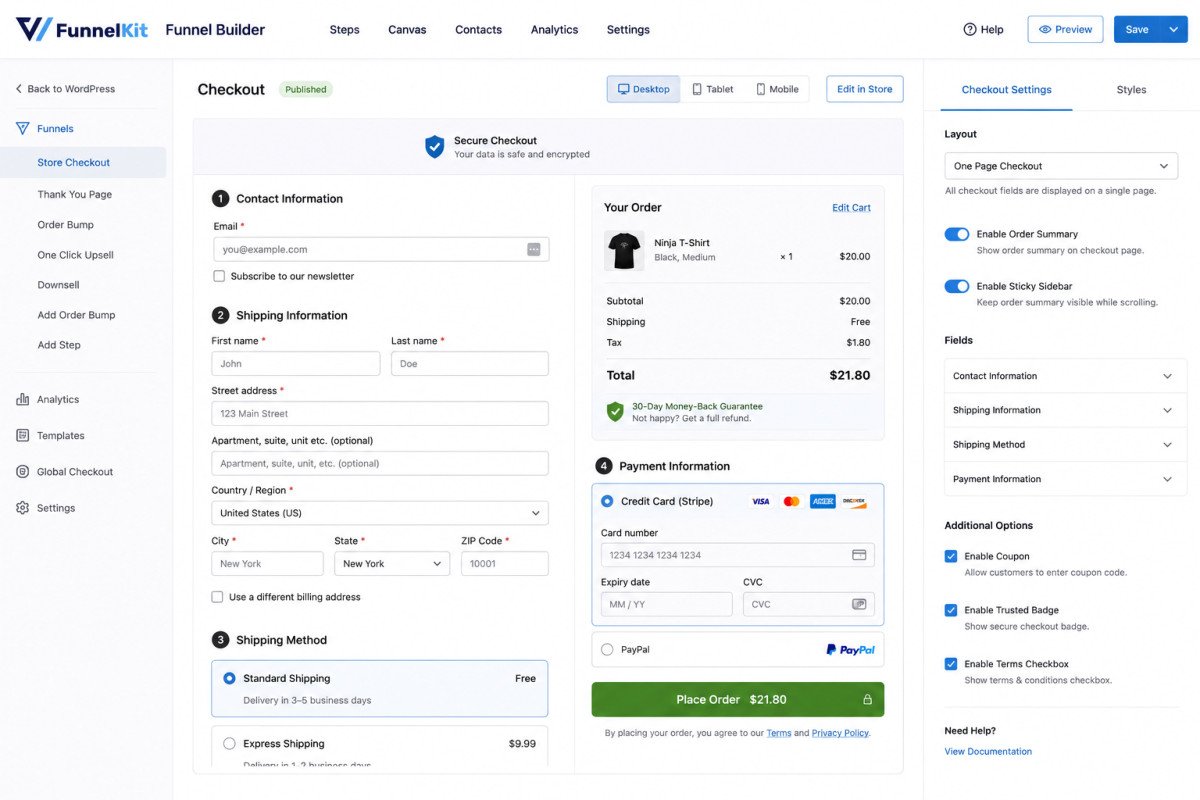
FunnelKit focuses specifically on reducing checkout friction and building sales funnels, genuinely relevant since checkout abandonment is one of the biggest revenue leaks for any new store. A simplified, single-page checkout option can meaningfully improve completion rates.
6. Trust Signals: Customer Reviews
Genuine customer reviews are one of the strongest conversion drivers available to a new store with no existing reputation. A dedicated reviews plugin makes it easy to collect and display them prominently on product pages.
7. Analytics: Site Kit by Google or MonsterInsights
Understanding which products and pages are actually converting matters more for a store than a blog, since real revenue is on the line. See our GA4 setup guide for the underlying Analytics connection either tool builds on.
Common Mistakes
- Installing 20-30 plugins from a broad roundup instead of one focused choice per genuine need.
- Skipping reliable email delivery setup until after a customer complaint reveals the problem.
- Choosing overlapping plugins that duplicate the same function, adding conflict risk without added benefit.
- Ignoring analytics until well after launch, missing early data about what’s actually working.
Key Takeaways
- A new store needs focused coverage across 7 categories, not dozens of individual plugins.
- Multipurpose, well-maintained plugins reduce bloat, security risk, and conflict potential.
- Set up reliable email delivery before your first sale, not reactively after a complaint.
- Genuine customer reviews are one of the highest-value trust signals for a brand-new store.
Frequently Asked Questions
How many plugins does a new WooCommerce store actually need?
Roughly 7 core categories, SEO, speed, backups, email delivery, conversion optimization, reviews, and analytics, cover genuine new-store needs without unnecessary bloat.
Do I need a dedicated SEO plugin for WooCommerce specifically?
Yes, a general SEO plugin like Rank Math handles product page schema and optimization alongside your regular content, no separate WooCommerce-specific SEO plugin is required.
Why is email deliverability especially important for a store?
A missed order confirmation is a direct trust problem with a paying customer, not just a minor inconvenience, making reliable delivery more critical than for a typical blog.
What’s the biggest plugin mistake new store owners make?
Installing plugins from broad “30+ best plugins” roundups instead of choosing one focused, well-maintained option per genuine need, leading to unnecessary bloat and conflict risk.
Do I need a dedicated checkout optimization plugin?
It’s genuinely worth considering, since checkout abandonment is one of the largest revenue leaks for new stores, and a simplified checkout flow can meaningfully improve conversion.
Resources Links
Author:

Christoper Enolpe
Founder of WebGomu • WordPress Freelancer with 10+ Years of Experience
Christoper is the founder of WebGomu and a WordPress freelancer with over 10 years of hands-on experience building, optimizing, and maintaining WordPress websites. He writes practical, beginner-friendly guides based on real-world experience, covering WordPress, SEO, website performance, and AI tools to help readers build better websites with confidence.
Learn more: https://webgomu.com/about/
Get one WordPress tip every week
Start Here

The Ultimate Beginner’s Guide to WordPress (2026): Build Your First Website Without Coding
Popular Guides
Our Partner

More from the blog
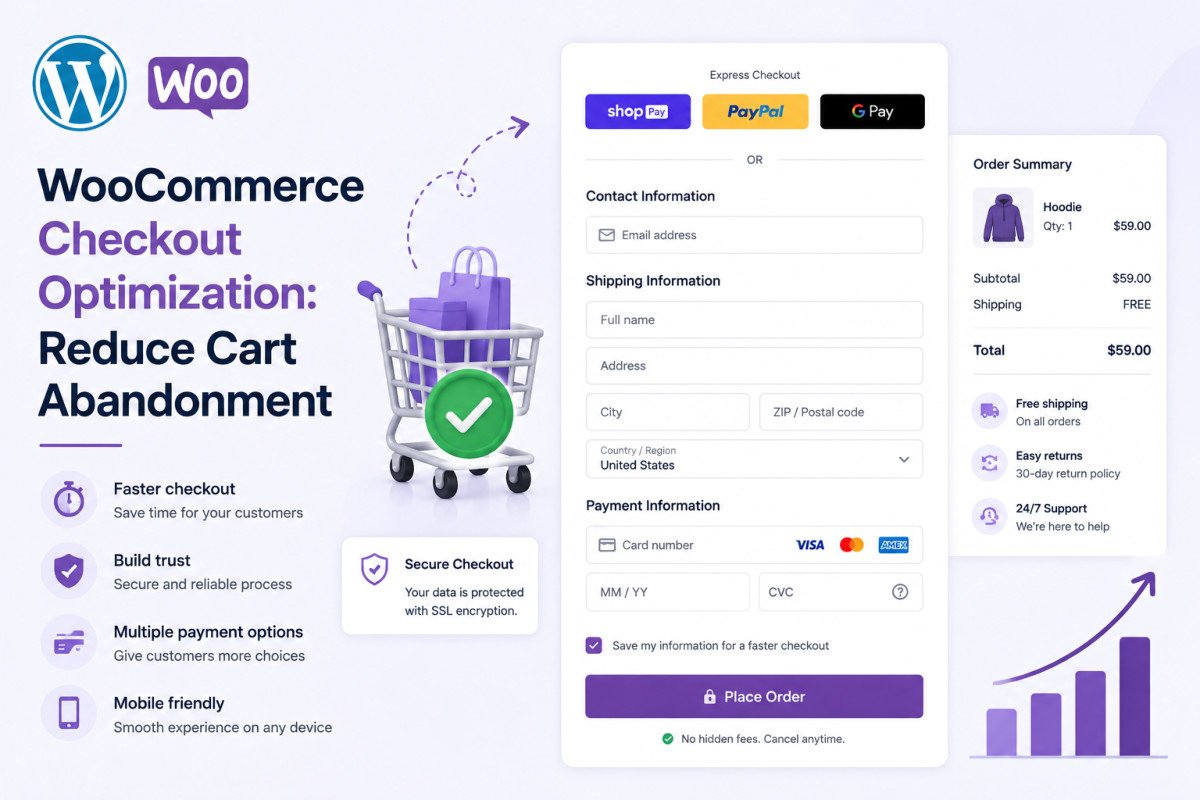
WooCommerce Checkout Optimization: Reduce Cart Abandonment
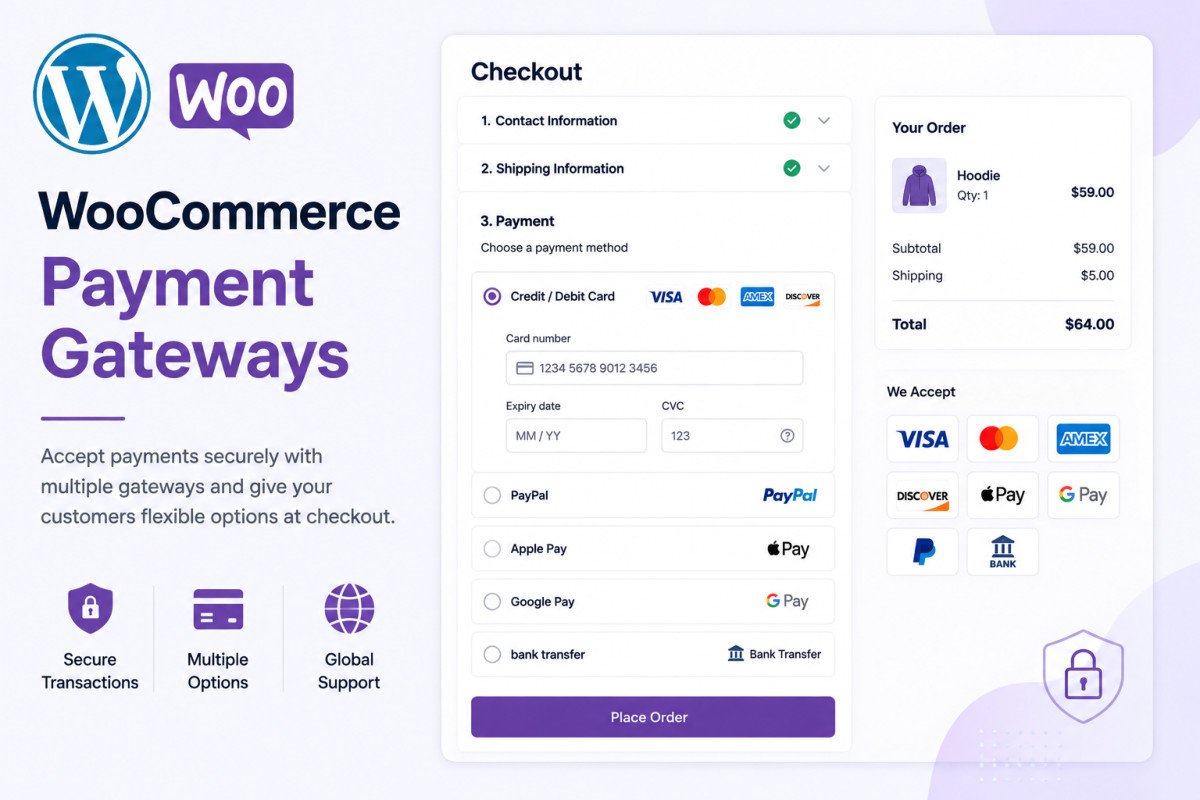
WooCommerce Payment Gateways: Setup & Comparison (2026)